 NEWS
NEWS
Apple CEO Tim Cook Says Data Tracking is 'Totally Out of Control'
 06/06/2018
 2362
2362
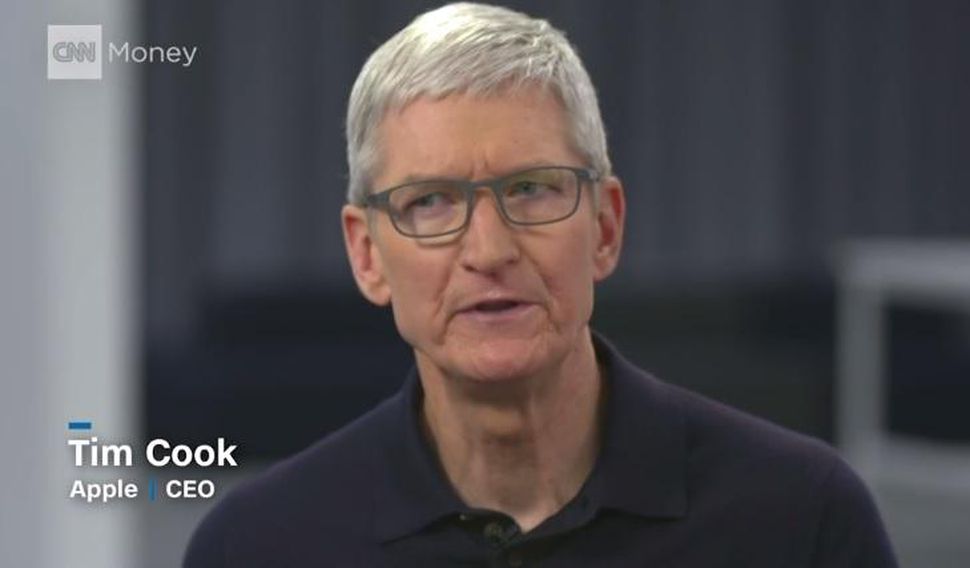
Apple CEO Tim Cook believes privacy is a basic fundamental right but warned that tracking of internet users' data is a bigger problem than most people recognize.
Tracking is "totally out of control," Cook said during a wide-ranging interview Monday with CNN. "I think most people are not aware of who is tracking them, how much they're being tracked and the large amounts of detailed data that are out there about them."
Privacy, Cook said, "is one of these key civil liberties that define what it means to be an American."
Tech giants, including Facebook and Google, have experienced criticism from politicians, as well as lawsuits, as millions of people become aware of how much data companies have gathered from them. Facebook is still dealing with the Cambridge Analytica scandal, in which the UK-based company obtained data on 87 million people without their permission.
Apple has become a big proponent for user privacy in the past several years. Cook has even warned, in multiple interviews, about the dangers of social media and other free online services. In a March interview, Cook said his company purposely chose privacy over profit by refusing to sell customer data.
Monday's interview coincided with the opening of Apple's Worldwide Developers Conference in San Jose, California, during which the company said it would be introducing blockers to its Safari browser for third-party trackers on websites, such as tracking cookies from Facebook.
Apple's updates also look to end fingerprinting, a practice that allows companies to identify your device based on data like fonts, plug-ins and configurations on your computer.
Apple also discussed new features to help iPhone users break their smartphone addiction. Apple addressed this with the introduction of new features on iOS 12, including an enhanced version of Do Not Disturb, as well as a Screen time app that gives you weekly reports of your usage.
"I've been using it and I thought I was fairly disciplined about this, and I was wrong. When I began to get the data I found I was spending a lot more time than I should," Cook said, suggesting that iPhone users could pick up their phones less often.
While some may think Cook worries we will become slaves to our smartphones, he confesses a scarier concern.
"I don't subscribe to the machines taking over the world. I don't worry about that," he said. "I worry much more about people thinking like machines."
Source: cnet









