 NEWS
NEWS
President Trump Uses Two iPhones, One Solely for Twitter Which Does Not Follow Security Protocols
 05/23/2018
 2307
2307
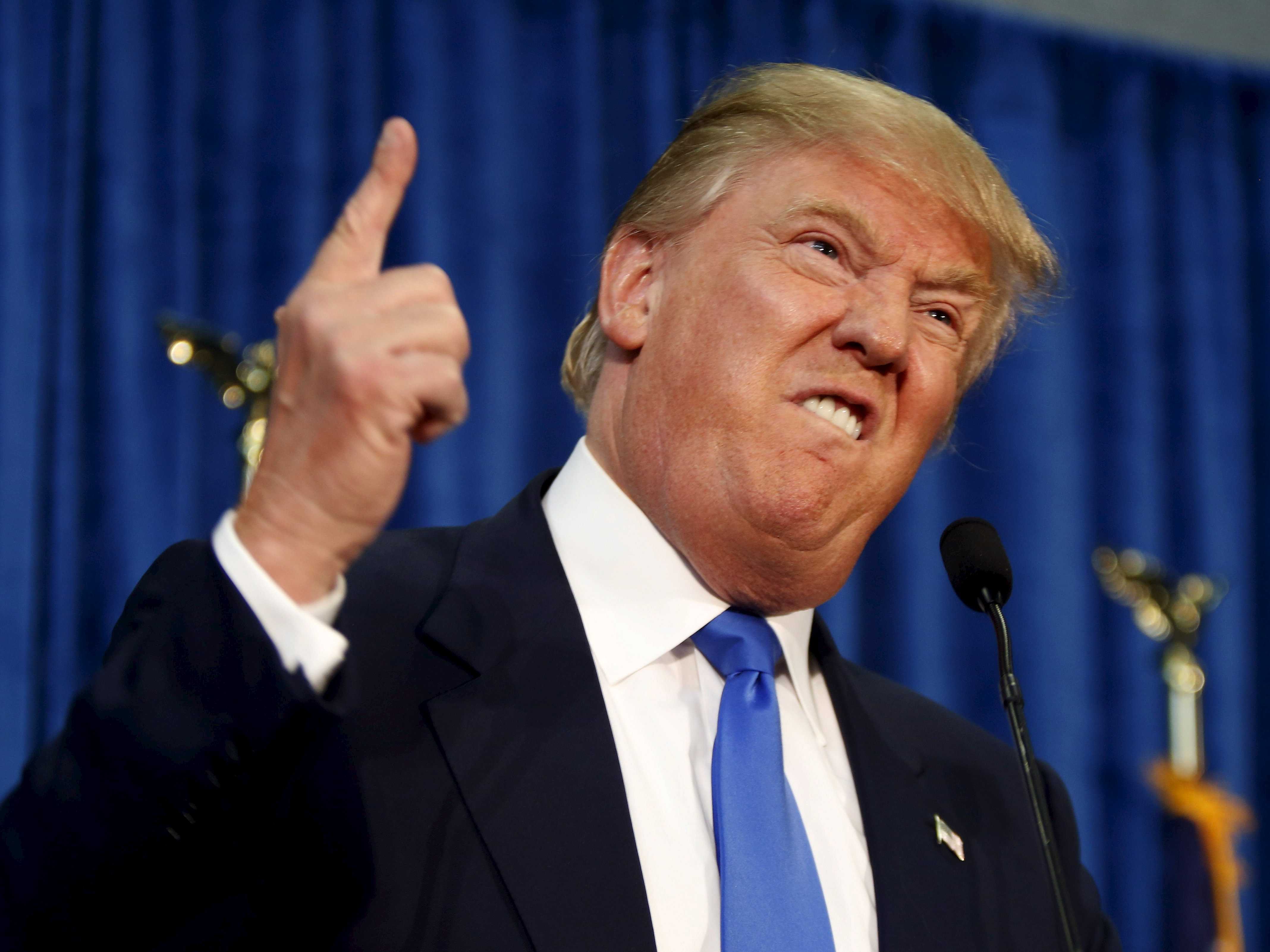
Two senior administration officials from U.S. President’s Donald Trump office have revealed that the President does not use a smartphone whose security has been hardened as previous Presidents have done in the past. This puts him at risk of getting hacked or worse, being snooped upon silently.
Despite Trump’s administration trying to get him to use a more secure smartphone, the U.S. President has rebuked their efforts as he uses his smartphone for tweeting out to millions of his followers. As per the Politico report, Trump uses at least two iPhones. One of them is only capable of making calls, while the other one is preloaded with the Twitter app and a handful of news sites. Both phones are issued by the White House Information Technology and White House Communications Agency.
For optimum security, Trump’s administration has urged him to change the Twitter phone on a monthly basis. However, Trump has resisted their efforts saying it was “too inconvenient.” It has now been over five months since the president got his phone last checked by his team of security experts.
This is in stark contrast to President Obama who used to hand over his phone to the White House every 30 days to be examined by the security team for any suspicious activity.
A West Wing official commented on the report saying the phone used to make calls is “seamlessly swapped out on a regular basis through routine support operations. Because of the security controls of the Twitter phone and the Twitter account, it does not necessitate regular change-out.”
The iPhone which is only used for making calls also features a camera and microphone which is unlike the cellphones issued by the White House during the Obama-era. It does not put Trump at the risk of snooping though due to inherent advancements in technology and security. The GPS on this device, however, is disabled.
Source: iphonehacks











