 NEWS
NEWS
Apple Watch Again Credited with Saving a Life as it Leads New York Man to Discover Erupted Ulcer
 05/04/2018
 2618
2618
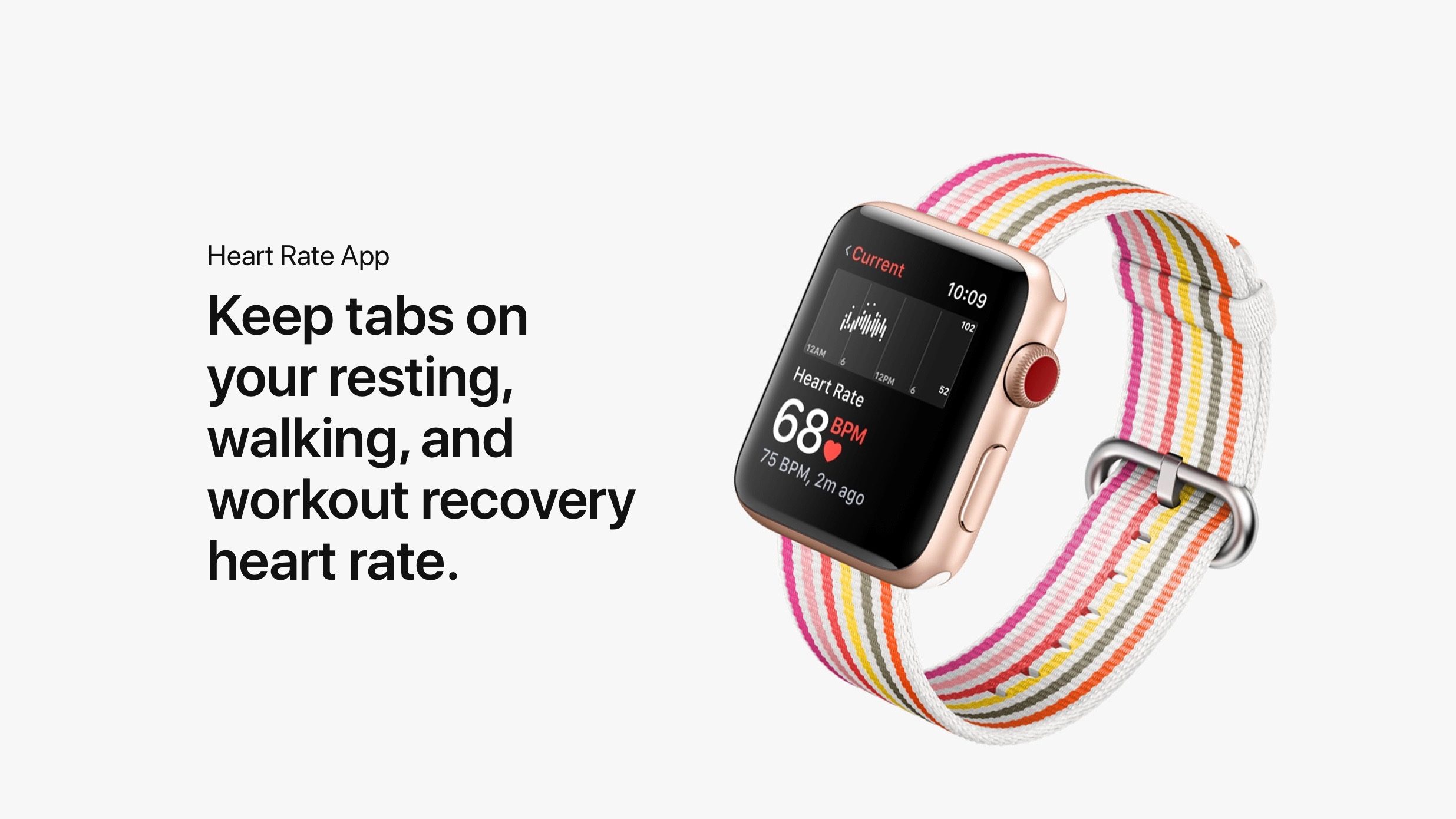
Time and time again, Apple Watch has been credited with warning users of severe health problems. Now, a new story out of New York shows yet another case where a person’s Apple Watch was first to tell them to seek medical attention…
As reported by NBC New York, William Monzidelis was working at his family business when he became dizzy and went to the bathroom. He then started bleeding and subsequently received an alert on his Apple Watch telling him he may need to seek medical attention.
Between the symptoms he was experiencing and the alert from his Apple Watch, Monzidelis headed straight to the hospital. At that point, his mother described him as looking like “a ghost” and he was “bleeding all over the place” during the car ride. During that 30-minute car ride, Monzidelis lost nearly 80 percent of his blood:
“I was seizing in the car and bleeding all over the place, from my mouth, my rectum,” Monzidelis said, recounting his harrowing experience.
During the half-an-hour drive to the hospital in which he was coming in and out of consciousness, Monzidelis ended up losing nearly 80 percent of his blood.
Once he arrived at the hospital, medical personnel concluded that Monzidelis was suffering from an erupted ulcer. In order to undergo survey, he needed a transfusion immediately. “I lost so much blood that I needed a transfusion for the anesthesia to travel to my brain and put me out for the surgery,” Monzidelis said.
Doctors believe that if he hadn’t received his smart watch’s notification when he did, he would have not survived his medical emergency because he wouldn’t have paid attention to his symptoms, especially since he was a healthy individual up to that point.
This story comes just a day after a Florida teen said Apple Watch saved her life after a heart rate alert led her to uncovering a kidney failure, which received the attention of Apple CEO Tim Cook.
Source: 9to5mac











