 NEWS
NEWS
Samsung Mobile Chief Denies Copying Apple
 02/27/2018
 3093
3093
Samsung is often accused of copying Apple, and it doesn't help its cause with features such as the Galaxy S9’s support for animated emoji, seemingly a direct copy of Apple’s Animoji feature.
In an interview with The Wall Street Journal, Samsung mobile chief D.J. Koh refuted claims that ‘AR Emoji’ idea was a copy from Apple, saying he works on his own roadmap…
Koh stated that he had personally looked into animated 3D emoji as early as 2001 for flip phones. At the time, he was leading Samsung’s mobile research and development team, work that apparently played a part in Samsung’s adoption of the feature with the Galaxy S9.
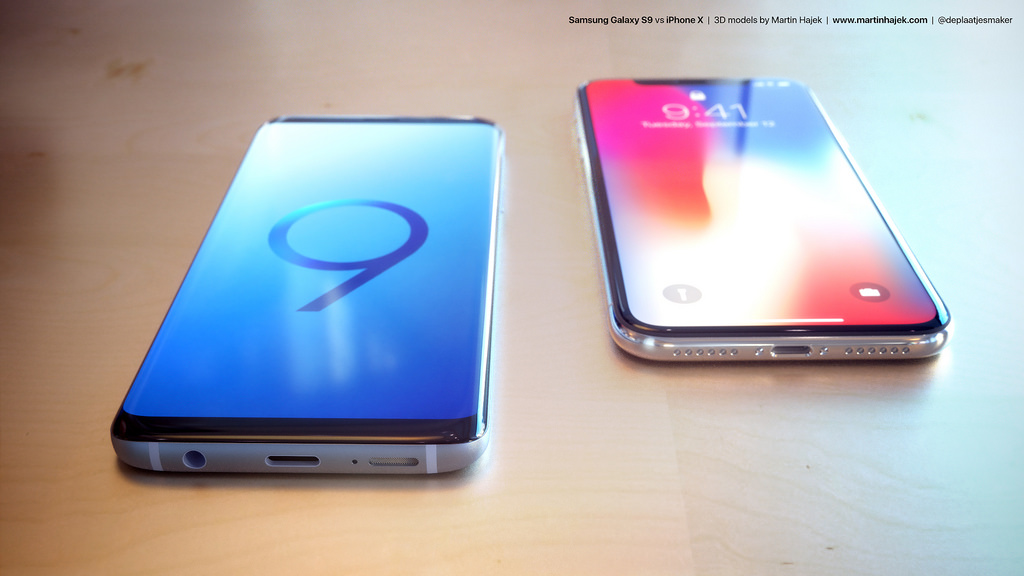
While Apple seemingly beat Samsung to market with its Animoji feature on iPhone X, Koh insists that the two companies have a very different approach:
He bristled at any notion Samsung was playing catch-up with Apple, as the human emojis took years of development, he added.
“Their approach and my approach is totally different,” said Mr. Koh, cautious not to mention Apple, a rival and components customer, by name. “I do work seriously based off my own roadmap.”
Samsung’s event was full of direct shots at Apple, as we reported yesterday. The company mocked the iPhone X’s notch display as it touted its improved “Infinity Display” on the Galaxy S9. Furthermore, Samsung poked fun at the iPhone X’s lack of a fingerprint scanner as it bragged about slightly relocating the sensor on its flagship. Innovation at its finest.
Source: 9to5mac










