 NEWS
NEWS
Samsung is Borrowing Some Big iPhone X Features for Galaxy S9
 01/05/2018
 3325
3325
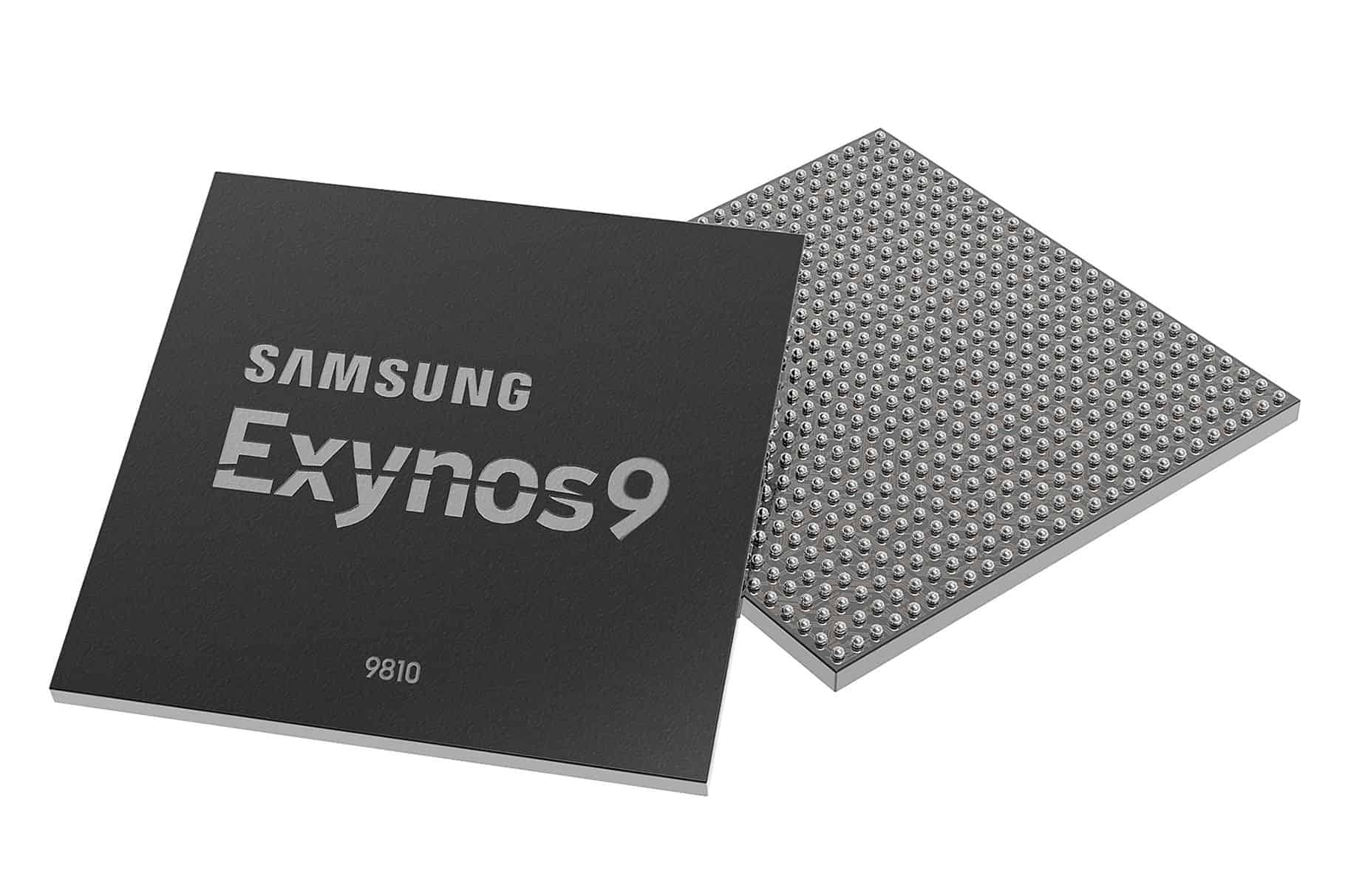
Samsung’s next Galaxy S flagship phone will reportedly make use of a new AI processing chip to offer features similar to the iPhone X’s Face ID and Animojis.
According to Samsung, its new chip will offer, “realistic face-tracking filters as well as stronger security when unlocking a device with one’s face.” Remember that recent Samsung ad about how it beats Apple to every important smartphone feature? Well, you should probably forget about it temporarily.
The Exynos 9 Series 9810 chip will play a big part in the upcoming Galaxy S9. It will reportedly be built using Samsung’s second-generation 10nm process technology, and will be extremely energy efficient. It will boast a separate secure processing unit for handling sensitive personal and biometric data. The chip will also offer “real-time out-of-focus photography,” up to 120fps video recording at 4K resolution, and superior video and still image stabilization.
To be fair to Samsung, it can claim that it beat Apple to facial detection as a biometric unlocking mechanism with the Galaxy S8. However, compared to Apple’s high tech Face ID, Samsung’s first attempt with the S8 was subject to reports that it could even be unlocked with a still photograph of a user, making it less than useful as a security system.
“The phones can be unlocked by the face of a sleeping person, or even just by a photo,” an unnamed industry source told the Korea Herald at the time. “For now, the facial recognition technology is only intended for fun. It should not be considered as a foolproof security measure.”
As for Animojis, it seems that Samsung is keen to follow Apple’s unexpectedly big hit of the iPhone X. Despite sounding frivolous and unnecessary (despite a fun demo from Craig Federighi at the iPhone X keynote), Apple’s Animojis have been singled out by reviewers as being lots of fun — and a great demonstration of the iPhone’s face-tracking capabilities.
Source: cult of mac










