 NEWS
NEWS
Apple Watch Shipments Jumped 54 Percent in 2017
 02/08/2018
 2536
2536
Apple’s latest iPhone iteration may not be doing so hot, but the company did see a performance boost in an unlikely contestant: the Apple Watch.
Apple Watch shipments jumped last year. Citing data from Canalys, the publication reported that shipments for the wearable saw a 54 percent increase year over year in 2017.
The publication cited pointed to LTE cellular connectivity as a key reason behind the bump, which also helped expand availability of the Apple Watch as more phone carriers began selling the device in their stores. Reports said the U.S., Japan and Australia proved top markets for the device, while the U.K., France and Germany showed a cooler response.
While the increase in shipments is impressive, reports also noted that the latest version of the Apple Watch continues to make up just 13 percent of total sales of the device, while the non-LTE Series 3 Apple Watch makes up 35 percent. Series 1 and 2 shipments accounted for a quarter of sales, the publication said.
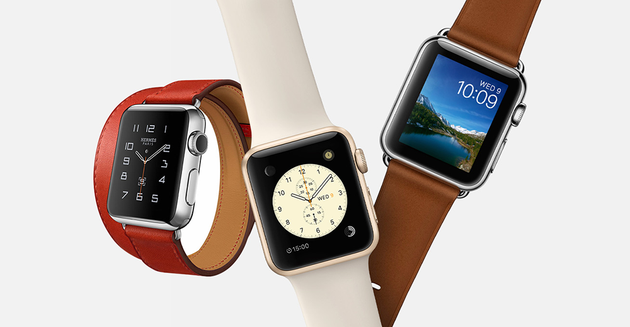
“It was our best quarter ever for the Apple Watch, with over 50 percent growth in revenue and units for the fourth quarter in a row and strong double-digit growth in every geographic segment,” said Apple CEO Tim Cook during the company’s latest earnings call.
Last month, reports in The Wall Street Journal said Apple would be cutting production of its newest iPhone: the iPhone X. The company is reportedly planning to make 20 million units this quarter, slashing earlier plans to produce twice that many. The publication cited unnamed sources in its report, who also noted that orders for iPhone components were cut by 60 percent.
“They always do this when things aren’t selling well,” one unnamed source told the publication at the time. “It’s a real headache.”
Apple did not comment on the matter
Source: pymnts









