
NEWS

Apple's Plan to Buy Shazam Just Hit a European Roadblock

02/09/2018

3094

Apple officially announced its acquisition of the music recognition and tagging company, Shazam, last December. While this deal may not sound like one to experience antitrust hurdles, the EU is launching a probe to review the acquisition’s effect on competition.


The Wall Street Journal reports that Apple registered the deal with regulators in Austria as it worked on acquiring the British software company. Now, however, Austria, France, Italy, Sweden, and other countries have asked Brussels to take over the probe to investigate potential harm to competition.
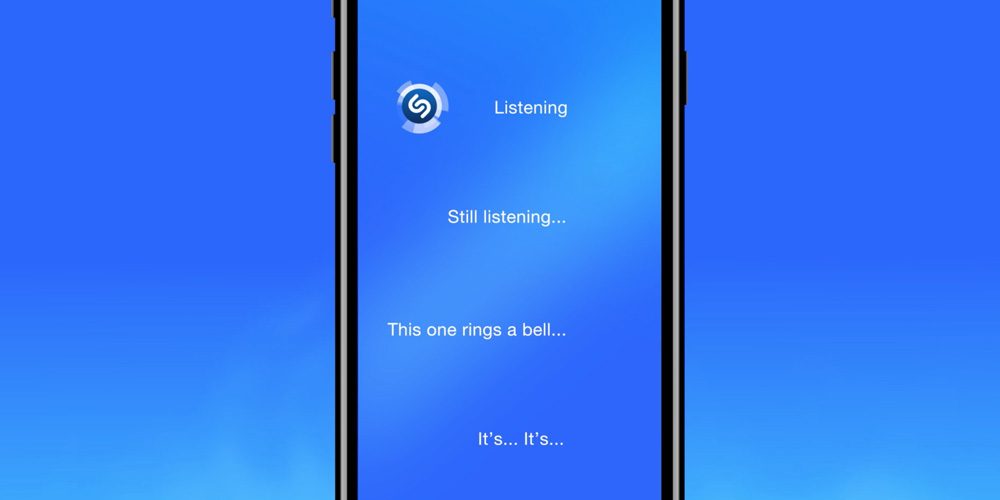

Apple's Plan to Buy Shazam Just Hit a European Roadblock


While this acquisition may not sound like the type that would attract antitrust concerns, the EU has been looking more closely at deals not based on just revenue and market share, but also those involving data-rich companies.


Source: 9to5mac

Windows
Mac OS
iOS
Linux
3uTools
Win 64-bit For this device
V9.0 2025-11-11
Download
Win 32-bit For this device
V9.0 2025-11-11
Download
3uTools
Intel Chip How to Identify Chip Type
V9.0 2025-12-02
Download
Apple Chip
V9.0 2025-12-02
Download
How to Identify Chip Type
1.  Click the Apple icon in the top-left corner of the screen and select About This Mac.
2.  Check the Processor or Chip field to determine if it is "Intel" or "Apple".
Please use the 3uTools PC client to install the iOS client:
1、 Install either the Windows or Mac version of 3uTools on your computer
2、 Open the PC client and connect your device to the computer via USB cable
3、 After the connection is successful, wait for the computer to automatically install the mobile app for the device, or locate “Install Mobile App” on the computer and manually click to install.
3uTools
deb file
V3.01 2025-11-20
Download
rpm file
V3.01 2025-11-20
Download
Windows
Windows
iOS
iOS
Android
Android
TV
TV
3uAirPlayer
Win 64-bit For this device
V6.0.2 2025-11-19
Download
Win 32-bit For this device
V6.0.2 2025-11-19
Download
iOS Device Mirroring (No App Required)
1、 Install 3uAirPlayer on the Windows PC
2、 Open Control Center and select Screen Mirroring
3、 From the list, choose your PC to start mirroring
4、 Or connect your iOS device to the PC via USB to begin mirroring
Scan to get "3uAirPlayer" App
3uAirPlayer TV V1.0.18
2025-11-28
TV System Requirements: Android 7.0 or later
Download the TV installation package, copy it to a USB drive, insert it into your TV or set-top box, then select the file from the home screen to install.





