 NEWS
NEWS
CPDigitalDarkroom to Make All his Paid Jailbreak Tweaks Free and Open Source
 02/06/2018
 3690
3690
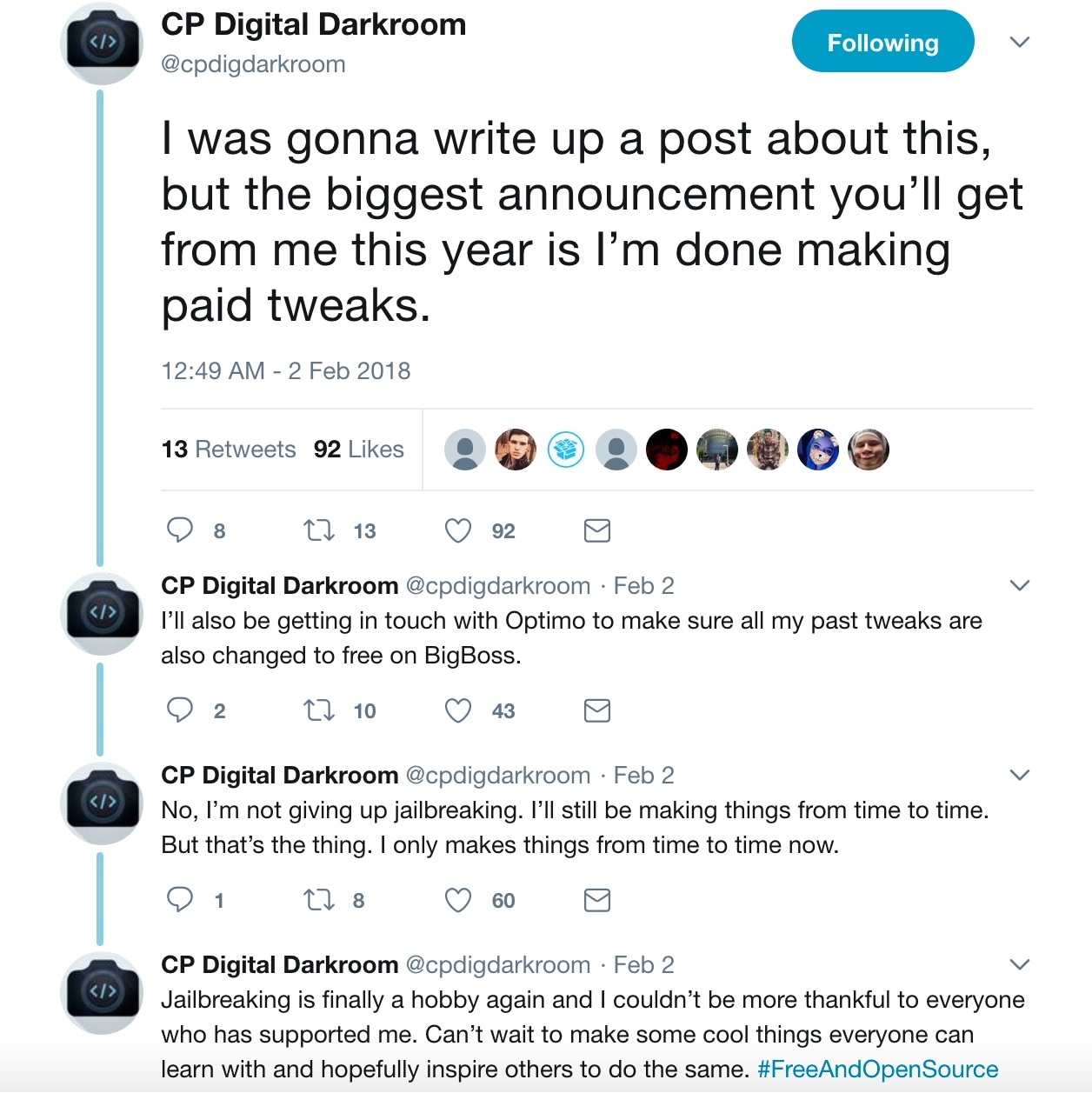
Veteran jailbreak tweak developer Carlos Perez, more colloquially known to the jailbreak community as CPDigitalDarkroom, made a substantial announcement via Twitter on Monday that he would make all of his paid jailbreak tweaks free and open source.
In a big thank you to the community for its support over the years, Perez also noted how making all his projects free and open source wasn’t a sign of his departure from jailbreaking. Instead, it was an attempt to inspire a new generation of jailbreak tweak developers.
Some of his most reputable tweaks include:
Cream 2
IfFound 3
Kairos
Marquee
Perez plans to continue developing jailbreak tweaks, but perhaps not as frequently as he once did. Jailbreaking is more of a hobby to him now than it was previously, so this reflects on his decision to focus more on life and to develop tweaks sparsely during his spare time instead.
Given just how flaky the jailbreak scene has been lately, we wouldn’t be too surprised if more veteran jailbreak developers began following similar footsteps. On the other hand, it makes the platform friendlier for beginner programmers that might be interested in learning the inner workings of iOS by building small tweaks.
It should be interesting to see what CPDigitalDarkroom has planned for future tweak releases, especially since tools like Electra and LiberiOS promise another season of jailbreaking for devices running iOS 11.0-11.1.2.
Source: iDB











