
NEWS

Several Apple Watch Users Are Complaining About Their Timepiece Rebooting Unexpectedly

01/04/2018

2283

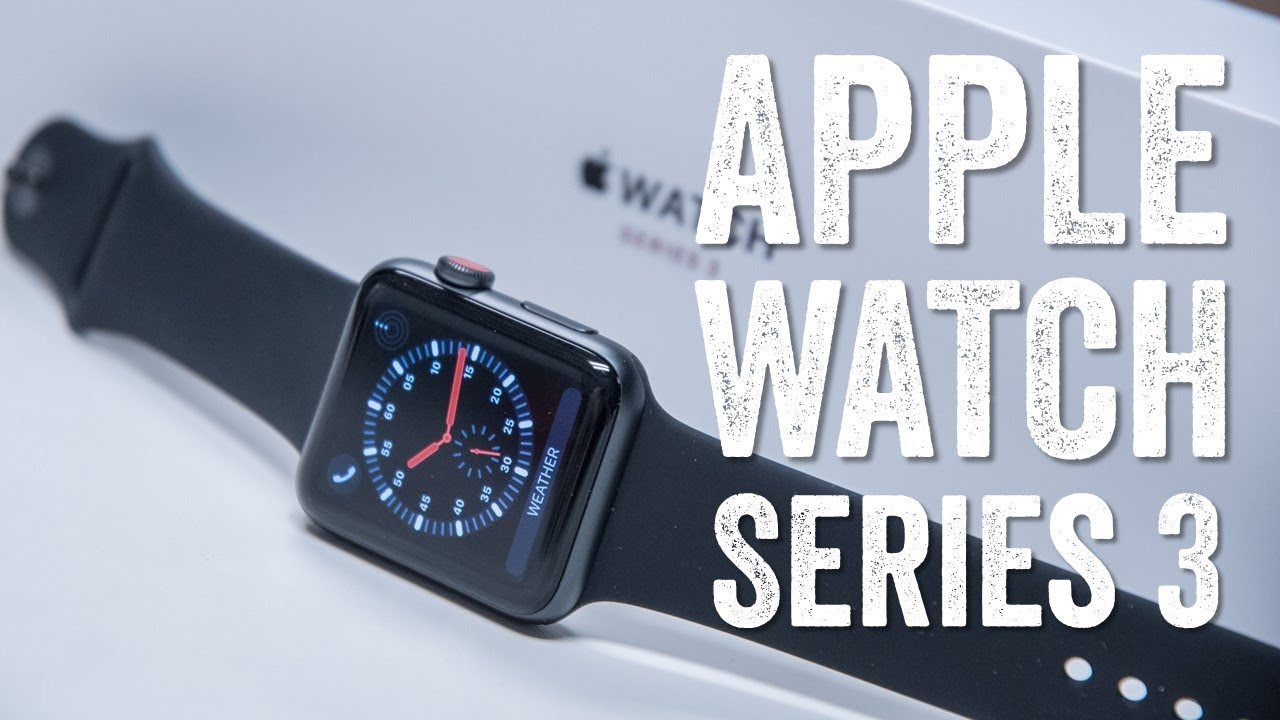
The latest device to run into some trouble is the AppleWatch. And ironically, a device that Apple is counting on to support its health platform is running into difficulties in hospitals of all places. Apparently, there is some equipment used in the ICU that is causing the Apple Watch to reboot unexpectedly. ICUs are often full of telemetry equipment which could explain the issue with the Apple Watch Series 3 with and without cellular.

A nurse who works in a hospital was presented with an Apple Watch Series 3 for Christmas by her husband. But her smartwatch started rebooting every 60 to 90 minutes when she was in the vicinity of the ICU. She had her Apple Watch replaced, but the same exact problem continued to happen. In fact, an Apple Support thread complaining about the same issue has several replies from Apple Watch Series 3 wearers experiencing the same problem inside a hospital.
Several Apple Watch Users Are Complaining About Their Timepiece Rebooting Unexpectedly


Apple previously said that "a "pacemaker, defibrillator, or any other medical device" could be affected by "Apple Watch components and radios that emit electromagnetic fields." However, you'll note that this really doesn't say anything about the Apple Watch getting affected by hospital equipment.

One solution that some are trying is to run the 
Apple Watch on airplane mode while inside a hospital. Doing this, however, will prevent the device from connecting to the internet or a paired iPhone.


Source: phonearena

Windows
Mac OS
iOS
Linux
3uTools
Win 64-bit For this device
V9.0 2025-11-11
Download
Win 32-bit For this device
V9.0 2025-11-11
Download
3uTools
Intel Chip How to Identify Chip Type
V9.0 2025-12-02
Download
Apple Silicon
V9.0 2025-12-02
Download
How to Identify Chip Type
1.  Click the Apple icon in the top-left corner of the screen and select About This Mac.
2.  Check the Processor or Chip field to determine if it is "Intel" or "Apple".
Please use the 3uTools PC client to install the iOS client:
1、 Install either the Windows or Mac version of 3uTools on your computer
2、 Open the PC client and connect your device to the computer via USB cable
3、 After the connection is successful, wait for the computer to automatically install the mobile app for the device, or locate “Install Mobile App” on the computer and manually click to install.
3uTools
deb file
V3.01 2025-11-20
Download
rpm file
V3.01 2025-11-20
Download
Windows
Windows
iOS
iOS
Android
Android
TV
TV
3uAirPlayer
Win 64-bit For this device
V6.0.2 2025-11-19
Download
Win 32-bit For this device
V6.0.2 2025-11-19
Download
iOS Device Mirroring (No App Required)
1、 Install 3uAirPlayer on the Windows PC
2、 Open Control Center and select Screen Mirroring
3、 From the list, choose your PC to start mirroring
4、 Or connect your iOS device to the PC via USB to begin mirroring
Scan to get "3uAirPlayer" App
3uAirPlayer TV V1.0.18
2025-11-28
TV System Requirements: Android 7.0 or later
Download the TV installation package, copy it to a USB drive, insert it into your TV or set-top box, then select the file from the home screen to install.




