 NEWS
NEWS
What Do You Want to See From Apple in 2018?
 01/02/2018
 2462
2462
We'll see from Apple in 2018 based on the current rumors that are circulating about the company's 2018 plans.
Three new iPhones are on the horizon, one a followup to the iPhone X, one that will serve as an "iPhone X Plus" with a larger OLED display, and one with an LCD display that will be positioned as a low to midrange device with a cheaper price tag. Apple's first smart speaker, the HomePod, will come out in 2018, and we're also expecting a revamped iPad Pro, refreshed Macs, and new software, but there's always a chance for a wildcard update or new product that will surprise us all.
A high-end modular Mac Pro, new original TV shows, AR smart glasses, and autonomous driving software are all products Apple is working on, with no official release date known. What are you expecting or hoping to see Apple release in 2018?
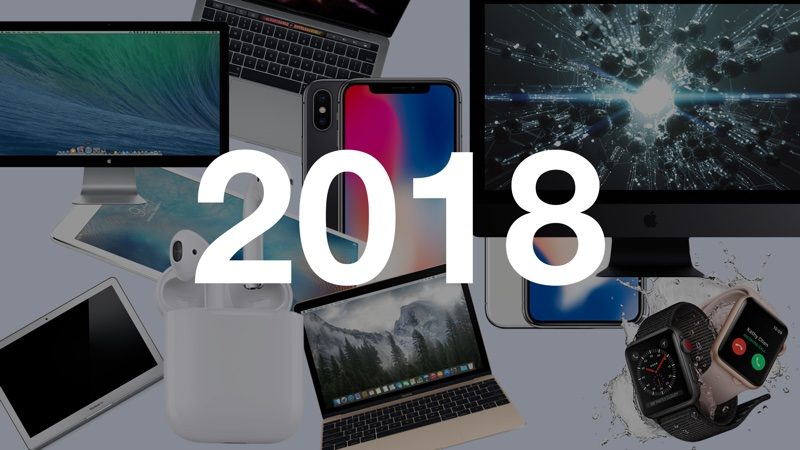
Are there specific features you're hoping Apple will implement in iOS 12, tvOS 12, watchOS 5, or macOS 10.14? Popular wishlist items for last year included a dark mode for iOS, a customizable Control Center (which happened!), animated icons, iPhone complications, a swipe-based keyboard, offline Maps and Siri, and more.
Let us know what you want to see in the comments, and make sure to check out our What to Expect post to get a glimpse at the current rumors. Apple's plans for 2018 will become more clear in the early months of the year, and as always, we'll be covering every rumor that pops up in-depth here.
The forums are also a rich resource for discussing upcoming products and rumors, and with so many exciting changes on the horizon for 2018, our forums are the place to be for lively discussions on what's coming.
We'd like to thank all of our readers and forum members for making us the absolute best source for Apple news, rumors, and advice on the web. We wouldn't be here without you, and we look forward to yet another rumor-packed year in 2018.
Source: macrumors











