
NEWS

Barclays: 35% of Consumers Intending to Buy an iPhone Going With X

12/05/2017

2614

Barclays is out today with a fresh report with that covers consumer smartphone upgrade intention, iPhone interest, a new projection for iPhone average selling price, and more.
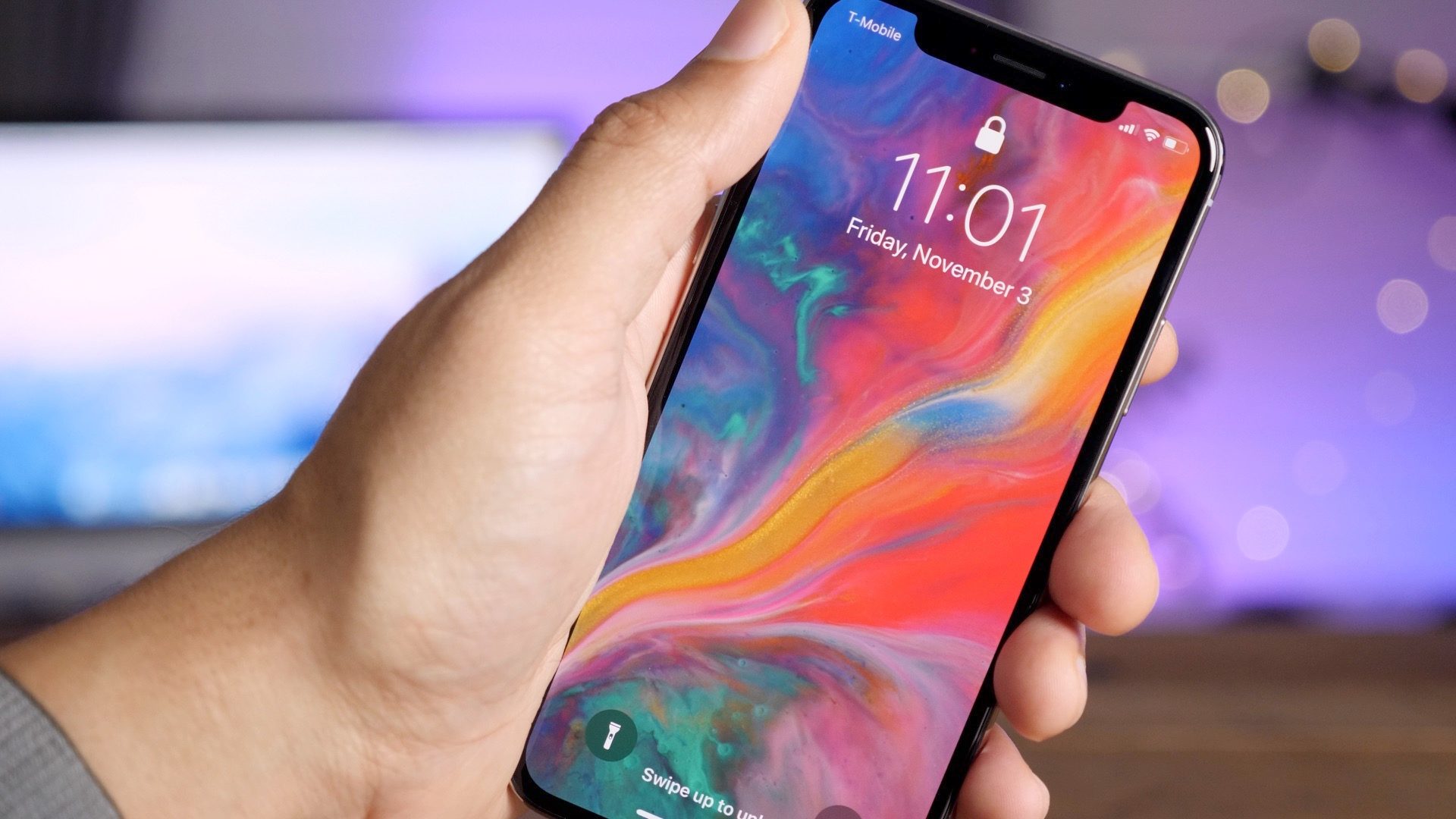

Barclays: 35% of Consumers Intending to Buy an iPhone Going With X


Today’s news from analyst Mark Moskowitz and company shares that in a survey of about 1,000 consumers (from the US, UK, China, and Germany), 62% say they will upgrade their smartphone in the next year, while 72% plan on doing so in the next 18 months.


Of those planning on buying a new smartphone, Apple was the most popular choice with 54% planning on choosing an iPhone. Even better news for Apple is that 35% said they would pick up the iPhone X.


The report notes that iPhone X interest is considerably higher now that the device has been available for about a month. A Barclays survey back in August found just 18% of would be iPhone buyers saying they would spend $1,000+.


With expected strong sales of the iPhone X, Barclays has put its estimate for ASP at a record $823. However, that number could be lower in reality as the survey also found that 31% of iPhone buyers would be opting for a legacy model.


Other positive news for Apple from the survey included 23% of non-iPhone users planning on switching to an iPhone (a huge 37% of switchers coming from the important Chinese market)


Source: 9to5mac

Windows
Mac OS
iOS
Linux
3uTools
Win 64-bit For this device
V9.0 2025-11-11
Download
Win 32-bit For this device
V9.0 2025-11-11
Download
3uTools
Intel Chip How to Identify Chip Type
V9.0 2025-12-02
Download
Apple Silicon
V9.0 2025-12-02
Download
How to Identify Chip Type
1.  Click the Apple icon in the top-left corner of the screen and select About This Mac.
2.  Check the Processor or Chip field to determine if it is "Intel" or "Apple".
Please use the 3uTools PC client to install the iOS client:
1、 Install either the Windows or Mac version of 3uTools on your computer
2、 Open the PC client and connect your device to the computer via USB cable
3、 After the connection is successful, wait for the computer to automatically install the mobile app for the device, or locate “Install Mobile App” on the computer and manually click to install.
3uTools
deb file
V3.01 2025-11-20
Download
rpm file
V3.01 2025-11-20
Download
Windows
Windows
iOS
iOS
Android
Android
TV
TV
3uAirPlayer
Win 64-bit For this device
V6.0.2 2025-11-19
Download
Win 32-bit For this device
V6.0.2 2025-11-19
Download
iOS Device Mirroring (No App Required)
1、 Install 3uAirPlayer on the Windows PC
2、 Open Control Center and select Screen Mirroring
3、 From the list, choose your PC to start mirroring
4、 Or connect your iOS device to the PC via USB to begin mirroring
Scan to get "3uAirPlayer" App
3uAirPlayer TV V1.0.18
2025-11-28
TV System Requirements: Android 7.0 or later
Download the TV installation package, copy it to a USB drive, insert it into your TV or set-top box, then select the file from the home screen to install.




