 NEWS
NEWS
Some iPhone X Users Experiencing Buzzing Sounds From Earpiece Speaker
 11/13/2017
 4957
4957
As with every iPhone launch, a few issues have popped up affecting early iPhone X customers. The latest issue, according to reports on Twitter, Reddit, and 9to5Mac’s comment section, appears to be related to crackling and buzzing coming from the earpiece speaker…
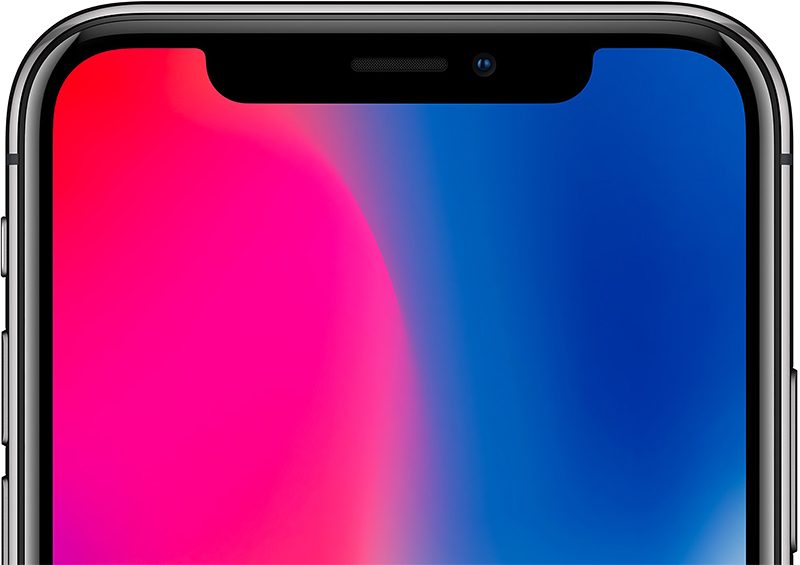
On Friday, we reported on an issue affecting a limited number of iPhone X units that caused a green line to appear on the side of the display. In the comments of that article, a discussion emerged regarding earpiece crackling.
One commenter reported that he notices the crackling when playing stuff at “near max volume or when putting people on speakerphone.” Another commenter references the same issue and says he’s experiencing “fidelity issues and cracking when using the speakerphone at high volumes.”
Separately, users have taken to Twitter and Reddit to complain about the issue. One user says the issue is so bad for him that the cracking occurs even around 50 percent volume.
Notably, one Redditor says he got his iPhone X replaced by Apple because of the issue, but that it persisted even on the new unit:
Yeah, it’s the top speaker for me. It seems to be rattling/clipping when playing anything at high volume, even if it’s just someone talking. I even got my phone replaced yesterday, but the new unit has the same issue.
The iPhone 8 suffered from an earpiece crackling problem, but this seems to be different in that it relates to high volume sounds only. Apple fixed the iPhone 8 problem via a software update. Early speculation around this issue is that it’s also software related seeing how it persists even after a replacement.
When I left the store with my replacement and discovered it had the same speaker problem, I turned around and went right back in, and the employee who was helping me and decided to exchange the phone in the first place said how it had to then be software related. Definitely frustrating!
Source: 9to5mac










