 NEWS
NEWS
FBI Missed Opportunity to Unlock Texas Shooter's iPhone
 11/09/2017
 2761
2761
In the first 48 hours after Devin Kelley opened fire at a church in Sutherland Springs, Texas, killing 26 people, neither the FBI nor other law enforcement agencies asked for Apple's help in unlocking Kelley's iPhone or linked accounts —possibly missing a critical opportunity, according to one report.
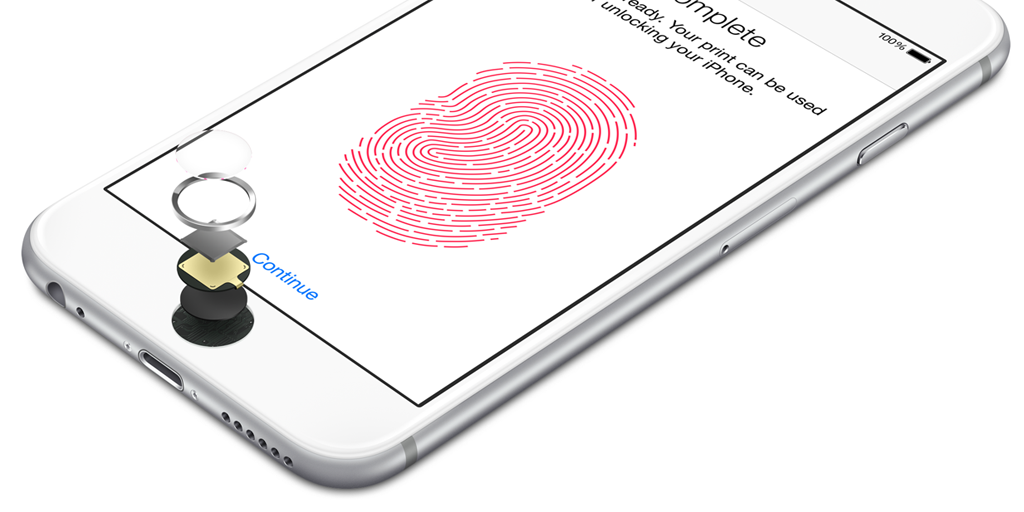
If the iPhone had Touch ID enabled, investigators could have used Kelley's fingers to unlock the device, Reuters said on Wednesday. Investigators have officially refused to identify Kelley's phone, but sources for the Washington Post have claimed it's an iPhone.
Touch ID normally forces users to enter their passcode after 48 hours if they haven't unlocked a device in the interim. Trying to brute-force a passcode lock risks the device self-erasing after too many failed attempts.
In a statement to BuzzFeed's John Paczkowski, Apple said that it "immediately reached out to the FBI" after learning about the seized phone from a Tuesday press conference. At the time the head of the FBI's San Antonio office, Christopher Combs, complained that encryption was making it impossible to break into the phone.
"We offered assistance and said we would expedite our response to any legal process they send us," Apple continued.
The phone is now sitting at an FBI lab in Quantico, Va. The agency's best hope at retrieving data may be submitting a court order for Kelley's iCloud account, since Apple has a policy of obeying such orders and supplying necessary decryption keys. If Kelley had iCloud backups turned on, his data could include photos and text messages.
Source: 9to5mac










