 NEWS
NEWS
Apple Warns iPhone X Might Have Screen Burn-In Problem
 11/06/2017
 5280
5280
Apple has cautioned iPhone X owners on how to avoid "burn-in" on the device's OLED screen.
The iPhone X is Apple's first device with an OLED display.
OLED has several benefits over the LCD displays Apple has historically used for the iPhone, like the ability to producer darker blacks and a more vivid picture. But the technology also has drawbacks.
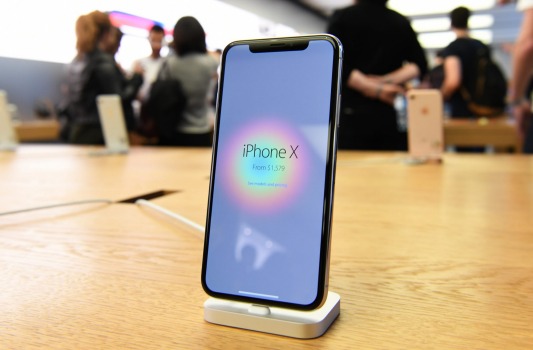
The biggest downside to using an OLED display is the possibility of burn-in, meaning that if you leave an image on the screen for too long, you run the risk of it being permanently retained on — or burned into — the screen over time.
Apple outlined the risk of burn-in on the iPhone X's display in a support document posted on its website Friday.
"If you look at an OLED display off-angle, you might notice slight shifts in color and hue," Apple said. "This is a characteristic of OLED and is normal behavior. With extended long-term use, OLED displays can also show slight visual changes. This is also expected behavior and can include “image persistence” or “burn-in,” where the display shows a faint remnant of an image even after a new image appears on the screen."
The document goes on to say that burn-in can occur in "more extreme cases such as when the same high contrast image is continuously displayed for prolonged periods of time," and that the iPhone X's display is engineered the "to be the best in the industry in reducing the effects" of burn-in.
To avoid burn-in, Apple recommends using the iPhone X with auto-brightness turned on, adjusting the auto-lock function to turn the screen off more quickly when you're not using it, and not showing the same image for long periods of time with the screen brightness turned all the way up.
Source: businessinsider










