 NEWS
NEWS
iPhone7 vs iPhone7 Plus: There are Big Differences This Year
 11/10/2016
 4900
4900
iPhone 7 Plus vs iPhone 7: What’s the difference?
Apple's iPhone7 and iPhone7 Plus are now available, though selling fast. Unlike other years, though, this time around there are quite a few noticeable differences between the two.
While the iPhone 7 isn’t the huge update some were expecting, there’s still a few notable improvements. If you’re unsure about whether you should be getting ready to buy the iPhone 7 or iPhone 7 Plus, here’s everything that sets them apart.
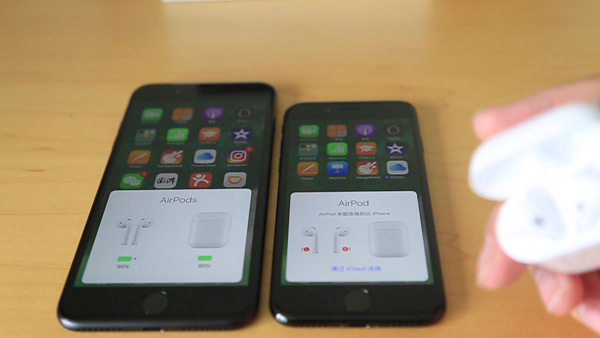
iPhone7 plus vs iPhone7: Bigger, but with similar looks
If you expected Apple to rewrite the design of the iPhone with the 7 and 7 Plus, then prepared to be disappointed.
They both look very similar to their predecessors, with that aluminium build and curved sides. Those ugly antenna lines have been altered, now snaking around the top rather than the back.
The biggest visual difference here is the colour options the phone now comes in. Along with the usual gold, rose gold and silver there’s a new darker black option and a glossy black one. Sadly, the rumoured blue hue hasn’t made the cut.
Both phones also feature a slightly altered camera hump.
Being a bigger phone, the iPhone 7 Plus is larger and heavier. It has the same chunky bezel as before, and a 5.5-inch 1080p display opposed to a 4.7-inch version. It’s better for media and playing games, but it’s still a very big phone, which is hard to use comfortably in one hand. Apple has improved the screens this time around, widening the colour gamut for a more accurate representation of pictures and videos.
Source:Trusted











