
NEWS

Apple Lowers App Affiliate Commission Rate From 7% to 2.5% Globally

04/25/2017

3098

Apple today has sent out an email update to members of its affiliate program about launching improvements to the iTunes Affiliate Resource pages and also a change to the commission rates.


Apple is lowering affiliate payouts from apps and their in-app purchases to less than half of the original commission rate. For many, this means a negative impact to yet another revenue stream.
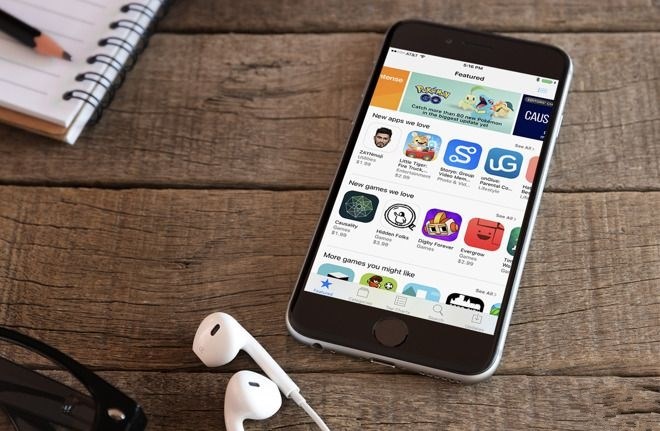

Apple Lowers App Affiliate Commission Rate From 7% to 2.5% Globally


Today’s change sees the 7% commission rate, drop down to 2.5%. This reduction will impact a lot of those on the affiliate program. Previously, the 2.5% commission rate only applied to the Japan store for apps and in-app purchases. This change brings the rate down to 2.5% across the globe. The lower rate only applies to apps and in-app purchases; content like music, movies, and books are unaffected and will remain at the 7% rate.


The other updates shared today further clarify commission rates for those on the program and more information on Affiliate Resources as a whole.


Source: 9to5mac

Windows
Mac OS
iOS
Linux
3uTools
Win 64-bit For this device
V9.0 2025-11-11
Download
Win 32-bit For this device
V9.0 2025-11-11
Download
3uTools
Intel Chip How to Identify Chip Type
V9.0 2025-12-02
Download
Apple Silicon
V9.0 2025-12-02
Download
How to Identify Chip Type
1.  Click the Apple icon in the top-left corner of the screen and select About This Mac.
2.  Check the Processor or Chip field to determine if it is "Intel" or "Apple".
Please use the 3uTools PC client to install the iOS client:
1、 Install either the Windows or Mac version of 3uTools on your computer
2、 Open the PC client and connect your device to the computer via USB cable
3、 After the connection is successful, wait for the computer to automatically install the mobile app for the device, or locate “Install Mobile App” on the computer and manually click to install.
3uTools
deb file
V3.01 2025-11-20
Download
rpm file
V3.01 2025-11-20
Download
Windows
Windows
iOS
iOS
Android
Android
TV
TV
3uAirPlayer
Win 64-bit For this device
V6.0.2 2025-11-19
Download
Win 32-bit For this device
V6.0.2 2025-11-19
Download
iOS Device Mirroring (No App Required)
1、 Install 3uAirPlayer on the Windows PC
2、 Open Control Center and select Screen Mirroring
3、 From the list, choose your PC to start mirroring
4、 Or connect your iOS device to the PC via USB to begin mirroring
Scan to get "3uAirPlayer" App
3uAirPlayer TV V1.0.18
2025-11-28
TV System Requirements: Android 7.0 or later
Download the TV installation package, copy it to a USB drive, insert it into your TV or set-top box, then select the file from the home screen to install.




