 NEWS
NEWS
Apple Purchases iCloud.net Domain Name Which Will be Closed in This Month
 02/22/2017
 4209
4209
According to a new report from TechCrunch, Apple recently acquired the domain name iCloud.net, one of the last remaining pieces related to iCloud that the company itself did not own. While it's unclear when Apple made the purchase, the social network previously linked to that domain will shut down by the end of this month.
This isn't a super notable move on Apple's part, but it marks the competition of the company's quest to obtain all of the major web addresses associated with iCloud. Notably, Apple paid somewhere around $5.2 million to software company Xcerion for the iCloud.com domain name back in 2011, ahead of the launch of its actual cloud service. After that purchase, Xcerion transferred Apple the rest of its iCloud-related name holdings about four years later. That transfer included around 170 domain names, such as iCloud.us, iCloud.eu, and iCloud.tv.
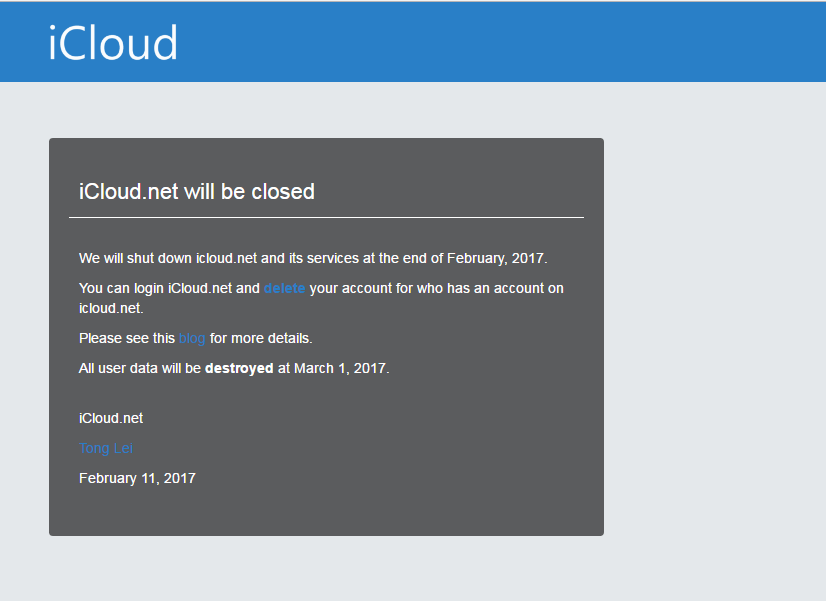
It's not explicitly clear as to how big of a social network iCloud.net was, but the service claimed to provide users a one-stop location for all of their latest content from friends, touting the ability to “interact with friends and get the fun of life” as one of the service’s biggest selling point.
While it's unlikely that this purchase means anything in the grand scheme of things, it's notable that it took Apple over 5 years to acquire the domain in the first place. Apple is putting an increasingly intense focus on its Services sector, of which iCloud is a major piece. As time progresses, we'll be able to tell what the future holds for iCloud as a whole.
Source: 9to5mac










