 NEWS
NEWS
Apple Unveils New iPad Mini with A17 Pro Chip and Apple Intelligence
 10/16/2024
 1369
1369
Apple today announced a significant upgrade to the iPad mini, now featuring an A17 Pro chip and support for the company's new Apple Intelligence system. The refreshed seventh-generation tablet maintains its compact 8.3-inch design while offering notable performance improvements and new capabilities.
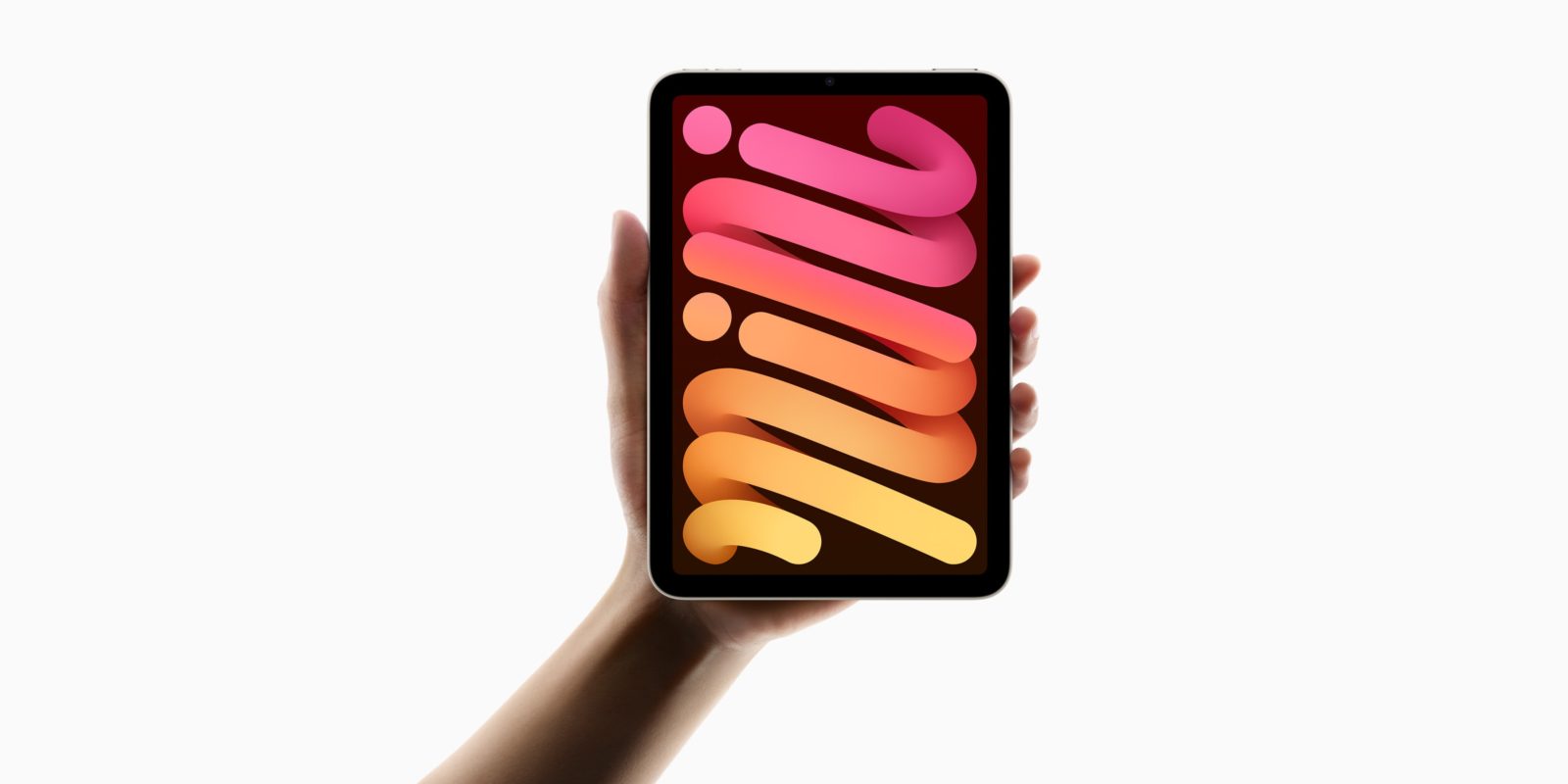
The A17 Pro chip brings a 30% boost in CPU performance and a 25% increase in GPU performance compared to the previous generation, according to Apple.
The new iPad mini also gains support for Apple Pencil Pro, which introduces pressure sensitivity, haptic feedback, and gesture controls. Other improvements include Wi-Fi 6E support, faster USB-C data transfer, and an upgraded 12MP wide camera with Smart HDR 4.
Apple Intelligence offers features improved writing tools, image generation, and enhanced task automation. The system utilizes both on-device processing and cloud-based models to balance performance and privacy. The first set of Apple Intelligence features will be available in U.S. English this month through a free software update with iPadOS 18.1.
Available in four colors, including new blue and purple options, the new iPad mini with Wi-Fi starts at $499 for 128GB of storage (double the minimum storage of the previous generation), and $649 for the Wi-Fi + Cellular model. The new iPad mini is also available in 256GB and 512GB configurations.
Pre-orders begin today, with availability starting October 23. A new Smart Folio, available in charcoal gray, light violet, denim, and sage, is also available for $59.
Source: Macrumors










