NEWS

MacBook Pro May Get Full Redesign in 2025, Says Ming-Chi Kuo

10/25/2023

1280

MacBook Pro May Get Full Redesign in 2025, Says Ming-Chi Kuo


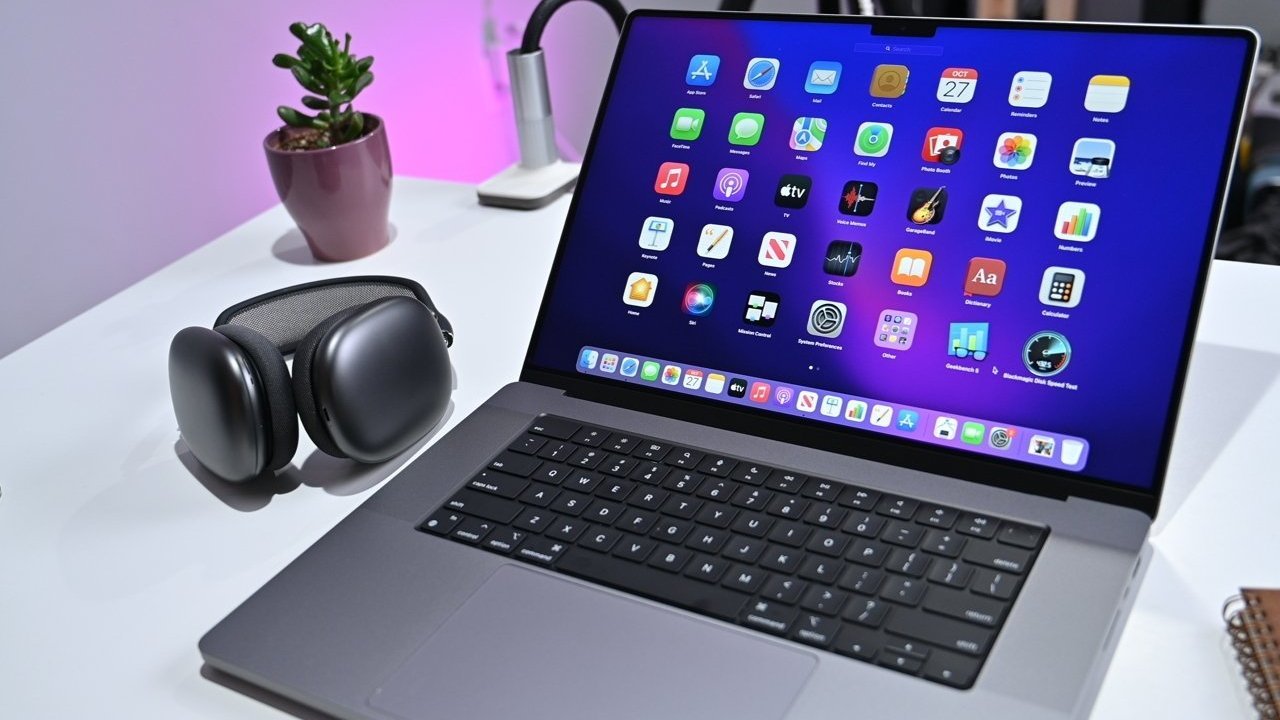
Apple could completely change the design of the MacBook Pro in 2025, an analyst forecasts, with an added proposal that Apple may add a more affordable MacBook to the range too.


In a series of Mac-related tweets following Apple's announcement of a Mac-focused late October event, TF Securities analyst Ming-Chi Kuo is offering more hot takes about the product family.


As part of a tweet clarifying his stance on seemingly declining MacBook Pro shipments and Apple's preference to launch M3-series MacBook Pro models earlier than anticipated, Kuo comments about the future. If Apple's M3 plan cannot boost MacBook shipments, Kuo thinks there will be more chance of an "all-new design MacBook Pro in 2025."


Kuo doesn't specify in the tweet about whether or not the upgrades would impact just the high-end models, namely the 14-inch MacBook Pro and 16-inch MacBook Pro, or offerings like the 13-inch MacBook Pro.


A redesign of the higher-specification MacBook Pro isn't entirely out of the question for 2025. The current 14-inch and 16-inch MacBook Pro chassis designs arrived in October 2021, so it would be over three years old by the start of 2025.


On top of a redesign, Kuo proposes that Apple "may also consider (but hasn't decided yet)" introducing another model to boost shipments. This would be a "more affordable MacBook model" according to Kuo.


With a design change and a possible value-focused model, Kuo feels Apple should aim for 8 million to 10 million units shipped per year.


Source: Appleinsider

Windows
Mac OS
iOS
Linux
3uTools
Win 64-bit For this device
V9.0 2025-11-11
Download
Win 32-bit For this device
V9.0 2025-11-11
Download
3uTools
Intel Chip How to Identify Chip Type
V9.0 2025-12-02
Download
Apple Silicon
V9.0 2025-12-02
Download
How to Identify Chip Type
1.  Click the Apple icon in the top-left corner of the screen and select About This Mac.
2.  Check the Processor or Chip field to determine if it is "Intel" or "Apple".
Please use the 3uTools PC client to install the iOS client:
1、 Install either the Windows or Mac version of 3uTools on your computer
2、 Open the PC client and connect your device to the computer via USB cable
3、 After the connection is successful, wait for the computer to automatically install the mobile app for the device, or locate “Install Mobile App” on the computer and manually click to install.
3uTools
deb file
V3.01 2025-11-20
Download
rpm file
V3.01 2025-11-20
Download
Windows
Windows
iOS
iOS
Android
Android
TV
TV
3uAirPlayer
Win 64-bit For this device
V6.0.2 2025-11-19
Download
Win 32-bit For this device
V6.0.2 2025-11-19
Download
iOS Device Mirroring (No App Required)
1、 Install 3uAirPlayer on the Windows PC
2、 Open Control Center and select Screen Mirroring
3、 From the list, choose your PC to start mirroring
4、 Or connect your iOS device to the PC via USB to begin mirroring
Scan to get "3uAirPlayer" App
3uAirPlayer TV V1.0.18
2025-11-28
TV System Requirements: Android 7.0 or later
Download the TV installation package, copy it to a USB drive, insert it into your TV or set-top box, then select the file from the home screen to install.