NEWS

Apple Releases Firmware Update For Just AirPods 3

01/19/2022

2003

Apple Releases Firmware Update For Just AirPods 3


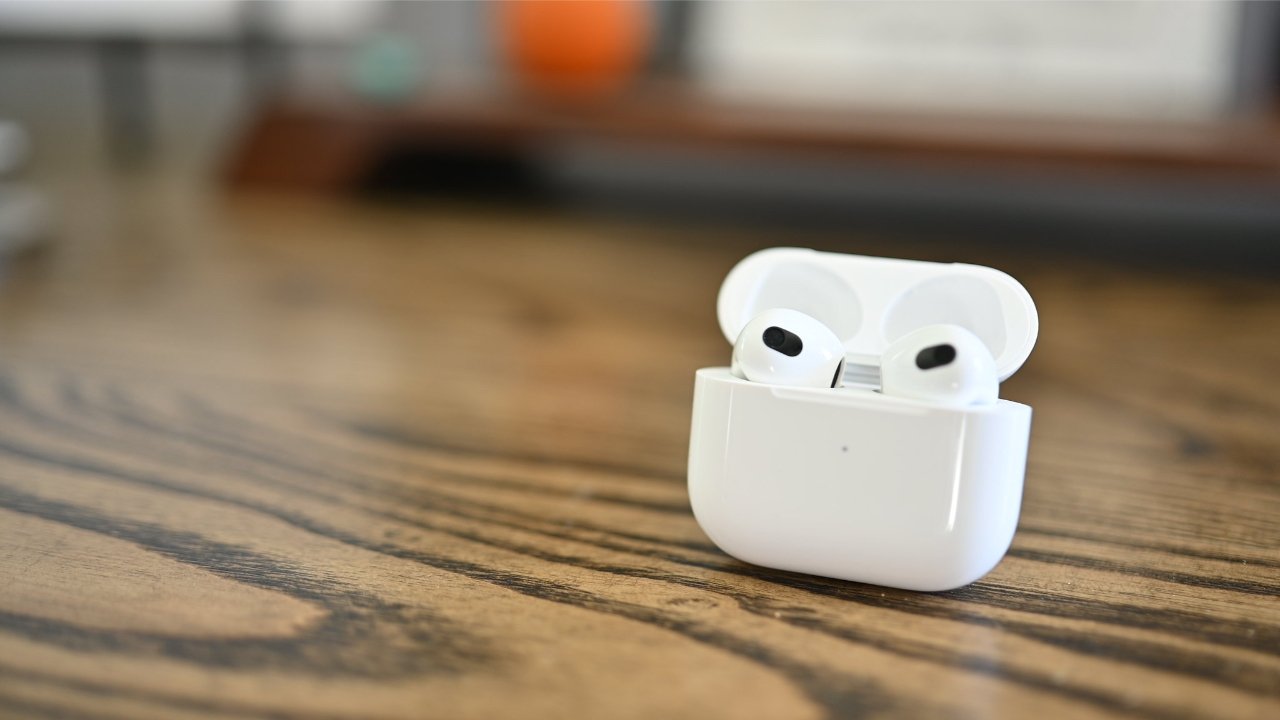
Apple has released a new AirPods 3 firmware update with no known changes beyond the usual bug fixes and improvements.


Apple generally doesn't share release notes for AirPods firmware updates. The previous update brought all of the AirPods models into the same version number with no outward-facing features.


The AirPods 3 get version 4.2 4C170, up from 4.2 4C165. The slight jump in build numbers generally indicate a minor update.


The new firmware is installed automatically for users, with no mechanism to force an update manually. As long as the AirPods are in a charging case and connected to an iOS device, the firmware will install by itself.


How to check your AirPods firmware version


AirPods users can check the current firmware for their audio accessories within the Settings app.


  1. Open the Settings App

  2. Select General

  3. Select About

  4. Select the AirPods you wish to view

  5. A menu will appear showing relevant device information


Source: Appleinsider

Windows
Mac OS
iOS
Linux
3uTools
Win 64-bit For this device
V9.0 2025-11-11
Download
Win 32-bit For this device
V9.0 2025-11-11
Download
3uTools
Intel Chip How to Identify Chip Type
V9.0 2025-12-02
Download
Apple Chip
V9.0 2025-12-02
Download
How to Identify Chip Type
1.  Click the Apple icon in the top-left corner of the screen and select About This Mac.
2.  Check the Processor or Chip field to determine if it is "Intel" or "Apple".
Please use the 3uTools PC client to install the iOS client:
1、 Install either the Windows or Mac version of 3uTools on your computer
2、 Open the PC client and connect your device to the computer via USB cable
3、 After the connection is successful, wait for the computer to automatically install the mobile app for the device, or locate “Install Mobile App” on the computer and manually click to install.
3uTools
deb file
V3.01 2025-11-20
Download
rpm file
V3.01 2025-11-20
Download
Windows
Windows
iOS
iOS
Android
Android
TV
TV
3uAirPlayer
Win 64-bit For this device
V6.0.2 2025-11-19
Download
Win 32-bit For this device
V6.0.2 2025-11-19
Download
iOS Device Mirroring (No App Required)
1、 Install 3uAirPlayer on the Windows PC
2、 Open Control Center and select Screen Mirroring
3、 From the list, choose your PC to start mirroring
4、 Or connect your iOS device to the PC via USB to begin mirroring
Scan to get "3uAirPlayer" App
3uAirPlayer TV V1.0.18
2025-11-28
TV System Requirements: Android 7.0 or later
Download the TV installation package, copy it to a USB drive, insert it into your TV or set-top box, then select the file from the home screen to install.