NEWS

'M1X' MacBook Pro Set To Arrive In 'Several Weeks'

09/13/2021

1785

'M1X' MacBook Pro Set To Arrive In 'Several Weeks'


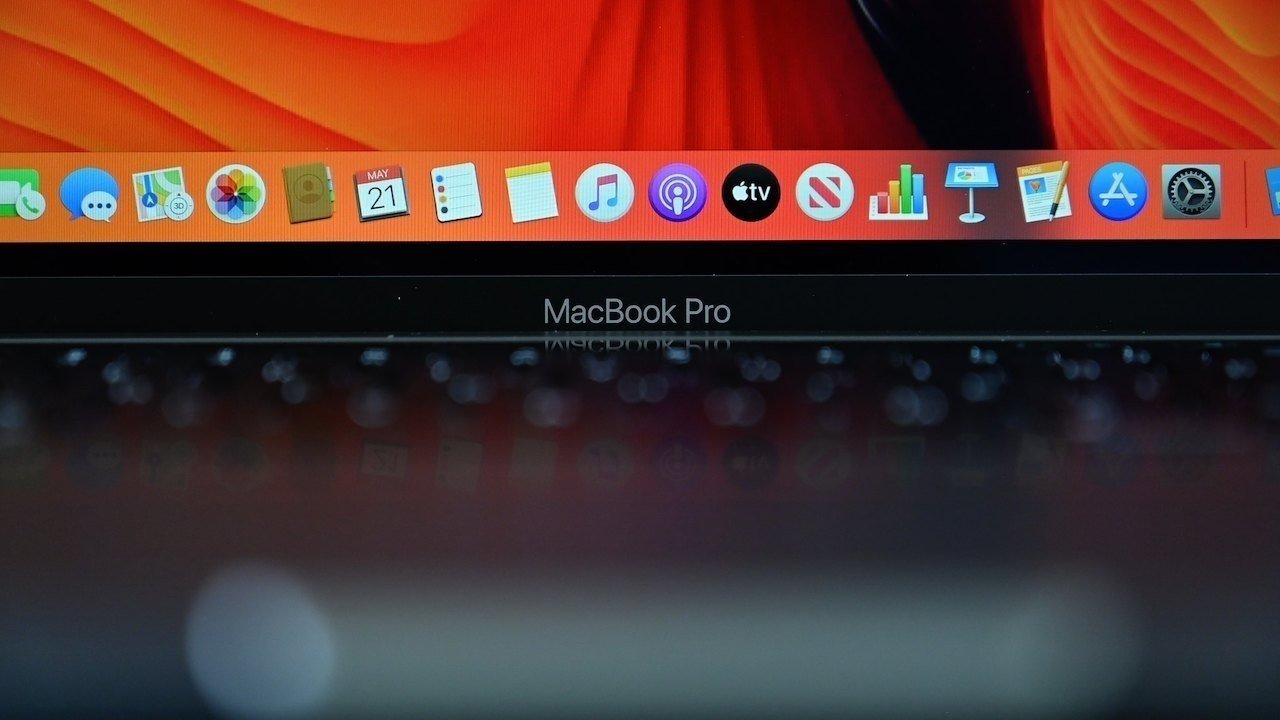
Apple's "California Streaming" event has a chance of showing off new MacBook Pro models sporting the M1X chip, with a report claiming orders could open up within "several weeks" of the event.


After weeks of reports about the expected 14-inch MacBook Pro and 16-inch MacBook Pro experiencing delays in production that were then seemingly rectified, it is claimed a launch of the new models is happening soon.


In Sunday's "Power On" newsletter for Bloomberg, Mark Gurman says the M1X MacBook Pro models should "hit shelves in the next several weeks." While it is likely that Apple will use the special event to launch the updated models, Gurman doesn't outright say they will appear during the presentation, but that they are planned for a fall release.


As for the specifications of the new models, Gurman says they will use "high-end M1 chips," will have "MagSafe magnetic charging," and won't have a Touch Bar. As previously rumored, they will include mini LED-backlit displays, allowing for high contrast levels and improved color representation.


Aside from the MacBook Pros, Apple is also anticipated to launch a slate of products this fall, including the iPhone 13, Apple Watch Series 7, AirPods 3, and new iPads.


Source: Appleinsider

Windows
Mac OS
iOS
Linux
3uTools
Win 64-bit For this device
V9.0 2025-11-11
Download
Win 32-bit For this device
V9.0 2025-11-11
Download
3uTools
Intel Chip How to Identify Chip Type
V9.0 2025-12-02
Download
Apple Chip
V9.0 2025-12-02
Download
How to Identify Chip Type
1.  Click the Apple icon in the top-left corner of the screen and select About This Mac.
2.  Check the Processor or Chip field to determine if it is "Intel" or "Apple".
Please use the 3uTools PC client to install the iOS client:
1、 Install either the Windows or Mac version of 3uTools on your computer
2、 Open the PC client and connect your device to the computer via USB cable
3、 After the connection is successful, wait for the computer to automatically install the mobile app for the device, or locate “Install Mobile App” on the computer and manually click to install.
3uTools
deb file
V3.01 2025-11-20
Download
rpm file
V3.01 2025-11-20
Download
Windows
Windows
iOS
iOS
Android
Android
TV
TV
3uAirPlayer
Win 64-bit For this device
V6.0.2 2025-11-19
Download
Win 32-bit For this device
V6.0.2 2025-11-19
Download
iOS Device Mirroring (No App Required)
1、 Install 3uAirPlayer on the Windows PC
2、 Open Control Center and select Screen Mirroring
3、 From the list, choose your PC to start mirroring
4、 Or connect your iOS device to the PC via USB to begin mirroring
Scan to get "3uAirPlayer" App
3uAirPlayer TV V1.0.18
2025-11-28
TV System Requirements: Android 7.0 or later
Download the TV installation package, copy it to a USB drive, insert it into your TV or set-top box, then select the file from the home screen to install.