 NEWS
NEWS
Apple Watch Series 7 Will Be Hard to Find When It Launches
 09/06/2021
 2423
2423
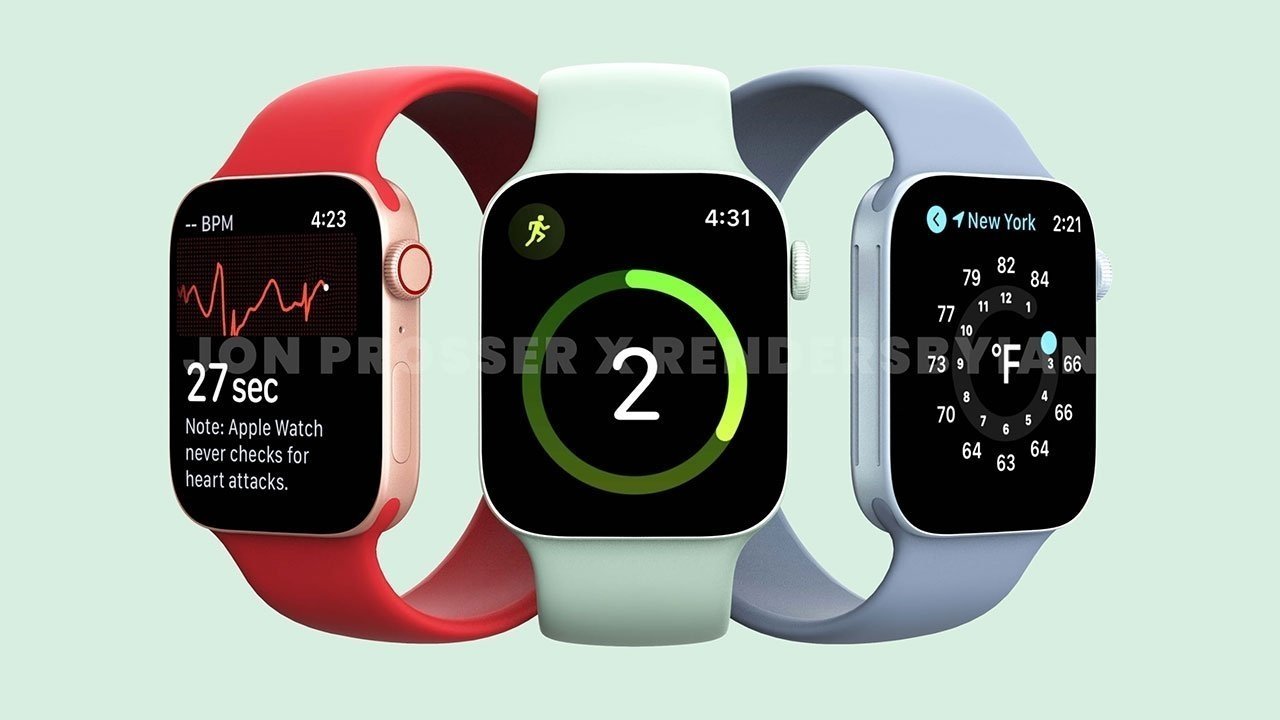
Apple might not be able to ship all versions of the Apple Watch Series 7 on time, a report claims, with production problems potentially delaying the release of some or all models.
Apple is anticipated to be unveiling an update to the Apple Watch lineup in a fall event, with the Apple Watch Series 7 expected to join the "iPhone 13" and other awaited product launches. In a Sunday report, there's now a renewed suggestion that the Apple Watch may not make it on time.
According to Mark Gurman's "Power On" newsletter for Bloomberg, it is claimed that there are "production headaches" caused by the use of a new display. Previous rumors claim there are production delays in the product line, caused by the use of a new complicated design.
Previous rumors and reports have also latched on to Apple introducing a larger screen, potentially with 16% more pixels than in previous models. As part of the screen and design changes, it appears that Apple will also be moving to increase the overall size, from 40mm and 44mm variants to 41mm and 45mm versions.
The issues in production could lead to one of three outcomes, says Gurman. Either the announcement of the models will be delayed "until the issues are fixed," Apple will release the new models on time but in small quantities, or Apple will announce the models on time but delay the sale to consumers.
Gurman believes that an announcement in September will still go ahead, with a mix of limited stock releases for some models, and a delayed release for others.
Source: Appleinsider









