 NEWS
NEWS
MacBook Pro to Drive Mini LED Use in Displays Industry-wide, Says Ming-Chi Kuo
 08/16/2021
 2254
2254
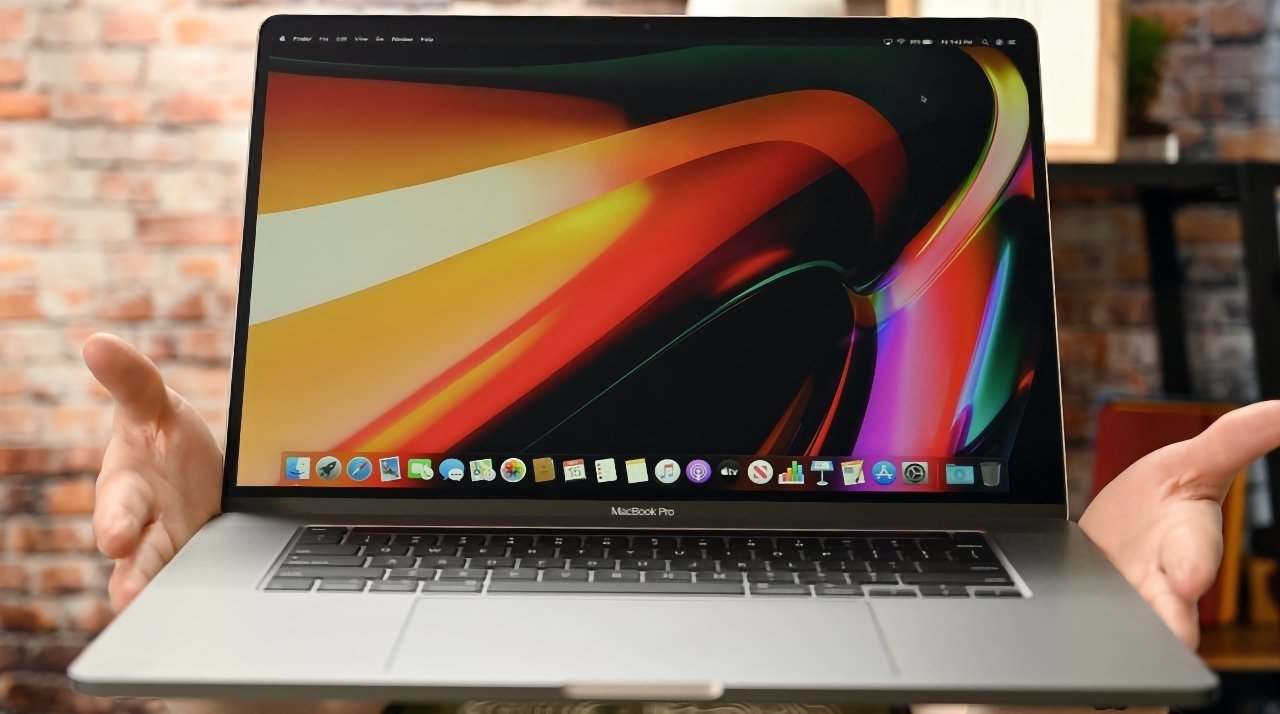
The entire industry will be pushed forward by Apple's adoption of mini LED in the MacBook Pro according to analyst Ming-Chi Kuo.
Apple is currently using mini LED in the 12.9-inch iPad Pro, enabling the model to offer high levels of brightness and contrast, as well as enhanced image quality. With the technology anticipated to arrive in other products, such as MacBooks, TF Securities analyst Ming-Chi Kuo offers a few observations on the different stages of Apples' investment in the concept.
"We believe that MacBooks, not iPads, mainly drive Mini LED panel shipments," writes Kuo in the note seen by AppleInsider. "MacBook shipments have not grown much in the past few years. However, we expect MacBook shipments to grow significantly by 20% YoY, or more in 2021 and 2022, due to the adoption of mini LED panels, Apple Silicon, and all-new designs."
Kuo is referencing rumors that Apple is in the process of preparing mini LED-equipped 14-inch and 16-inch MacBook Pro models for launch. Volume production for the models is said to have started in August, in preparation for a late-2021 release.
On August 10, another Kuo note claimed Apple was working on an updated mini LED MacBook Air, with a new design incorporating multiple colors. The model, set for a mid-2022 launch, could have a faster processor, and still be offered alongside the existing M1-based MacBook Air.
Kuo reckons that a "fourth stage" of mini LED in industry from 2022 to 2024 will involve other companies getting involved in production, if Apple receives positive feedback from the market over its use of the panels.









