 NEWS
NEWS
Mini LED 14-inch And 16-inch MacBook Pro Production Begins
 08/10/2021
 2227
2227
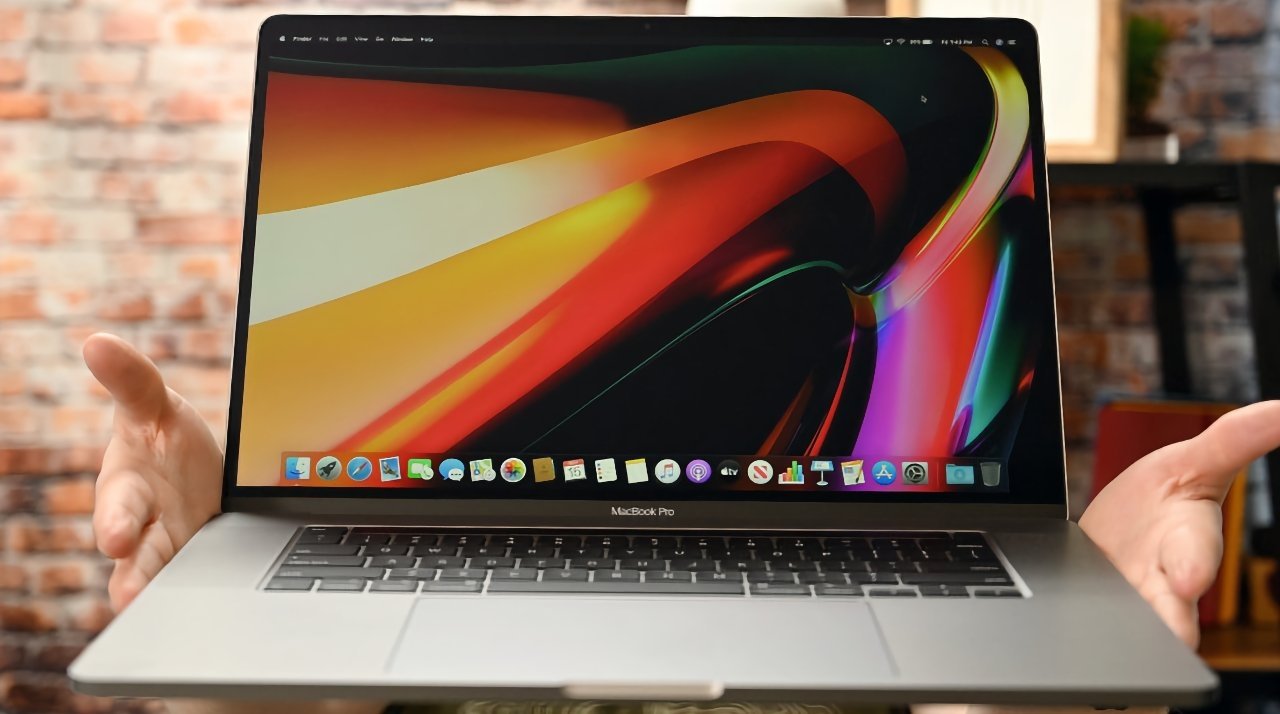
Apple's rumored mini LED-equipped 14-inch and 16-inch MacBook Pro models are getting closer to launch, with suppliers said to be starting volume production.
Rumors have put forward the idea that Apple will be bringing out a version of the MacBook Pro with a mini LED-backlit display, incorporating the technology used in the 12.9-inch iPad Pro screen. In a supply chain report, it seems the rumors are coming true.
According to supply chain sources of Digitimes, volume production for the new MacBook Pro has commenced, and in high quantities. Monthly shipments of the notebooks are anticipated to be between 600,000 and 800,000 units per month between August and November.
Mini LED is likely to be beneficial to Mac users as a backlighting system, with a number of benefits. By using thousands of mini LED backlights instead of a smaller number of LEDs, Apple can have more control over the backlight's illumination patterns, enabling contrast ratios of up to 1 million to 1, better HDR support, and improved color representation.
The start of volume production in August certainly coincides with Apple's usual fall product launches, as releases usually arrive a few months after production commences.
While Digitimes has a good track record when it comes to the supply chain and production scheduling, it's weaker on product feature reports. However, the quantity of rumors about mini LED certainly lends weight to mini LED arriving in new MacBook Pro models.
In June, it was believed that there were shortages in mini LED production that could impact MacBook Pro production, but it seems that it has been resolved.
Depending on the rumors, Apple is believed to be bringing out a 14-inch MacBook Pro and a 16-inch MacBook Pro before the end of 2021. Along with mini LED backlighting, the models could include features like an M1 or M1X chip, an improved 1080p webcam, MagSafe, and even a return of previously-removed ports.
Source: Appleinsider









