 NEWS
NEWS
AirPods Pro Beta firmware Coming Soon for Developer Testing
 06/11/2021
 2621
2621
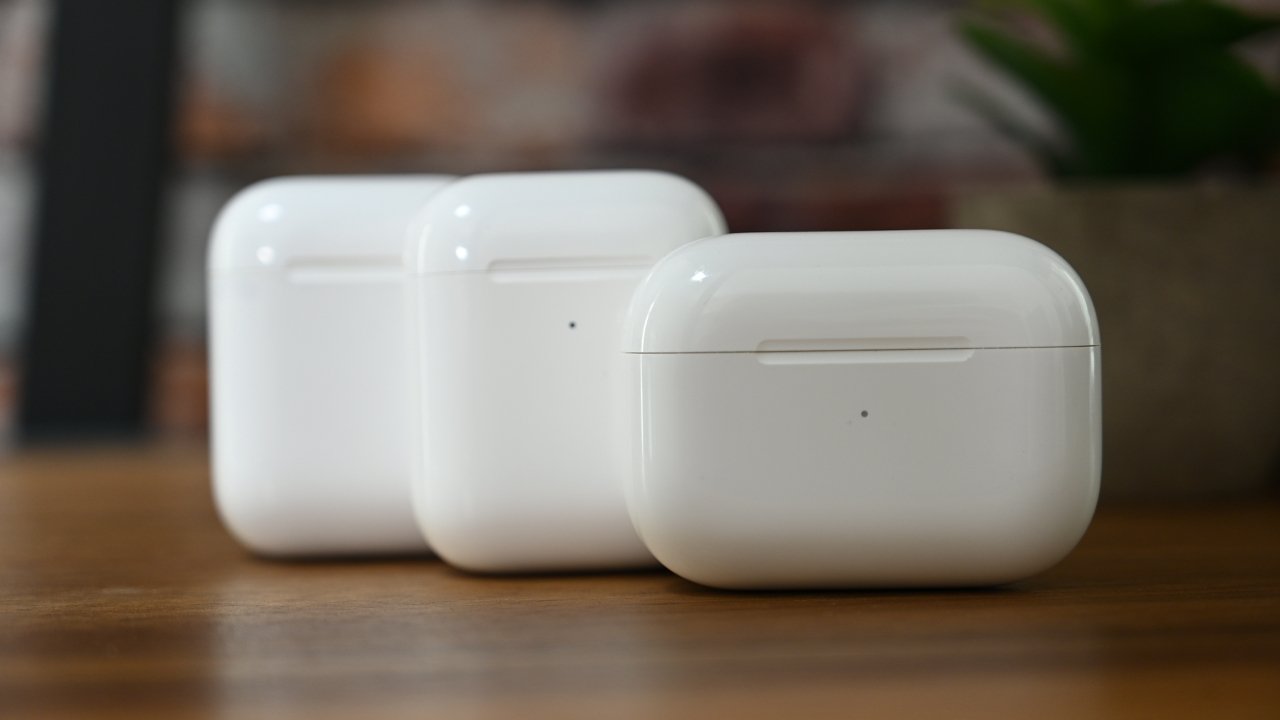
In addition to beta testing pre-release operating systems, developers will soon be able to test AirPods Pro firmware to implement new features in their apps.
The Apple Developer Program lets developers test upcoming operating system releases in order to ensure their apps support it. With developer-focused features like Conversation Boost coming to AirPods in the fall, Apple is giving developers the option to test the feature.
A block of text first spotted by MacRumors at the bottom of the developer downloads page indicates AirPods Pro firmware testing would be coming "at a future date." It is unclear of how developers will enroll their AirPods in the program when there isn't a direct method to install firmware updates to the device.
Pre-release AirPods Pro firmware for Apple Developer Program members will be available at a future date. This will allow development of features on iOS and macOS for AirPods as well as enable new features, including Conversation Boost (beam forming) and Ambient Noise Reduction (noise suppressor).
It is likely that Apple will give developers a profile to install on a device just like with other betas. Once a firmware update is available it will likely install on its own just like with standard firmware updates.
Both AppleInsider and Apple strongly suggest users avoid installing betas on to "mission-critical" or primary devices, due to the potential for data loss or other issues. Instead, the recommendation is to install betas onto secondary or non-essential devices, and to ensure there are sufficient backups of important data before making any major changes.
Follow all the details of WWDC 2021 with the comprehensive AppleInsider coverage of the whole week-long event from June 7 through June 11, including details of all the new launches and updates.
Source: Appleinsider









