 NEWS
NEWS
Report: Samsung Begins Production of LTPO 120Hz Displays for iPhone 13 Pro
 05/31/2021
 2522
2522
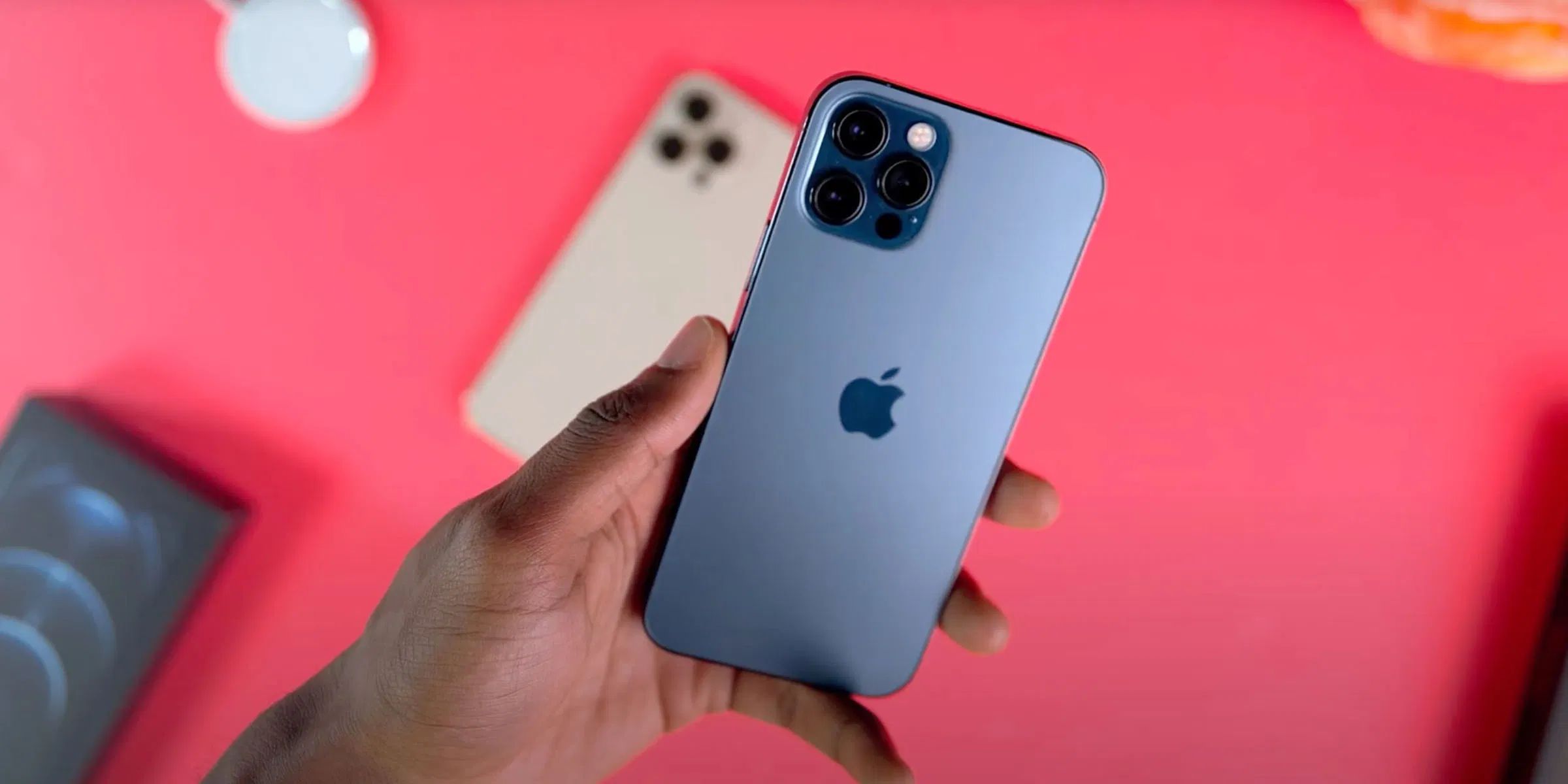
A new report from supply chain outlet The Elec today says that Samsung Display and LG Display have started production on the displays that will be used in the iPhone 13 and iPhone 13 Pro. The iPhone 13 Pro will reportedly use a new LTPO display technology with ProMotion 120Hz support.
The report explains that LG Display will make the OLED screens used in the iPhone 13 and iPhone 13 mini, while Samsung will produce the iPhone 13 Pro and iPhone 13 Pro Max panels:
Samsung is the sole supplier of low-temperature polycrystalline oxide (LTPO) thin-film transistor (TFT) OLED panels, which supports 120Hz refresh rate. Apple is planning to use LTOP TFT OLED for the two top tier models. LG Display will be supplying low-temperature polycrystalline silicon (LTPS) TFT OLED panel for the two lower tier models.
Including the iPhone 12 series and other legacy models, Samsung is expecting to supply up to 120 million to 130 million units of OLED panels to Apple this year. LG is hoping for up to 50 million units.
The report also notes that this is around one month earlier than production began on displays for the iPhone 12 series last year. As a reminder, the iPhone 12 series was delayed due to the COVID-19 pandemic, and Apple battled supply and demand issues for months. Apple is looking to avoid similar problems this year, though it continues to battle a worldwide chip shortage.
As we’ve explained in the past, Apple’s switch to LTPO, or low-temperature polycrystalline oxide, displays will allow the iPhone 13 to offer 120Hz refresh rates without as big of an impact on battery life. ProMotion has been a feature of the iPad Pro lineup since 2017, but not the iPhone because of its OLED technology.
What does a high refresh rate display mean in real-world use? As we’ve seen on the iPad, it will have big benefits for the smoothness of animations throughout iOS. It will also help improve the gaming experience because a 120Hz display updates twice as often as a 60Hz display, or about every 8 milliseconds.
Source: 9to5mac









