NEWS

Apple now Tells Users to Unpair Apple Watch Series 3 Before Updating

05/28/2021

1933

Apple now Tells Users to Unpair Apple Watch Series 3 Before Updating


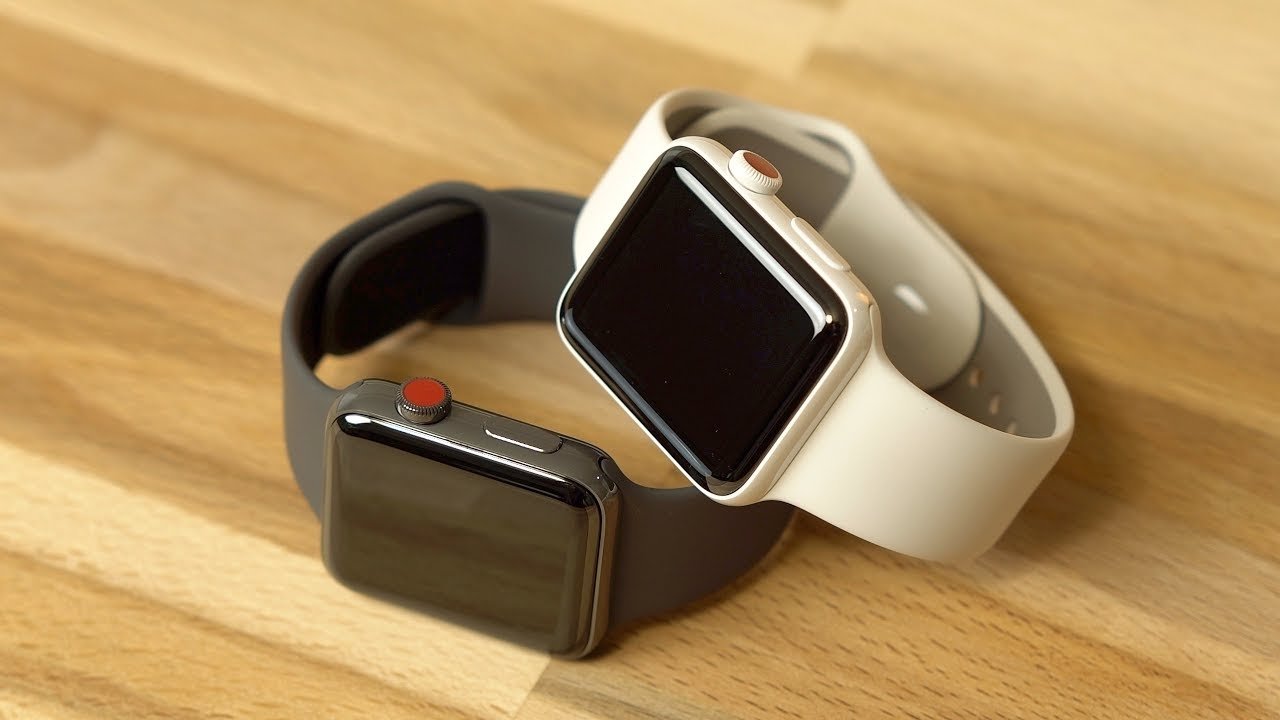
Apple is now prompting Apple Watch Series 3 users to unpair and restore their device before installing a watchOS update.


Apple Watch Series 3 owners have run into problems installing updates for some time. The issues mostly involve a lack of sufficient storage to perform an install on GPS-only Apple Watch models.


In past versions of iOS, Apple advised users to delete some content before installing, but in iOS 14.6, Apple appears to be showing a different prompt telling users to restore their smartwatches before the installation can proceed.


As noted by a 9to5Mac reader in a Portuguese-language tweet, Apple is now telling users that they need to unpair their Apple Watch models and then re-pair it to an iPhone before watchOS can update.


First released in 2017, the Apple Watch Series 3 is still being sold by Apple. It's also had a long run of watchOS update support. However, the new prompt could indicate that the relatively old model may not be supported by watchOS 8 or future updates. If that turns out to be the case, it could be discontinued.


Source: Appleinsider

Windows
Mac OS
iOS
Linux
3uTools
Win 64-bit For this device
V9.0 2025-11-11
Download
Win 32-bit For this device
V9.0 2025-11-11
Download
3uTools
Intel Chip How to Identify Chip Type
V9.0 2025-12-02
Download
Apple Chip
V9.0 2025-12-02
Download
How to Identify Chip Type
1.  Click the Apple icon in the top-left corner of the screen and select About This Mac.
2.  Check the Processor or Chip field to determine if it is "Intel" or "Apple".
Please use the 3uTools PC client to install the iOS client:
1、 Install either the Windows or Mac version of 3uTools on your computer
2、 Open the PC client and connect your device to the computer via USB cable
3、 After the connection is successful, wait for the computer to automatically install the mobile app for the device, or locate “Install Mobile App” on the computer and manually click to install.
3uTools
deb file
V3.01 2025-11-20
Download
rpm file
V3.01 2025-11-20
Download
Windows
Windows
iOS
iOS
Android
Android
TV
TV
3uAirPlayer
Win 64-bit For this device
V6.0.2 2025-11-19
Download
Win 32-bit For this device
V6.0.2 2025-11-19
Download
iOS Device Mirroring (No App Required)
1、 Install 3uAirPlayer on the Windows PC
2、 Open Control Center and select Screen Mirroring
3、 From the list, choose your PC to start mirroring
4、 Or connect your iOS device to the PC via USB to begin mirroring
Scan to get "3uAirPlayer" App
3uAirPlayer TV V1.0.18
2025-11-28
TV System Requirements: Android 7.0 or later
Download the TV installation package, copy it to a USB drive, insert it into your TV or set-top box, then select the file from the home screen to install.