 NEWS
NEWS
Apple Releases Two New Videos Showing Viewers How to Set up Apple Card Family
 05/26/2021
 2111
2111
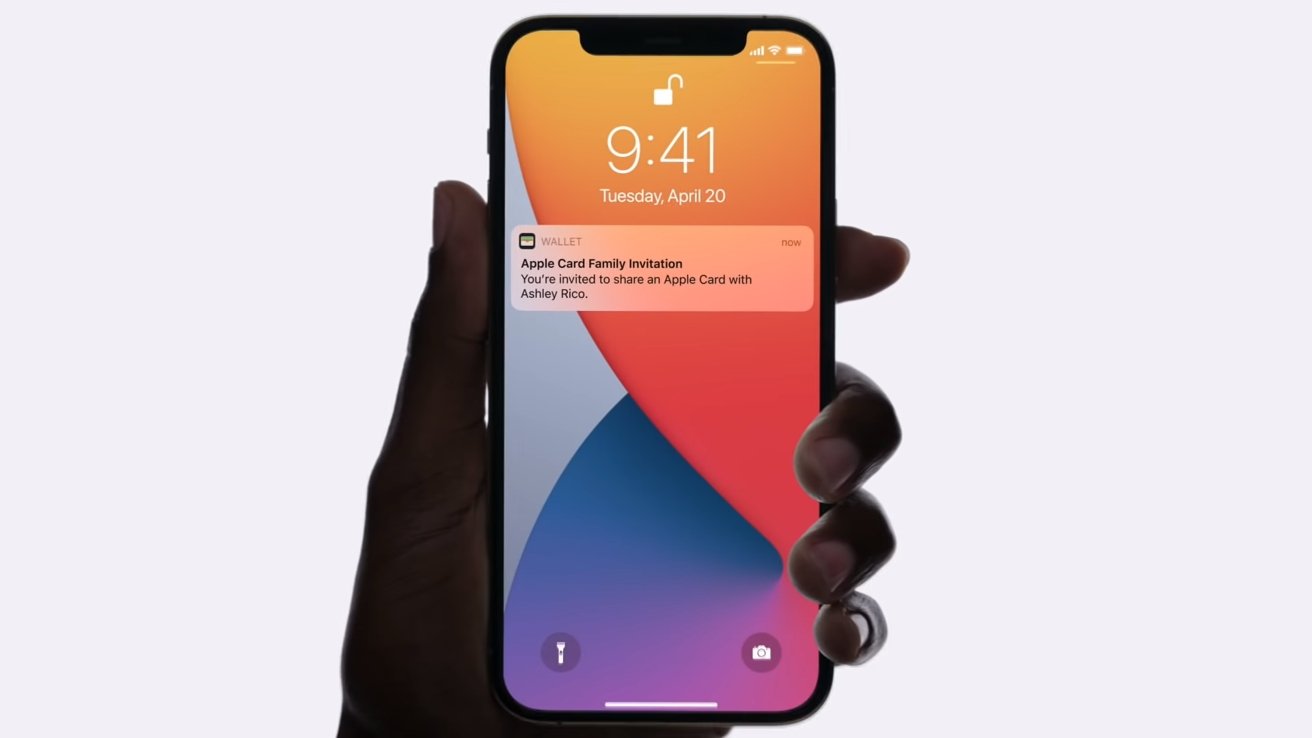
Two new videos uploaded to Apple's YouTube channel show Apple Card cardholders how to add co-owners and participants to their Apple Card Family group.
The first video, titled "Apple Card - How to add a Co-Owner" details the process of adding a co-owner to your Apple Card.
By adding a partner, spouse, or someone you trust, users can build credit equally. Apple points out in the video description that both owners are individually liable for all balances on the co-owned Apple Card, including any existing amounts before the accounts merged. Co-owners will also have full visibility into all activity on the account.
The second video, "Apple Card - How to add a participant," walks viewers through the process of sharing an Apple Card with Family Members who are 13-years-old or older.
Cardholders are able to add what Apple calls "participants," or a person who has limited access to the Apple Card via the Wallet App. Cardholders can set individual limits for each participant. Participants, unlike co-owners, are not responsible for payments.
In the fine print at the end of the ad, Apple points out that participants' credit may be affected negatively if the cardholder forgets or skips payments or uses the card too frequently.
While Apple has begun announcing the Apple Card Family features since April, the program will not officially launch until July 2021.
Both videos highlight new features announced at Apple's Spring Loaded event. Apple Card Family allows cardholders to share their Apple Card with spouses, partners, and children over the age of 13.
Source: Appleinsider









