 NEWS
NEWS
24-inch iMac With M1 Benchmarks up to 56% Faster Than Intel Model
 05/14/2021
 2506
2506
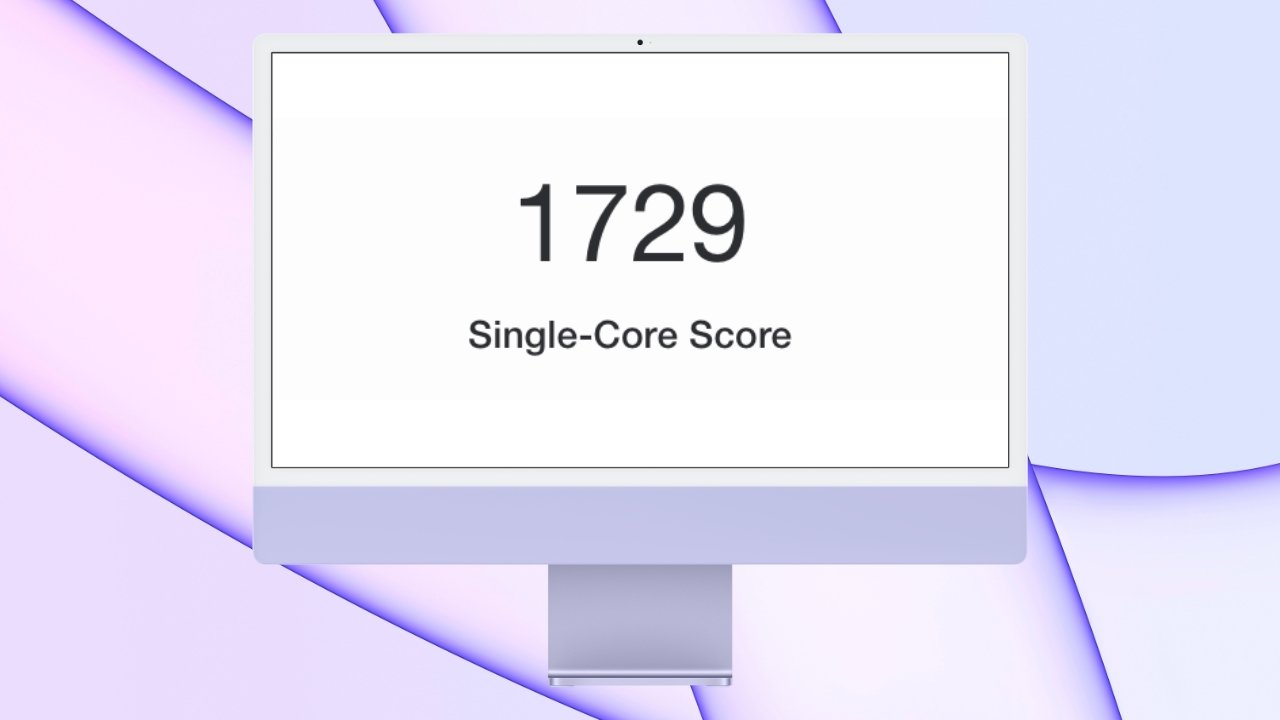
The M1 processor performs similarly no matter the machine, so benchmarks have shown that the new 24-inch iMac outperforms its Intel variants handily.
The 24-inch iMac debuted at Apple's "Spring Loaded" event in April and houses an M1 processor. The computer will ship to customers starting May 21, but Geekbench results have already surfaced.
First reported by MacRumors, the 24-inch iMac scores similarly to Apple's other M1-based Macs. Customers can expect a impactful performance gain upgrading from even the most powerful Intel-based iMacs.
Geekbench is a benchmarking tool that attempts to provide an overall score that indicates processor performance. Scores can be affected by the operating system used, background tasks, and the temperature of the computer tested.
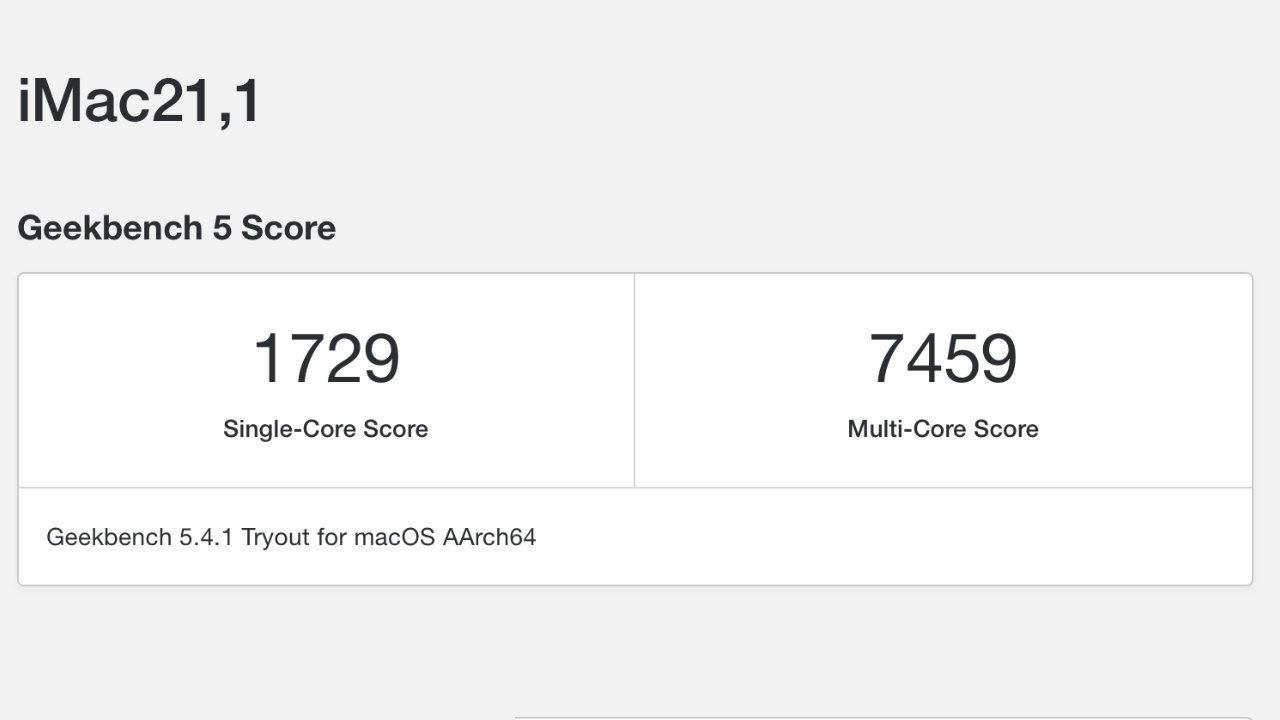
Benchmark scores for the 24-inch iMac provided by Geekbench
The 24-inch iMac scored 1729 on the single-core metric and 7459 on the multi-core metric. This appears to be the entry-level M1 processor with an 8-core CPU and 7-core GPU.
When compared to the 2019 21.5-inch iMac running Intel with an Intel Core i7 processor, the M1 runs 56% faster when compared to single-core performance. The M1 is 24% faster when compared to multi-core.
The 27-inch iMac with the 10th-generation Intel Core i7 won in multi-core with a 24% lead. However, the single-core performance of the M1 still won out with a 38% faster score.
These numbers are not an absolute reflection of how these machines will perform in everyday use. The M1 does show promise that upgrading from nearly any Intel-based Mac won't leave users wanting for more assuming that they have no workflows limited to Intel-only.
The 24-inch iMac is available in two configurations with seven color options, with upgrade options to up to 16GB of Ram and 2TB of storage on any model.
Source: Appleinsider









