 NEWS
NEWS
Stanford Will Hand Out 1,000 Apple Watches For New Health Program
 01/19/2017
 2839
2839
Stanford University has launched a new program, offering faculty members and instructors up to 1,000 Apple Watches and $10,000 in funding to investigate how Apple’s wearable device can be used in healthcare.
“This seed grant program is designed to stimulate and support creative uses of the Apple Watch to address important issues in healthcare,” the Center for Digital Health’s website notes. “We are particularly interested in high impact projects that will positively influence the selected study population and/or clinical workflow.”
Although it seems that the program isn’t available to everyone, if you’re interested in finding out more about the scope, eligibility, funding, selection process, and other requirements, you can check out the information here.
The submission deadline for proposals in February 26, while the project duration is set to last one year, commencing April.
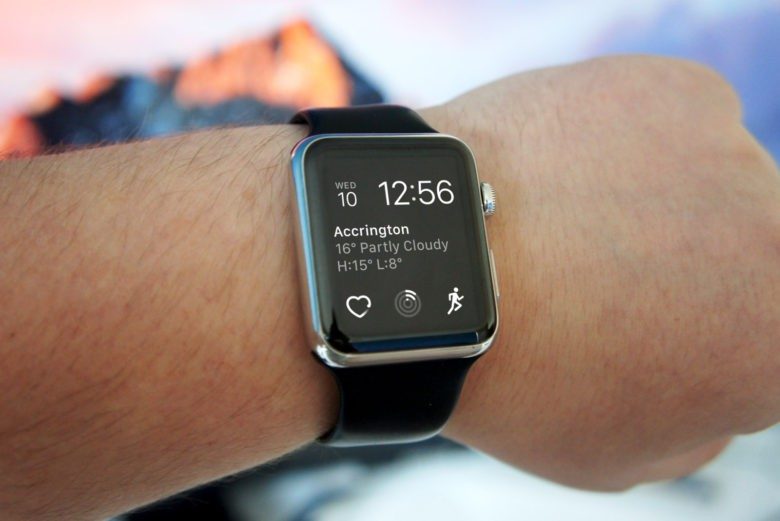
The news of Stanford’s seed program is certainly good news for Apple, which has been increasingly venturing into mobile health applications over the past couple of years. While the Apple Watch is currently mainly focused on fitness tracking, wellness is an area the company continues to explore.
Tim Cook made clear that health assessment is very much a goal for the Apple Watch. “The holy grail of the watch is being able to monitor more and more of what’s going on in your body. If you could have a device that knew so much about you, it would be incredible, and would extend life and extend quality.”
With watchOS apps already existing to predict things like seizures, hopefully Stanford’s study will help advance things even more.
Source: cultofmac









