 NEWS
NEWS
Angry MacBook Owners Get Class Action Status for Butterfly Keyboard Suit
 03/23/2021
 2373
2373
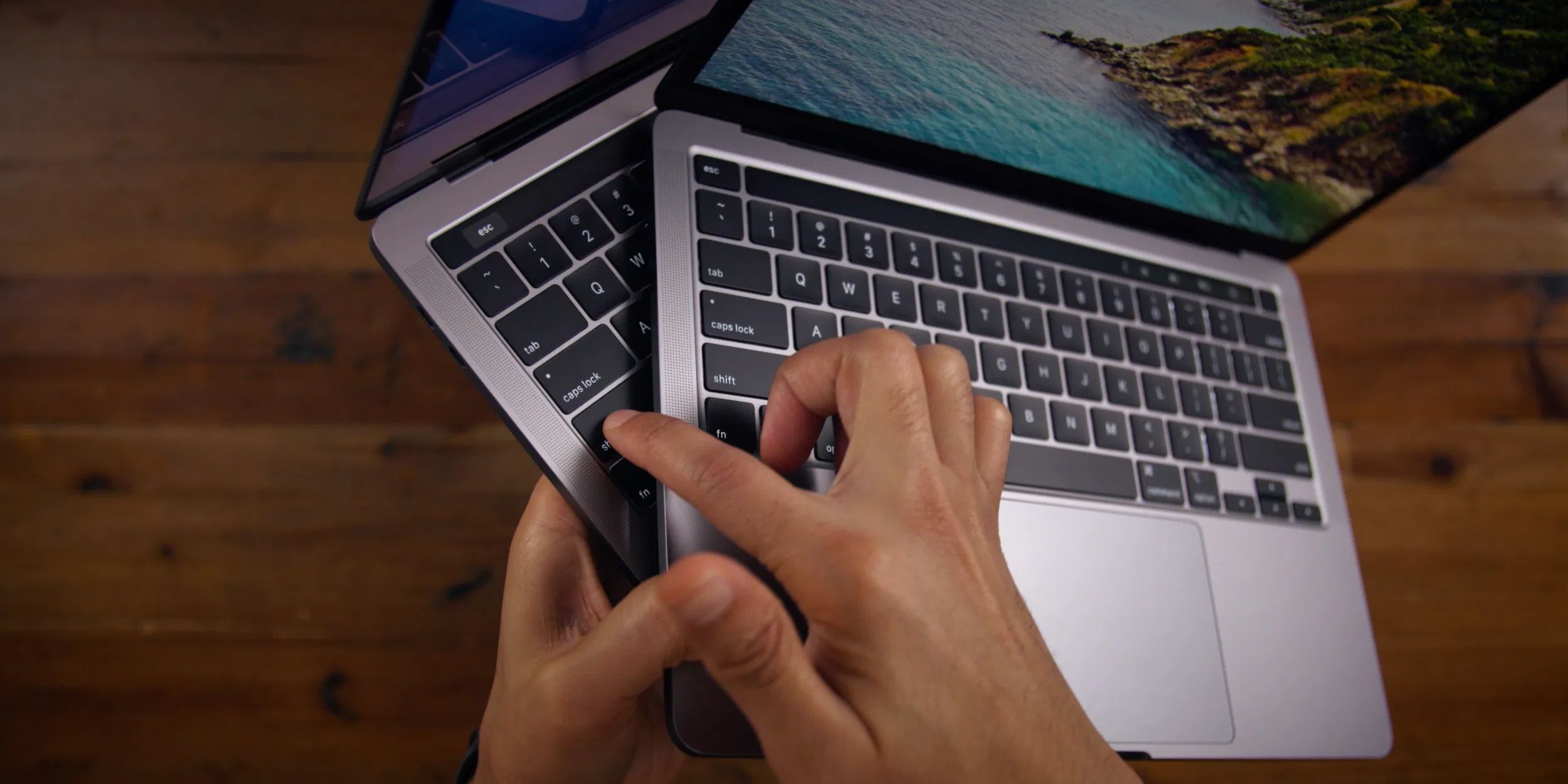
A judge has certified a class action suit against Apple for its fragile butterfly keyboard design. The suit covers anyone who purchased an Apple MacBook with a butterfly keyboard in seven states: California, New York, Florida, Illinois, New Jersey, Washington, and Michigan. That includes people who bought a MacBook model dating between 2015 and 2017, a MacBook Pro model between 2016 and 2019, or a MacBook Air between 2018 and 2019.
Judge Edward Davila certified the case with seven subclasses on March 8th in California, but the order remained sealed until late last week. It raises the stakes for a suit that was first filed in 2018, three years after Apple added the controversial butterfly switches to its laptops.
The butterfly keyboard was slimmer than Apple’s previous design, which used industry-standard scissor switches. But many disgruntled MacBook users found that Apple’s revamped keyboard failed when even tiny particles of dust accumulated around the switches.
That resulted in keys that felt “sticky,” failed to register keypresses, or registered multiple presses with a single hit. Apple tweaked its butterfly keyboard multiple times, but after continued complaints, it abandoned the switches in 2020.
The plaintiffs accuse Apple of violating several laws across the seven states mentioned above, including California’s Unfair Competition Law, the Florida Deceptive and Unfair Trade Practices Act, and the Michigan Consumer Protection Act. They aren’t asking for a nationwide certification at this time, but the law firm behind the suit has invited any US buyer of an affected MacBook to complete a survey.
Apple argued against class action certification, saying one consolidated suit shouldn’t cover multiple tweaks to the butterfly keyboard. But the plaintiffs successfully argued that all butterfly keyboards may have the same fundamental problems due to their shallow design and narrow gaps between keys. “None of the design differences that Apple points to changed the tight spaces between the keys, nor the low-travel aspect of the design,” the order reads. Apple will have to argue later that these basic features didn’t actually make the design unreliable — and that it didn’t spend years knowingly making defective keyboards.
Source: The Verge









