 NEWS
NEWS
Apple Watch, AirPods Continued to Dominate Wearables Market in Q4 2020
 03/16/2021
 1960
1960
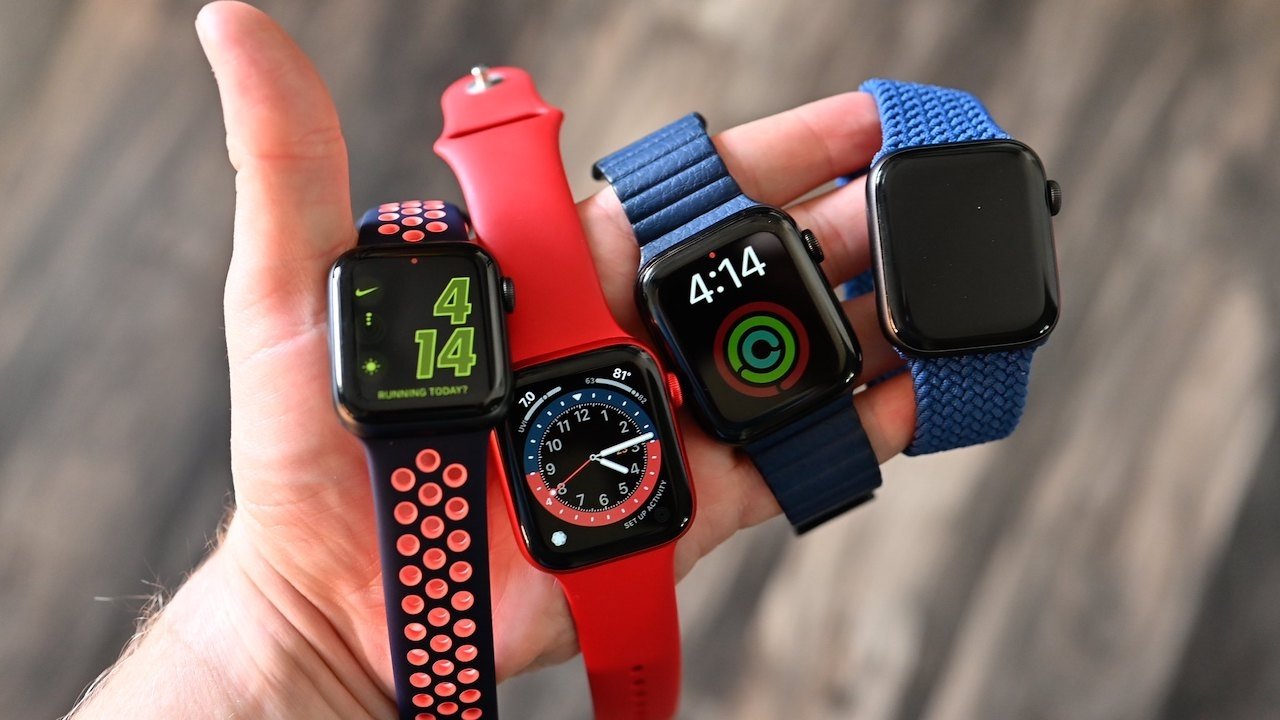
Apple continues to dominate the wearables industry, with both the AirPods and Apple Watch leading industry shipments.
According to new data from research firm IDC, the wearables sector continued to grow in the fourth quarter of 2020. The segment saw a 27.2% increase year-over-year as total shipments hit 153.5 million.
Apple devices accounted for 36% of total wearable industry shipments in that time period. IDC estimates that the Cupertino tech giant shipped 55.6 million wearable devices in Q4 2020, up from 43.7 million in Q4 2019.
The Apple Watch grew 45% year-over-year, the firm says. IDC attributes the strong performance to an expanded lineup that includes the Apple Watch Series 6, Apple Watch SE, and Apple Watch Series 3.
Shipment growth for the "hearables" category — which includes AirPods, AirPods Pro, and AirPods Max — slowed down in the fourth quarter compared to the previous two. Despite that, shipments were still up 22% from the fourth quarter of 2019.
Apple still commands a strong lead over its largest rivals in the wearables space, including Xiaomi and Samsung. Xiaomi has 8.8% of the wearables market, while Samsung clocked in with 8.5%. Both companies actually lost market share despite growing shipment numbers.
Although Apple no longer breaks out individual unit shipments or revenue in its earnings call, the company did report that its Wearables, Home, and Accessories segment grew to $12.97 billion in revenue in the December holiday quarter.
Stay on top of the latest Apple news right from your HomePod. Say, "Hey, Siri, play AppleInsider," and you'll get latest AppleInsider Podcast. Or ask your HomePod mini for "AppleInsider Daily" instead and you'll hear a quick update direct from our news team. And, if you're interested in Apple-centric home automation, say "Hey, Siri, play HomeKit Insider," and you'll be listening to our newest specialized podcast in moments.
Source: Appleinsider









