 NEWS
NEWS
iMac Pro No Longer Custom Configurable, Available 'While Supplies Last'
 03/08/2021
 2291
2291
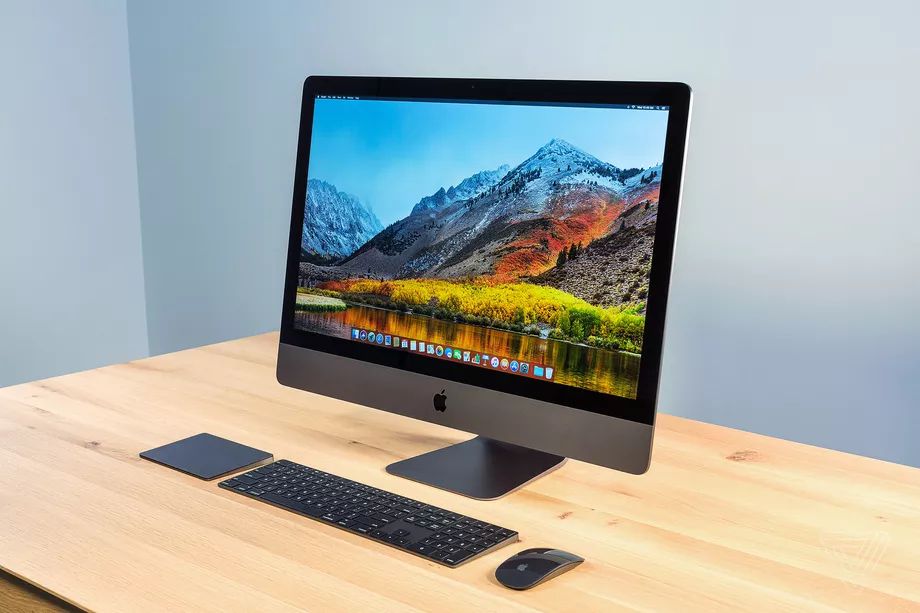
In a sign that the iMac Pro is on the way out, the only model currently available for purchase on the Apple Store website is the $4,999 base configuration, “while supplies last.” As first reported by 9to5Mac, all build-to-order configurations for the iMac Pro have been removed from Apple’s site (but may still be available at third-party retailers like Amazon). Apple tells The Verge once supplies of the base model run out, iMac Pro will no longer be available.
:format(webp):no_upscale()/cdn.vox-cdn.com/uploads/chorus_asset/file/22349982/buy_imac_pro.jpg "iMac Pro No Longer Custom Configurable, Available 'While Supplies Last'")
It’s not a huge surprise that Apple may be phasing out the iMac Pro; there have been well-sourced reports that the company will be introducing a redesigned iMac and doing a revamp of the Mac Pro sometime this year. Bloomberg reported in January that the overhaul would get rid of the “chin” beneath the screen, and have a flat-back design.
Apple hasn’t officially deemed the iMac Pro as discontinued, but it’s unusual for the company to use “while supplies last” in its product listings. In the meantime, the 27-inch iMac introduced in August is a solid option Apple says is popular among professional iMac users.
Apple launched the iMac Pro in 2017 with an eye toward gaming, VR, and high-end editing and graphics work. It was first unveiled at the Worldwide Developers Conference that year, with Apple touting it as “the most powerful Mac ever,” replacing the outdated Mac Pro line.
Source: The Verge









