 NEWS
NEWS
MacBook Pro Will Regain SD Card Reader And HDMI Port in 2021, Kuo Says
 02/24/2021
 2062
2062
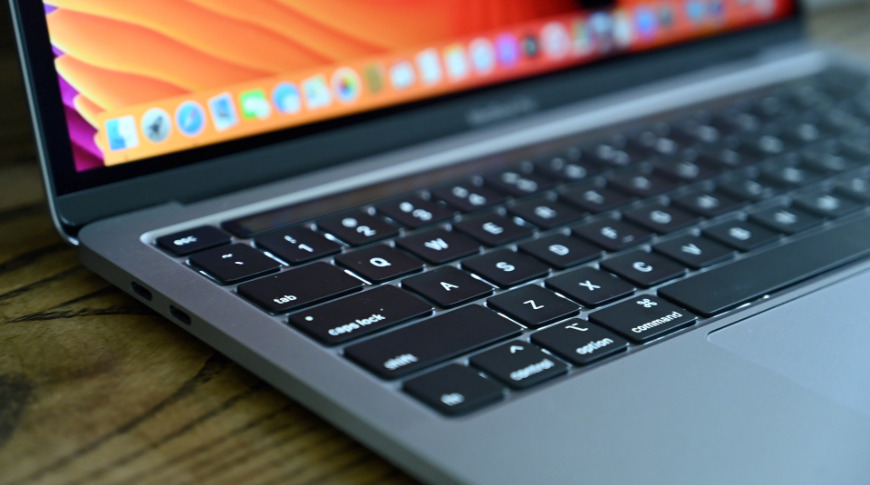
At least two MacBook Pro models rumored to debut in the second half of 2021 will come equipped with an SD card reader and HDMI port, according to TF Securities analyst Ming-Chi Kuo.
Adding detail to previous predictions, Kuo in a note to investors on Tuesday said the additions will arrive with a major design change that includes more options for external device connectivity. Apple over the past six years has pared down MacBook's I/O choices to USB-C and Thunderbolt 3. The shift to a more inclusive mobile platform will be a welcome one for those averse to dongles.
The MacBook Pro last included an SD card slot and HDMI port in 2015, with subsequent models eschewing those parts completely.
Genesys Logic appears to be the exclusive controller supplier for the upcoming SD card reader and could play a larger role in Apple's product line moving forward, Kuo says. The firm could be on tap to fill orders for an expected hardware upgrade to the USB 4.0 protocol.
In a report last month, Kuo said he expects Apple to launch 14- and 16-inch mini LED MacBook Pro variants that boast a "flat-edged" look more in line with the company's modern design language. The first of those angular devices was the 2018 iPad Pro, with last year's iPhone 12 series closely following suit.
Also resurrected from past MacBooks will be MagSafe charging technology, a version of which was introduced with the iPhone 12 series last year. The much-maligned OLED Touch Bar will get the boot in favor of physical function buttons, according to Kuo.
The analyst is predicting a launch in the third quarter.
As a result of the new design and specification changes, Kuo expects overall MacBook shipments to grow between 25% and 30% year-over-year to hit 20 million units in 2021.
Source: Appleinsider









