 NEWS
NEWS
Apple CEO Tim Cook Praises President Joe Biden's Work to Protect DACA
 02/01/2021
 2260
2260
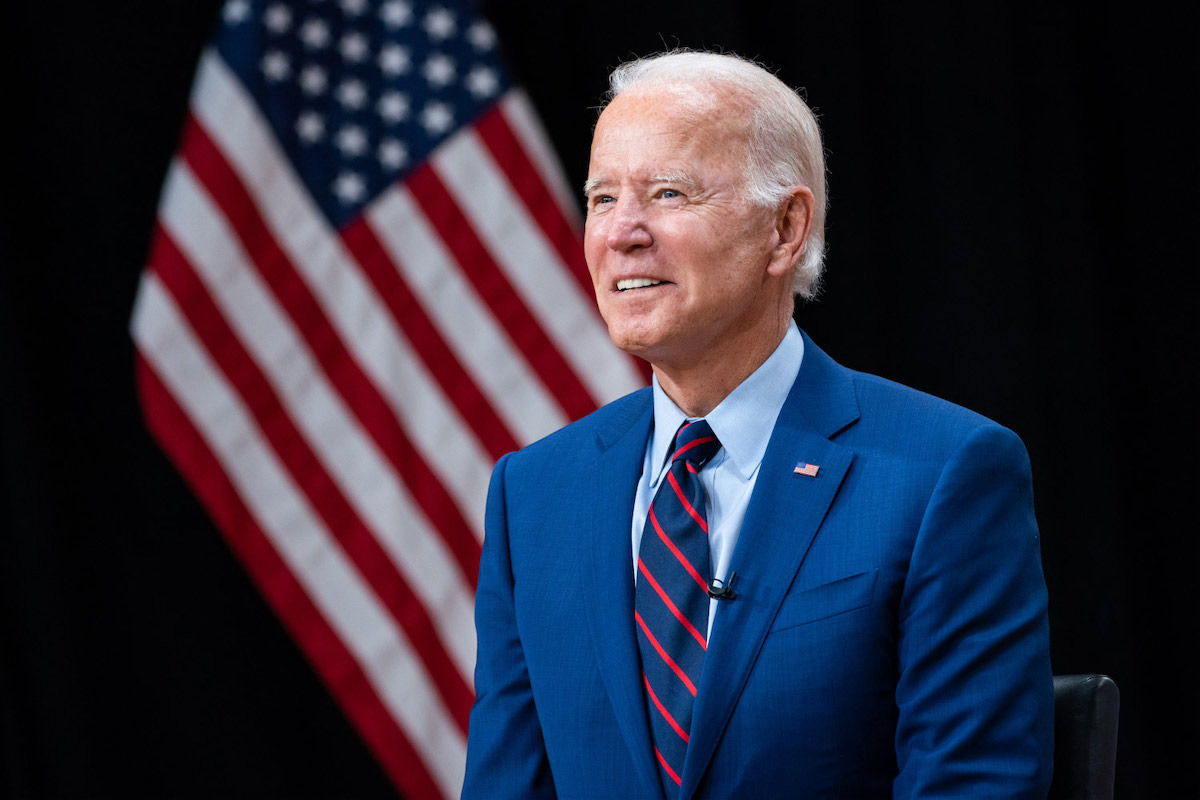
Apple CEO Tim Cook praised President Joe Biden for working to preserve the Deferred Action for Childhood Arrivals policy in a letter written on behalf of Business Roundtable.
In the letter, Cook praised President Biden for his executive action to preserve protections for DACA recipients and for making a permanent legal solution for DACA a priority within the first 100 days of his administration.
"For our companies, Dreamers are invaluable members of our team. These are young people who represent the best of our country - a place where individuals, in all our diversity, can come together to realize the American Dream and build a better future for the next generation. They know America as home and deserve the chance to pursue the same opportunities this country has long fostered," Cook wrote.
Cook serves on the board of directors for Business Roundtable, which is an organization that works to support "a thriving U.S. economy and expanded opportunity for all Americans through sound public policy."
The Apple chief executive publicly called on President Donald Trump to keep DACA protections in place throughout his administration. The president made moves to strip away those protections, but his attempts were largely stopped in federal courts.
Apple as a company has also lobbied for both workplace diversification and immigration policies, including pushes to protect DACA.
Earlier in January, Cook penned a statement championing Biden's "commitment to pursuing comprehensive immigration reform that reflects the American values of justice, fairness and dignity."
The full Business Roundtable letter written by Cook is available below.
Source: Appleinsider
Dear Mr. President,
Congratulations on your inauguration as President. On behalf of Business Roundtable, I want to commend you and share our appreciation for your executive action preserving protections for Deferred Action for Childhood Arrivals (DACA) recipients. We also want to thank you for making a permanent legal solution for DACA a priority in your First 100 Days, an effort we deeply support.
There are so many pressing issues facing us today - from a raging pandemic to racial inequity and economic challenge. But in times of crisis, it is particularly important that we hold firm to our values. As we work to unify our country and navigate the many challenges ahead, providing permanent legal status for Dreamers is a crucial part of much-needed comprehensive immigration reform and will help us live up to our nation's highest ideals.
For our companies, Dreamers are invaluable members of our team. These are young people who represent the best of our country - a place where individuals, in all our diversity, can come together to realize the American Dream and build a better future for the next generation. They know America as home and deserve the chance to pursue the same opportunities this country has long fostered.
Thank you for your leadership, your service to our country, and your commitment to advocating for our nation's Dreamers. We look forward to working with you on this and many other issues as we work toward a more innovative, equitable and prosperous country.
Sincerely,
Tim Cook
CEO, Apple
Chair, Immigration Committee
Business Roundtable









