 NEWS
NEWS
Apple Will Use 'U1' in 'AirPods Studio' to Sense How Headphones Are Worn
 09/21/2020
 2524
2524
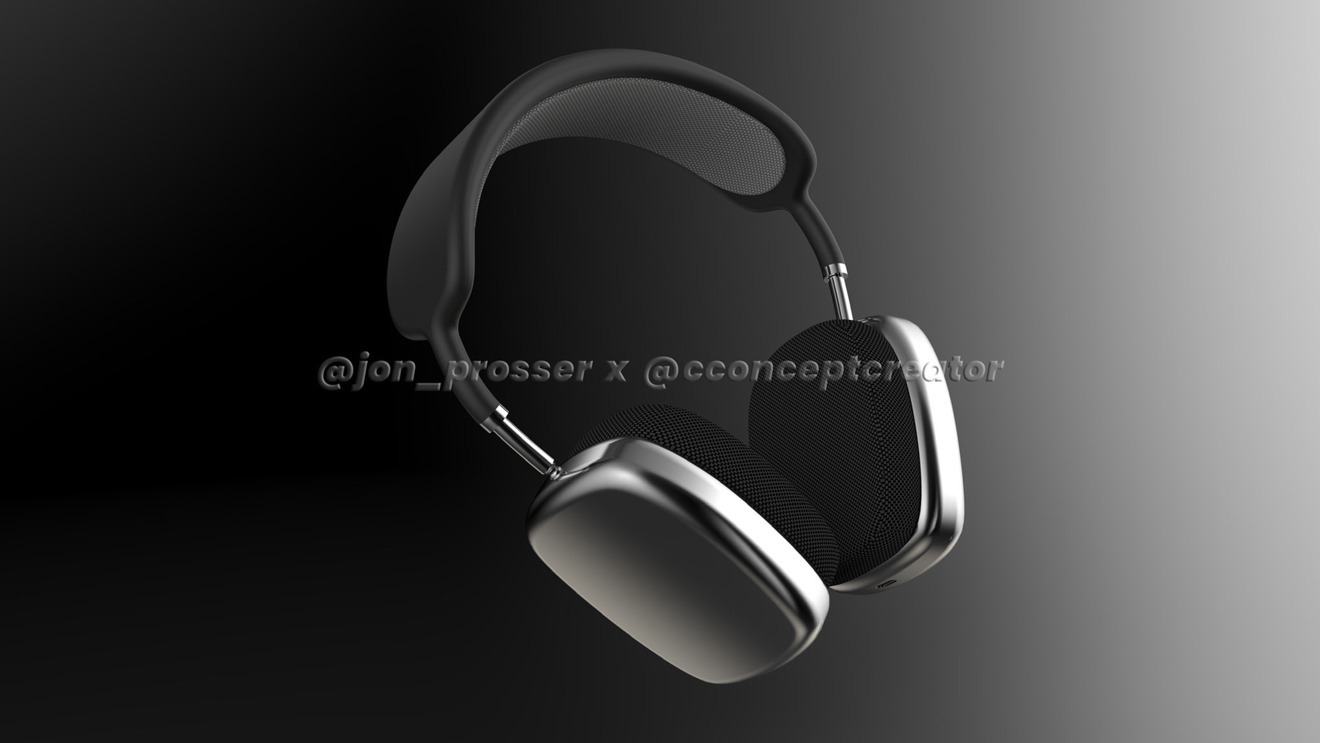
The "AirPods Studio" will contain the U1 chip, according to a prominent leaker, with the wireless chip capable of giving the rumored personal audio device extra features, such as determining how the headphones are being worn.
In tweets early on Sunday, "L0vetodream" made a series of posts about the "AirPods Studio," Apple's long-rumored premium headphones. The tweets centered primarily around the use of the U1 chip, which is used by Apple for Ultra Wideband communications for spatially-aware functionality, such as improved device detection for AirDrop in the iPhone 11.
In the first of the series of tweets, the account simply posted "u1 for studio," which plainly indicates the headphones will use the chip and Ultra Wideband technology. A second tweet in Chinese translates to "The Internet of Everything starts with u1," referencing the wider form of the so-called "Internet of Things" where devices openly communicate with each other.
A lengthy third tweet, also in Chinese, claims the account made a prediction month os ago about the U1 chip becoming an important part of Apple's overall ecosystem, intended for use in determining distance and direction. For the "AirPods Studio," it is claimed the use of U1 will allow the headphones to "automatically recognize the left and right positioning of the headset."
Determining how headphones are being worn can open up a number of areas relating to design and usability. Knowing if the headband is at the top of the head or another position will allow for the headphones to take into account the rotation when providing gesture-based touch controls on the earcups.
The automatic recognition of which way the headphones are worn will also mean there won't be any need for a user to determine which earcup is for which ear. Knowing what ear is being used with which earcup can allow the headphones to switch the audio channels around, so the left channel always goes to the left ear, and the right stereo channel to the right ear.
"L0vetodream" is a relatively reliable leaker, with a good track record on product launches and features, which points to the details probably being correct. However, there are no guarantees about products or services until Apple actually launches them to the public for the first time.
The "AirPods Studio" are expected to be a departure from the existing AirPods and AirPods Pro lines, but ones that include many of the features its stablemates already offer, including Active Noise Cancellation. On September 16, renders of the headphones based on a video leak were revealed, indicating the use of square-ish earcups and a wide headband.
Speculation has the "AirPods Studio" priced at around $350.
Source: Appleinsider









