 NEWS
NEWS
Apple is Reportedly Working on AR Content for TV+ Shows
 08/27/2020
 2544
2544
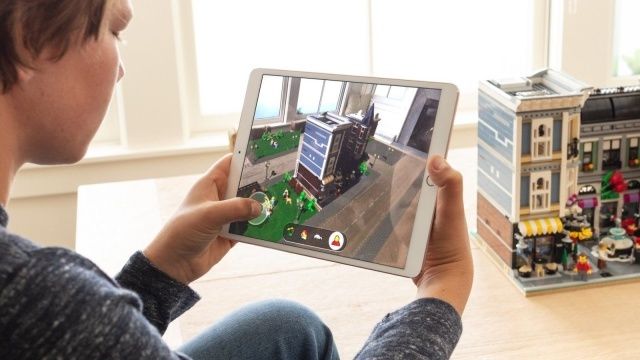
Apple plans to introduce bonus augmented reality (AR) content to its Apple TV+ streaming service next year, according to Bloomberg’s Mark Gurman. Characters or objects from TV shows could be integrated into your environment via a phone or tablet, Pokémon style, as Blu-ray-like bonus content. Apple’s reported aim is to not only add value to its TV+ service, but boost interest in AR tech before its long-rumored headset launches, supposedly in 2022.
As an example of the tech cited by Bloomberg, you might see a virtual lunar rover appear on your living room table during a scene from Apple’s moon exploration show For All Mankind. The feature was supposed to have arrived later this year, but could have been put off due to the COVID-19 pandemic that impacted software and content production.
Apple is trying to boost the popularity of TV+ by bundling content like a rumored fitness app, or marrying other services like Apple Music, Arcade and News+ in a subscription called Apple One. AR could be another added bonus — while a bit gimmicky, it would be a nice feature for educational programs.
At the same time, Apple is reportedly planning to launch an AR headset in 2022 designed for gaming, entertainment and Zoom-type meetings. The TV+ AR feature could give developers something to do in the meantime, while giving the public a preview of what’s to come. Take all this with some salt, of course — though Gurman is a reliable Apple source, the company’s AR plans could always stall or fall through altogether.
Source: Engadget









