 NEWS
NEWS
How Apple Taught Apple Watch to Dance in WatchOS 7
 07/13/2020
 2781
2781
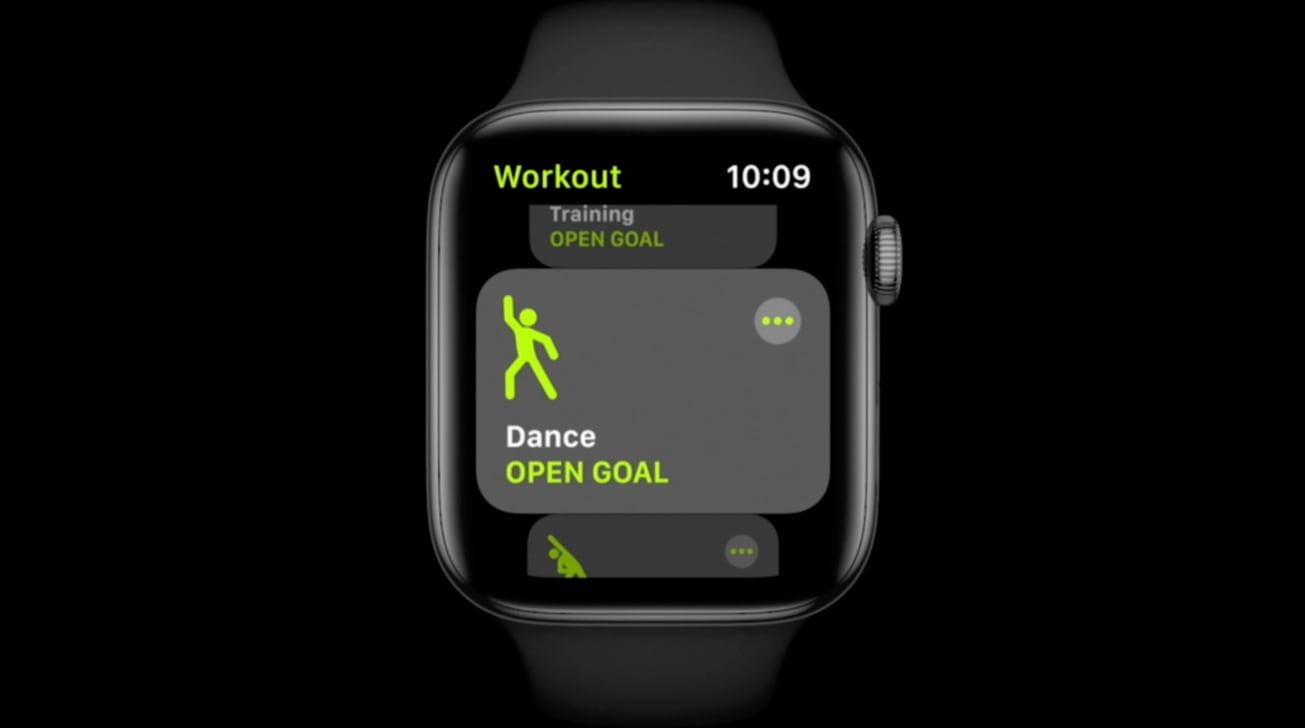
The new workout type "Dance" in watchOS 7 needed new algorithms to provide accurate calorie counts, an interview with Apple Fitness Technologies' Julz Arney reveals, a challenging task that required developing ways to monitor the entire body from the wrist.
The launch of watchOS 7 included the addition of four new workout types the Apple Watch will detect and record. The new areas of Core Training, Functional Strength Training, and Cooldown were joined by an unexpected fourth element, Dance.
In an interview with the Hindustan Times, Arney said the Workout app on the Apple Watch is "one of the most-used apps" of the wearable device. "Each of the 20 top-level workout types uses a smartly-tuned algorithm that understands the workout you are doing to give you the most accurate metrics for each one," Arney continued.
While workouts generally have a repetitious rhythm that can be easily monitored and used for estimations of effort within an activity, dancing is harder for a wearable device to read. For dance, it is entirely possible for the wrist wearing an Apple Watch to go through relatively few movements while other limbs perform more vigorous activity, as well as potentially going through a large number of seemingly unconnected movements that are barely repeated in a sequence of moves.
"Creating an algorithm to give accurate calorie credit for dance was a real challenge for a few reasons,"explained Arney. "Movements in dance aren't always repetitive or predictable like they are in walking and running, so what the sensors can detect strictly from the wrist is not necessarily the whole story."
To collect data on the body's other movements during dancing that could be compared to wrist-based data, Apple placed mobile metabolic devices on a dancer's back to monitor their metabolism during a performance. Along with an Apple Watch and a heart rate monitor, an iPhone was attached to a dancer's hip to better understand the relationship of movements between the hip and the wrist.
To create the algorithmic model, Apple uses an "advanced sensor fusion" combining accelerometer and gyroscope data to detect differences between upper body-centric dancing, lower-body dancing, or when a user uses their entire body. The heart rate is used as a confirmation for the detection.
With this technique, it is capable of monitoring dance styles including Bollywood, Latin, hip-hop and cardio dancing. Even so, Apple is still intending the feature to be used for dancing in a workout setting and not lower-impact social dancing, so only those using dance as a way to keep fit are likely to benefit from the new detection system.
Source: Appleinsider









