 NEWS
NEWS
Apple’s Radical MacBook Pro Will Supercharge Windows 10
 07/06/2020
 2388
2388
Every press launch has an element of hyperbole, and you can generally play buzzword bingo at most of the major events. Sometimes though a turn of phrase sounds a little bit out of place; the recent classic being Apple’s Phil Schiller portrayal of removing the 3.5mm headphone jack from the iPhone as something that required "courage”.
The full quote is actually “The reason to move on: courage. The courage to move on and do something new that betters all of us,” with Schiller looking to frame Appe’s decision as something that changes the world.
Apple removed the floppy disk drive, and the rest of the industry followed. Apple removed the number pad from the phone, and the rest of the industry followed. And yes, Apple removed the headphone jack, and everyone followed. Is Apple going to follow the formula again and compel the desktop and laptop computing industry to break with Intel and move towards ARM architecture?
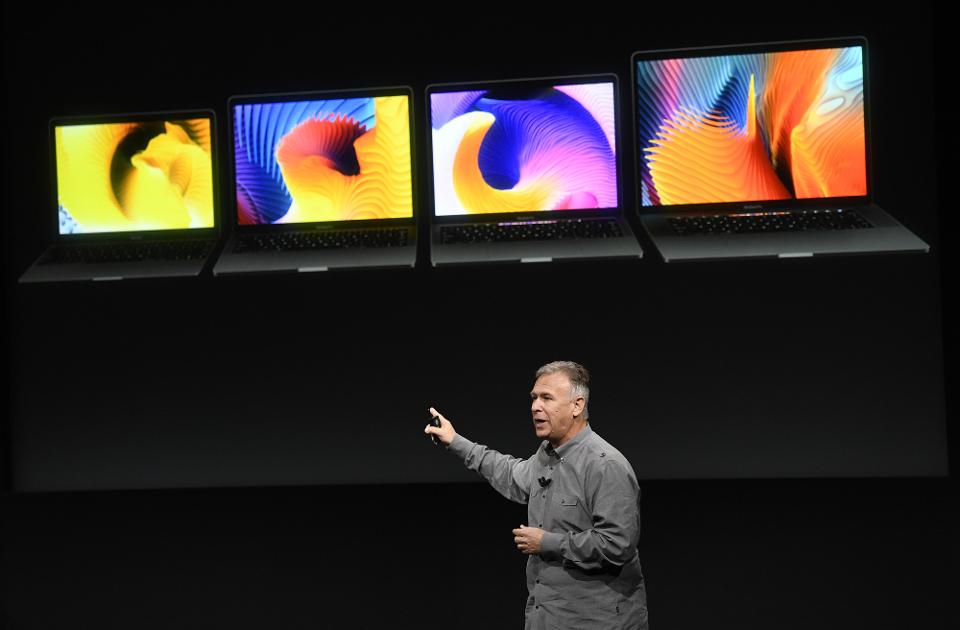
MacOS 11 ‘Big Sur’ drops support for a number of older Mac machines, but you will still be able to update and run Big Sur on the veterans such as an early 2015 Macbook, a mid 2014 iMac, and a late 2013 MacBook Pro. Appleis to be commended for offering a seventh year of OS support to the MacBook Pro, but that’s surely the last version this laptop will get. I’d expect Apple’s support of the older Intel machines to shorten over the next few years.
Apple’s ARM chips promise better battery life, improved connectivity, and an increase in power. If Cook is saying ‘two years’ then it’s a pretty safe bet that the new Mac machines put on sale in 2022 will all be ARM-powered and have equal or better performance than the machines on sale today.
You know who else would like a laptop with better battery life, improved connectivity, and equal or better performance to today’s models? Every other computer manufacturer.
Herein lies the question. If the ARM architecture offers manufacturers a better feature set, if ARM can match the performance of the equivalent Intel chips, and if Apple’s laptops and desktops are pulling ahead because of its use of ARM technology, will rival manufacturers decide to pivot away from Intel - perhaps not for every single computer, but to stay in the game there will be far more ARM computers out there.
Apple’s leadership role will be validated. Diminishing Intel’s ability to define the future of computing, putting clear water between MacOS and Windows 10, and watching the competition try to catch up on a position it has already solidified?
Source: Forbes









