 NEWS
NEWS
Apple Launches an Online Portal For Apple Card Account Holders
 07/03/2020
 2418
2418
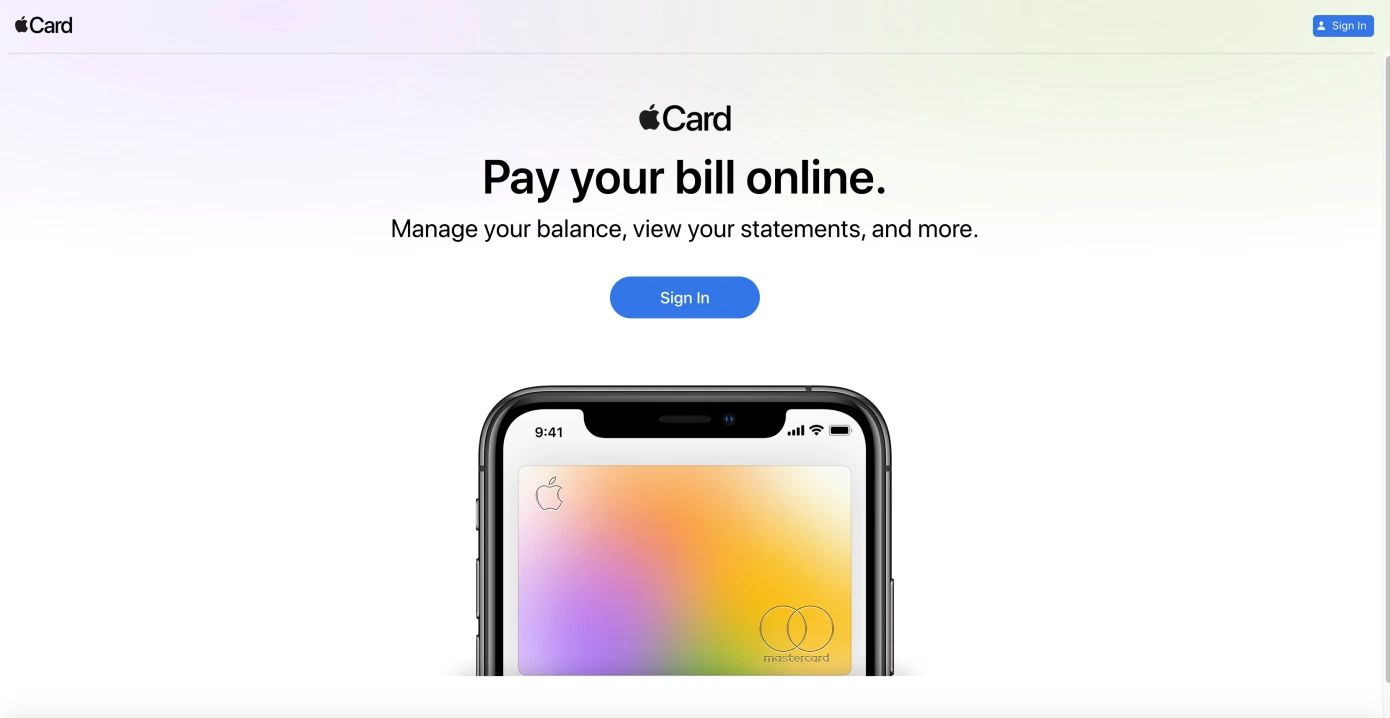
Apple today has launched an online portal for its Apple Card credit card, allowing account holders to manage their balances, view statements, schedule payments and more. The portal, card.apple.com, will be particularly useful in case you lose or misplace your iPhone and need to manage your card or pay your bill. In the past, you would have had to contact Goldman Sachs directly to do so.
The new site also offers an easy way to pay your balance when you’re at your desktop or laptop working on your monthly budgeting and bills, instead of having to go get your iPhone.
To use the site, cardholders will log in via their Apple ID. You can then view your card balance, available credit, next payment due date and amount on the homescreen. The main page also offers quick access to set up scheduled payments — a feature some cardholders may have not realized existed, as it was buried under the three-dot “more” menu when viewing their Apple Card in the Wallet app.
From the left-side navigation, you can browse your past statements or download them as PDFs.
And from the other settings, you can link or remove connected bank accounts, contact support, read the card terms and more.
What’s missing, however, is a way to remotely lock the card or request a replacement, in the event the card has been lost or stolen. Those features are still only available with the Wallet app, which is also where you can mange your Express Transit settings and your push notifications.
Apple says the full Apple Card experience is designed for iPhone, while the website is meant for making and scheduling payments, and other common tasks.
The lack of a website for card management had been one of the few quirks about Apple’s modern credit card. Though it’s convenient to have a built-in way to manage the card and pay the bill right from your iPhone, credit card holders still expect to be able to access their cards through the web, as well.
The launch of the online portal quickly follows Apple’s debut of Path to Apple Card, a four-month credit worthiness improvement program focused on getting more consumers qualified.
Source: TechCrunch









