 NEWS
NEWS
Apple Touts ‘Broadcast Quality’ of iPhone Cameras as Hollywood Adapts to At-home Production
 05/12/2020
 2417
2417
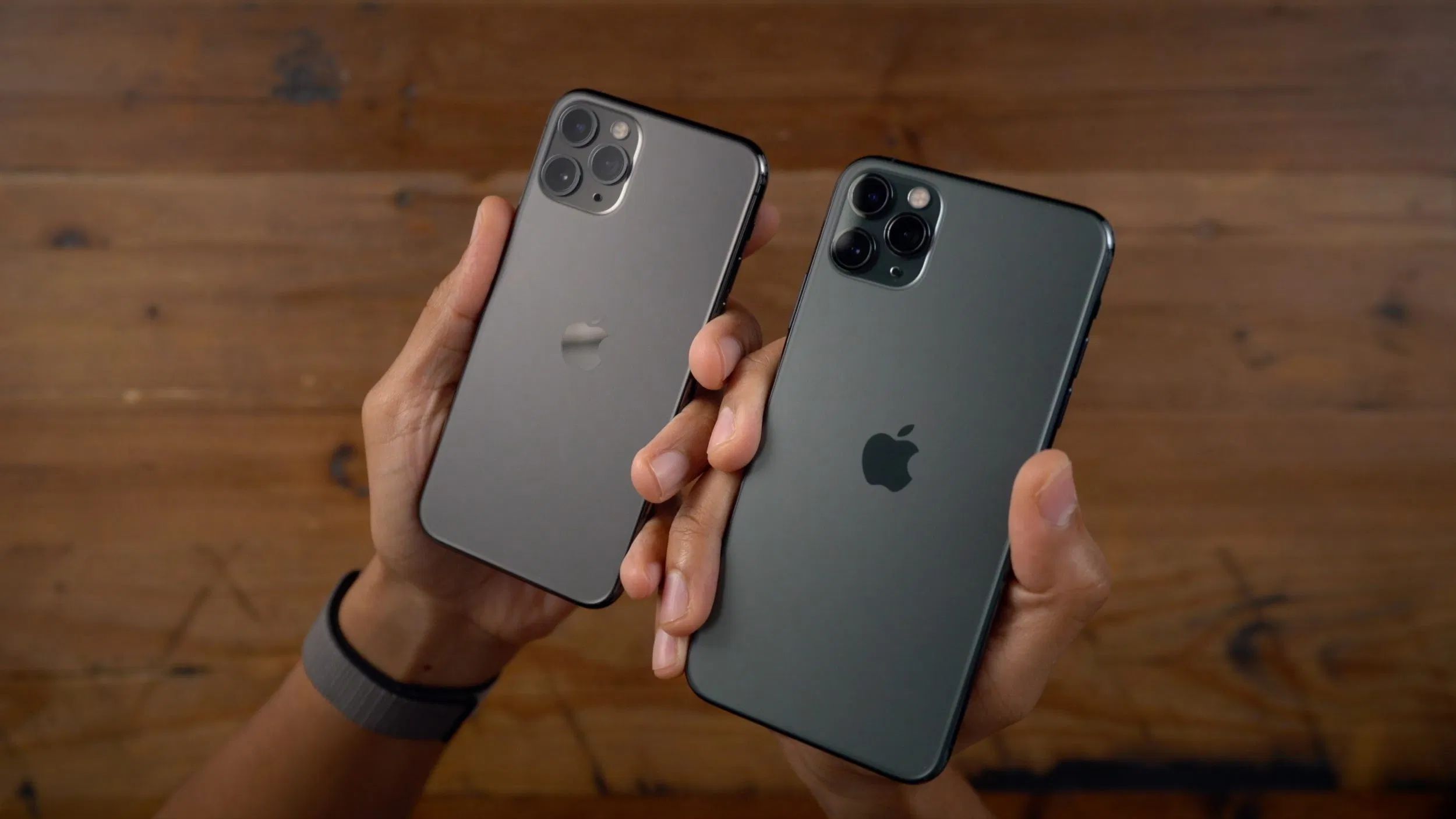
Last month, ABC announced that it was teaming up with Apple for help producing American Idol from home amid COVID-19. In a new statement today, Apple touts the flexibility and “broadcast quality” video offered by the iPhone for these situations.
TechCrunch has more details on the rig ABC has provided to American Idol contestants and hosts, which includes three iPhone 11 Pros, a tripod, and a ring light:
The ABC show’s producers are sending home studio rigs to each of the contestants and judges to shoot the final few episodes of the season. It’s a three-camera setup, including three iPhone 11 Pros, a tripod and a ring light. The production team is helping out with camera setup and editing at a safe distance, from home.
Of course, this is a much more complex system than most people need, but it’s interesting to see the broadcast production approach applied to the iPhone ecosystem. In a statement today, Apple touted the many use cases for the iPhone right now:
We know that people are relying on their favorite shows while staying at home, and we are happy to be a part of that process with the team at American Idol. iPhone offers a unique solution to deliver broadcast quality video, in the palm of your hand, while keeping production staff and on-air talent safe and in their homes.
So far, we’ve seen a variety of TV shows and other broadcasts take advantage of Apple equipment for at-home production. For instance, Peloton teamed up with Apple for its “Live from Home” fitness classes, while CBS is using FaceTime to produce an entire episode of its drama “All Rise.” Apple’s online-only WWDC kicks off next month, and we can expect iPhone cameras to play a big role there as well.
Source: 9to5mac









