 NEWS
NEWS
New Technology Might Make the Front-facing iPhone Camera Invisible
 09/29/2018
 3638
3638
iPhone camera lens supplier Largan Precision is developing a special black coating for front-facing smartphone camera lenses, according to Jeff Pu, an analyst at Chinese investment firm GF Securities.
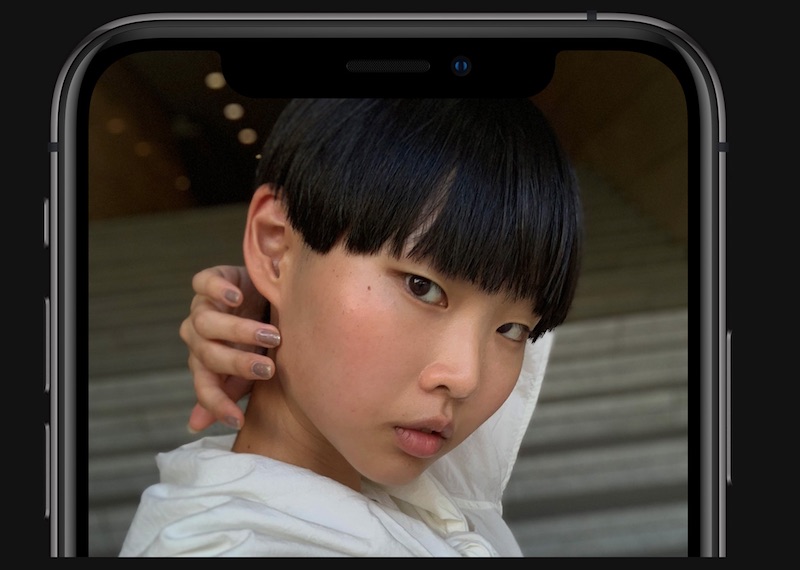
Pu's research note, shared by Taiwanese publications Economic Daily News and MoneyDJ, claims that one or two smartphone makers could adopt the technology as early as 2020. Given that Largan already has a relationship with Apple, it is speculated that the special coating could be applied to future iPhones.
A translated version of the Economic Daily News report says the special coating would allow the front camera lens to "completely disappear." A translation of the MoneyDJ report says the coating will be "pure black," eliminating the "small spots" like those visible in the notch on the iPhone X and newer.
The front camera lens already blends into the notch pretty well on iPhones, but it is visible from certain angles and lighting conditions. The special coating would presumably make the lens completely invisible to the eye.
Apple design chief Jony Ive has long dreamed of an iPhone that resembles a single sheet of glass, and hiding the front camera lens would be yet another step towards that goal, even if it sounds like an insignificant change. This is the first time we've heard this rumor, however, so treat it with some skepticism.
Source: macrumors









