NEWS

Tim Cook Tapped for California Governor’s Business Recovery Task Force During Pandemic

04/20/2020

2204

Tim Cook Tapped for California Governor’s Business Recovery Task Force During Pandemic


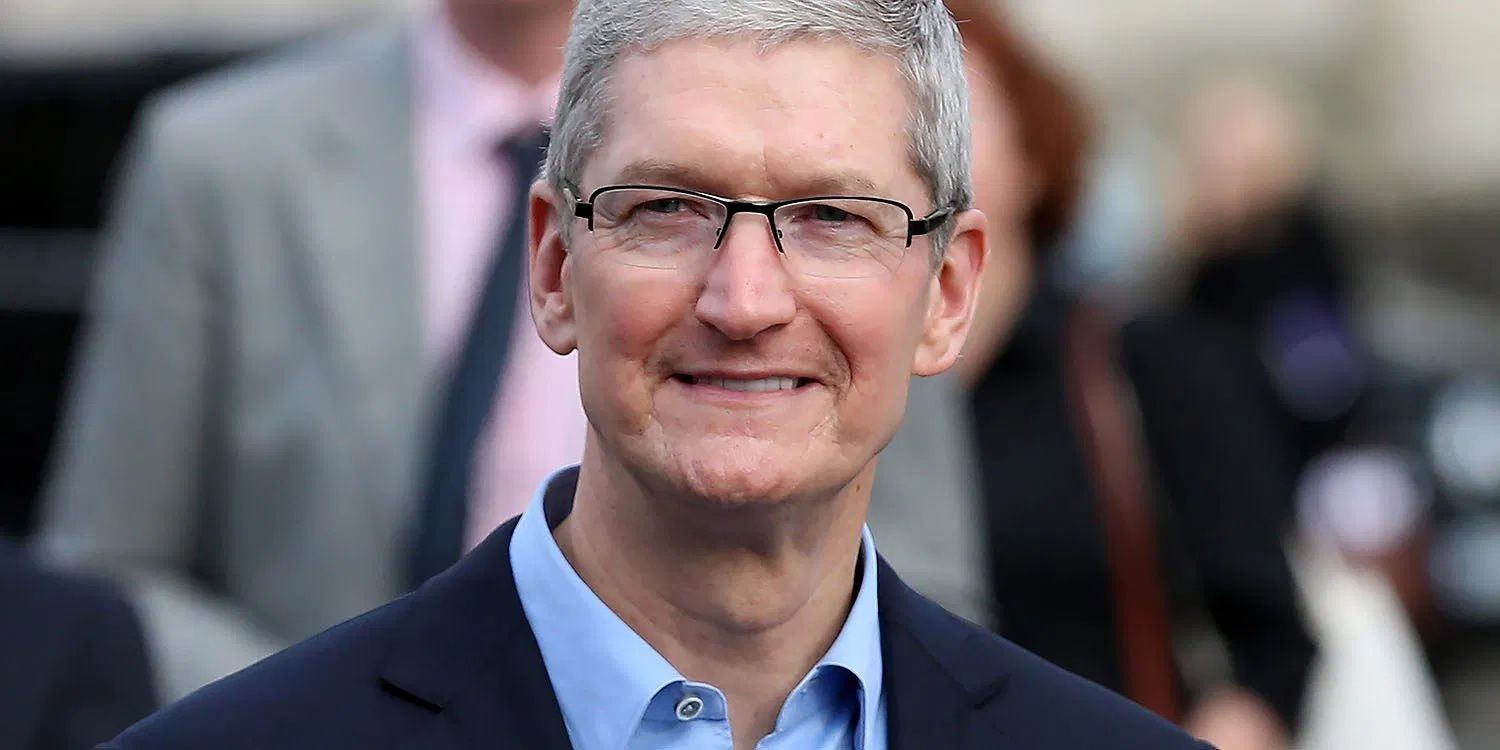
Apple has been contributing to coronavirus relief efforts in some big ways like donating over 20M masks, producing face shields, donating money, allowing Apple Card customers to skip payments, and more. Now Apple CEO Tim Cook is going to be helping in another way with California’s business recovery task force that will meet regularly throughout 2020.


The task force was announced today by California’s governor Newsom who has selected 70 members to contribute. Along with Tim Cook, former Disney CEO Bog Iger is part of the task force along with former Chair of the Federal Reserve Janet Yellen, and former Democratic Presidental candidate Tom Steyer will co-chair the group (via CNBC).


As the name suggests, the mission of the group which will meet twice a month during 2020 will be to help California businesses recover as quickly as possible from the impact of the pandemic. CNBC shared some state stats: California’s economy is the fifth largest in the world and Newsom has acknowledged the stunning economic toll of the coronavirus.


A record 2.7 million Californians have filed for unemployment benefits in the last month, according to the governor.


The Newsom administration projects the unemployment rate could top records set during the 2009 Great Recession when close to 13% of Californian’s were unemployed.


Just yesterday, Tim Cook and Apple’s other VPs held a company-wide virtual meeting to ease COVID-19 concerns.


Source: 9to5mac

Windows
Mac OS
iOS
Linux
3uTools
Win 64-bit For this device
V9.0 2025-11-11
Download
Win 32-bit For this device
V9.0 2025-11-11
Download
3uTools
Intel Chip How to Identify Chip Type
V9.0 2025-12-02
Download
Apple Chip
V9.0 2025-12-02
Download
How to Identify Chip Type
1.  Click the Apple icon in the top-left corner of the screen and select About This Mac.
2.  Check the Processor or Chip field to determine if it is "Intel" or "Apple".
Please use the 3uTools PC client to install the iOS client:
1、 Install either the Windows or Mac version of 3uTools on your computer
2、 Open the PC client and connect your device to the computer via USB cable
3、 After the connection is successful, wait for the computer to automatically install the mobile app for the device, or locate “Install Mobile App” on the computer and manually click to install.
3uTools
deb file
V3.01 2025-11-20
Download
rpm file
V3.01 2025-11-20
Download
Windows
Windows
iOS
iOS
Android
Android
TV
TV
3uAirPlayer
Win 64-bit For this device
V6.0.2 2025-11-19
Download
Win 32-bit For this device
V6.0.2 2025-11-19
Download
iOS Device Mirroring (No App Required)
1、 Install 3uAirPlayer on the Windows PC
2、 Open Control Center and select Screen Mirroring
3、 From the list, choose your PC to start mirroring
4、 Or connect your iOS device to the PC via USB to begin mirroring
Scan to get "3uAirPlayer" App
3uAirPlayer TV V1.0.18
2025-11-28
TV System Requirements: Android 7.0 or later
Download the TV installation package, copy it to a USB drive, insert it into your TV or set-top box, then select the file from the home screen to install.