 NEWS
NEWS
Apple CEO Tim Cook: 'I Will Fight Until My Toes Point Up' for DACA
 11/25/2019
 2953
2953
Apple CEO Tim Cook earlier this week sat down for an interview with ABC News after his visit to Texas with President Donald Trump, and today, ABC News has shared additional details from that interview.
Cook said that his focus is on policy over politics, and that he's focused on the Deferred Action for Childhood Arrivals (DACA) program, which both Cook and Apple have been advocating for. 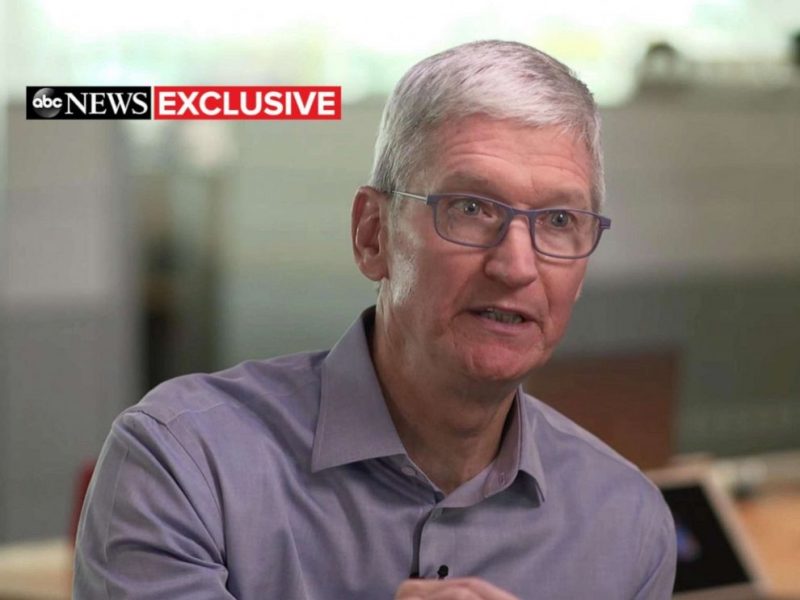
"No matter who is in the White House, the things I'm focused on are going to be the same. I am focused on DACA. We have 450 folks in Apple, employed at Apple, who are employed on DACA. I want those folks protected. Not just the 450 but the broader DACA people in America."
Cook in October signed an amicus brief urging the Supreme Court to uphold DACA and protect dreamers in the United States. Cook in the interview said that he's going to continue to fight against the Trump Administration's efforts to rescind DACA.
"I will fight until my toes point up on the subject because I think that it is so core to who we are as a people that we not turn our back on people that came into the country as kids, they were brought here well before they could make a decision on their own. These people are the core of what an American is."
Cook also spoke on privacy, and reiterated comments that he's made many times before. Apple, said Cook, does not want to know personal details about your life and is not trying to "vacuum up all your data."
Cook went on to say that he's "very worried" that in a world where "nothing is private," then freedom of expression, a classic part of what it means to be American, "just evaporates."
On the topic of breaking up tech companies like Facebook, Google, and Amazon, Cook said that he thinks there's too much focus on "fines and breakups" and not about how tech companies are collecting and using data that customers did not make an informed decision to give access to.
Cook's full interview can be read on ABC News, and his commentary from the other part of the interview can be read in our first article.
Source: Macrumors










