 NEWS
NEWS
Apple CarPlay’s new Dual-screen Function won’t work in any car on the road Today
 09/23/2019
 3453
3453
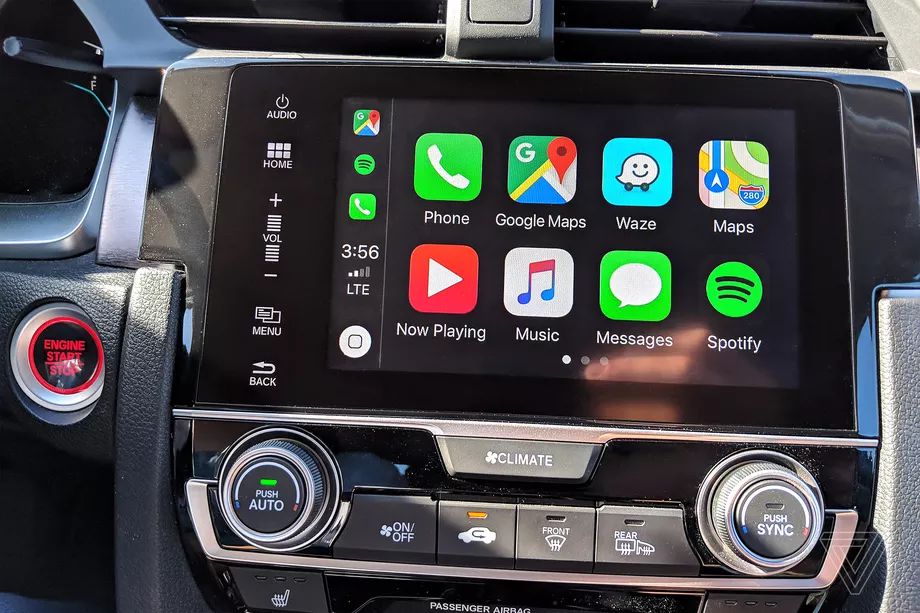
Car owners looking to test out some of Apple CarPlay’s newest and coolest features that are rolling out with iOS 13 may have a little while longer to wait than they’d prefer.
One of the biggest changes coming to CarPlay is the ability to project your iPhone’s display on two different screens in the vehicle at the same time. Think Spotify running on your main infotainment screen while Apple Maps is displayed on the digital instrument cluster behind your steering wheel or a head-up display. “Automakers can develop CarPlay systems that show information in a second screen, such as in a cluster or HUD,” Apple says. Sounds cool, right? Well, unfortunately, there doesn’t seem to be any cars on the road today that support this function — at least not yet.
The Verge reached out to 11 major automakers about the updated version of CarPlay. Most of them said their vehicles will be compatible with the updated version of CarPlay, including the ability to support various-sized screens. But none of them said they would be able to support the multiscreen feature at this time.
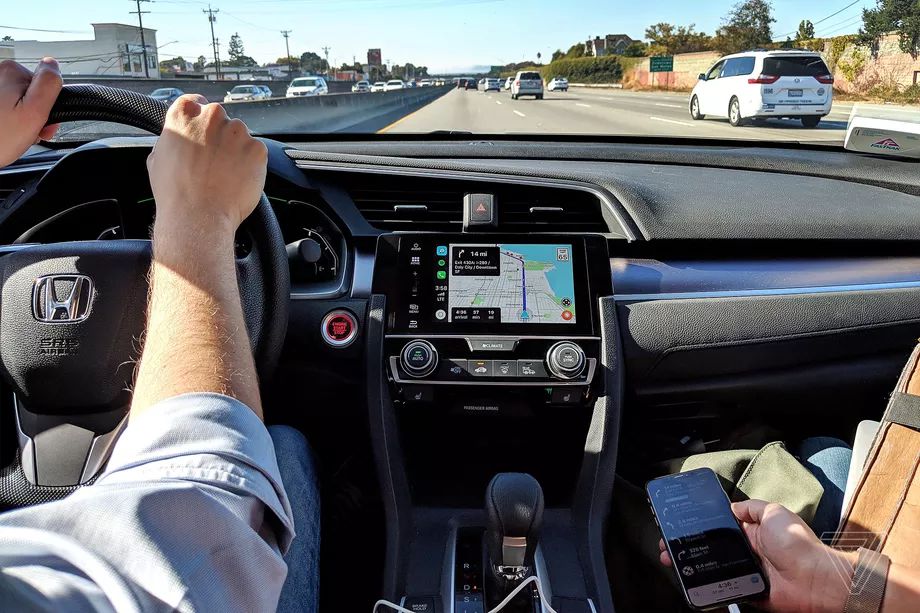
Here’s what they told us:
Honda: “For the Honda lineup, our cars all use single infotainment screen displays. And, iOS 13’s new CarPlay works across all of the vehicles, regardless of the size of the display in our cars. : )”
Toyota: “Yes, it will work on multiple sized screens. Additionally, we do support the new multifunction dashboard within CarPlay which can display multiple applications (map, audio, etc.) on the same screen at the same time. Currently, we do not have any vehicles with multiple screens.”
GM: “All GM vehicles that are CarPlay capable will support the iOS13 update.” Will it work on multiple screens though? “We don’t have any more details to share beyond what I already sent. Stay tuned...”
Fiat-Chrysler: “Any FCA vehicle with CarPlay support can run it, so all of our vehicles 2017 or newer are included.” Will it work on multiple screens? “More info on that at a later date.”
Hyundai: “With iOS 13 we have support for our various screen sizes, including the All-New Palisade which features a large 10.25 display (it looks great!). I just tested it out. We don’t support the displaying on both displays (instrument cluster in this example) at this time – only the Main AVN screen.”
Ford: “All CarPlay capable SYNC 3 [Ford’s brand name for its infotainment system] vehicles in the field and newly produced will be compatible with the new Apple iOS 13 interface.” What about multiple screens? “I am not aware of such an availability currently, and cannot comment on future product plans.”
Volkswagen: “Basically, iOS 13 updates to CarPlay will be shown on the OCU, even on an older gen vehicle that has App Connect.” No response to our multiple screens follow-up.
BMW: “BMW vehicles with Apple CarPlay compatibility will support the new version of Apple CarPlay in iOS13 when it is released. No vehicle update will be required.” No response to our multiple screens follow-up.
We’re still waiting to hear back from Mercedes-Benz, Ferrari, and Volvo.
We’re already hearing some people grumbling about their car being unable to keep pace with their phone’s software upgrades, and it’s an understandable gripe. Car companies have tried to keep Apple and Google at arm’s length for years, believing they could build in-car technology that rivaled the mobile industry for its usability and functionality. Now, we’re seeing carmakers basically throw in the towel and admit that their customers prefer their phone’s interface to their car’s.
Another issue that has the auto industry dragging its heels is over-the-air (OTA) software updates. Legacy automakers have struggled to catch up to Tesla, which has long been the leader in shipping OTA updates to its customers to change everything from its advanced driver assistance system to the layout and look of its touchscreen displays. GM is the first major automaker to implement an OTA system after Tesla. Ford has also said it would start rolling out software updates for its 2020 models.
That doesn’t help Tesla owners who are hoping to use CarPlay, however, as the company doesn’t support it at all.
Source: The Verge










