 NEWS
NEWS
Google Maps, Waze, and Pandora now work Natively with Siri on iOS 13
 09/20/2019
 3454
3454
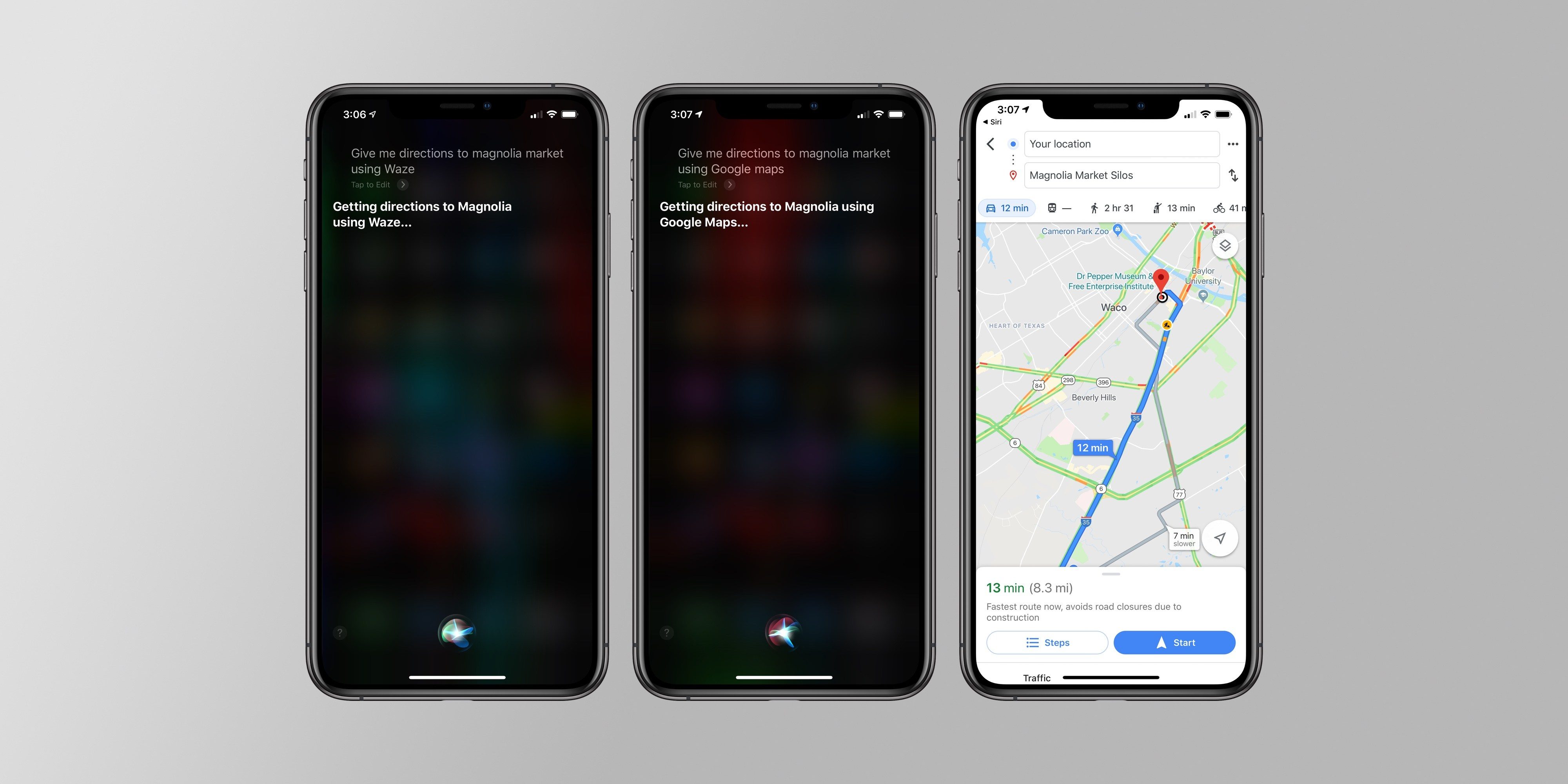
Apple’s release of iOS 13 today means third-party developers can now release apps that can access Siri without any configuration on your end. Before iOS 13, trying to use a non-Apple app with Siri required setting up a Siri Shortcut. Sometimes, even that wouldn’t work.
But now, iOS 13 users can finally tap into native Siri features, unlocking a number of useful possibilities. One situation in need of more hands-free options is when you’re driving and need to keep your eyes on the road. A few app makers have already released updates today that could make using Siri while driving a much better, and safer, experience.
If, for example, you want to ask Siri to give you directions from an app other than Apple Maps, you can now ask Siri to give you directions from both Google Maps and Waze. This sounds great, but in my testing, it’s not quite as seamless as you might want.
When I used general location requests — I tried “the Apple Store” and “Seattle” — Siri opened up Google Maps with directions ready.(I still had to tap the start button in the app, so it’s not a completely hands-free experience.)But when I tried to ask Siri to give me directions to a few different numbered addresses in Google Maps, each time, my iPhone just opened Apple Maps instead. It appears it may need some tinkering, either from Apple or the app makers, to get third-party Siri support working as designed.
What does work great, though, was asking Siri to play music from Pandora. I asked Siri to play a couple different artists on Pandora, and each time it worked flawlessly. And soon, you might be able to ask Siri to play you songs on Spotify, as some users on Reddit running iOS 13 and a Spotify beta have also reported being able to do so, but The Verge hasn’t been able to test it quite yet. I’m also hoping podcast and audiobook apps will soon be updated to work with Siri, too.
One big caveat: for all of these apps, you will have to ask Siri to open that app as part of your command — for example, “play Frank Ocean on Pandora” or “get me directions to Seattle in Waze.” There’s still no way in iOS to set non-Apple default apps for Siri, like you can with Alexa or Google Assistant. But, even in this first day of testing native Siri integrations, they’ve been really handy and make Siri a bit better than it was before.
Source: The Verge










