 NEWS
NEWS
These iOS 13 apps work with Dark Mode, Sign in with Apple, Voice Control, and more
 09/20/2019
 4312
4312
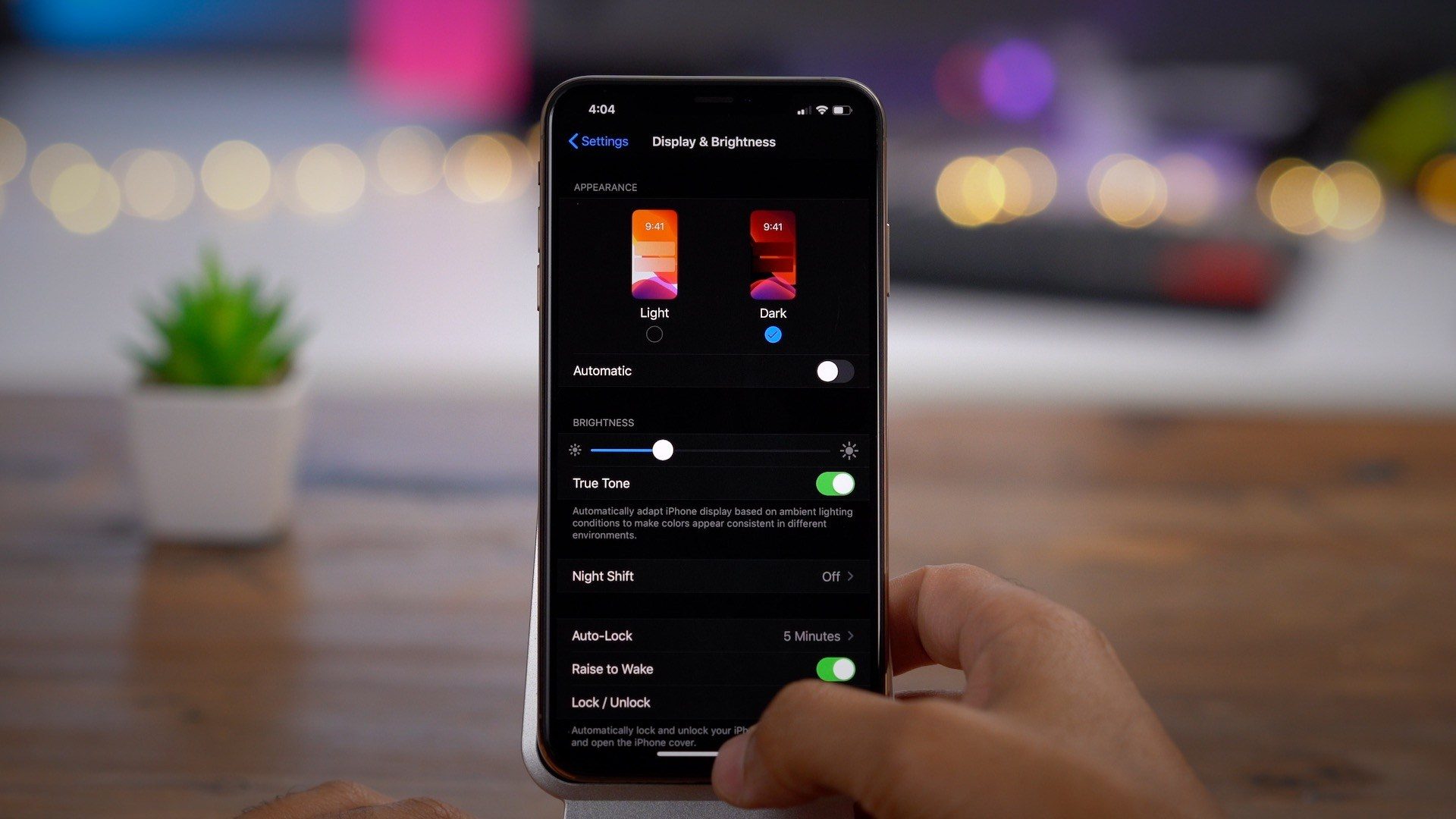
iOS 13 has officially arrived with Dark Mode, Sign in with Apple, Voice Control, and loads of other features. Apple’s new system-wide Dark Mode changes the theme of Apple’s apps manually, based on time of day, or local sunset and sunrise. Third-party apps have to update for iOS 13 to respond to the same system setting (even if they already featured their own themes).
Since iOS 13 is here, our favorite apps from the App Store can start taking advantage of Dark Mode, the new ‘Sign in with Apple‘ alternative log-in to Facebook and Google, advanced Voice Controlaccessibility features, and more. We’re collecting the top apps with iOS 13 features available or coming soon below.
Note that a few of these apps may be still in beta or propagating through the App Store. Our list of featured apps will be updated over the next few days so check back for more apps!
Apple Apps:
Shazam
TestFlight (in beta)
Entertainment:
djay – DJ App & Mixer features file browsing and Voice Control
Memorised – Word Memory Game
Outcast podcast player features independent Apple Watch app with streaming and Siri control
Pandora features Dark Mode and Siri integration
Power Player music player
Health and Fitness:
CleanLift – Weight Training
HealthFit
MediCall: Emergency Medical ID
MediWear: Medical ID for Watch
MySwimPro features Dark Mode and independent Apple Watch app
MyTriPro – Triathlon Training features Dark Mode and independent Apple Watch app
Pedometer++
RunIn – Running Intervals features Dark Mode and independent Apple Watch app
Slopes: Ski & Snowboard features Dark Mode, Sign in with Apple, search tokens, and Low Data Mode
SmartGym features independent Apple Watch app
Tempo for Runners
WaterMinder features Dark Mode and independent Apple Watch app
Weight Lifting Tracker by Bolt
HomeKit:
HomePass
HomeScan
Home Flash
Lifestyle:
CardPointers for credit card points features Dark Mode, Sign in with Apple, and Voice Control
Glovo food delivery
OpenTable features Dark Mode and Siri integration
There are more to update.
Source: 9to5mac










