 NEWS
NEWS
Should You Install iOS 13 Today or Wait for iOS 13.1?
 09/20/2019
 2592
2592
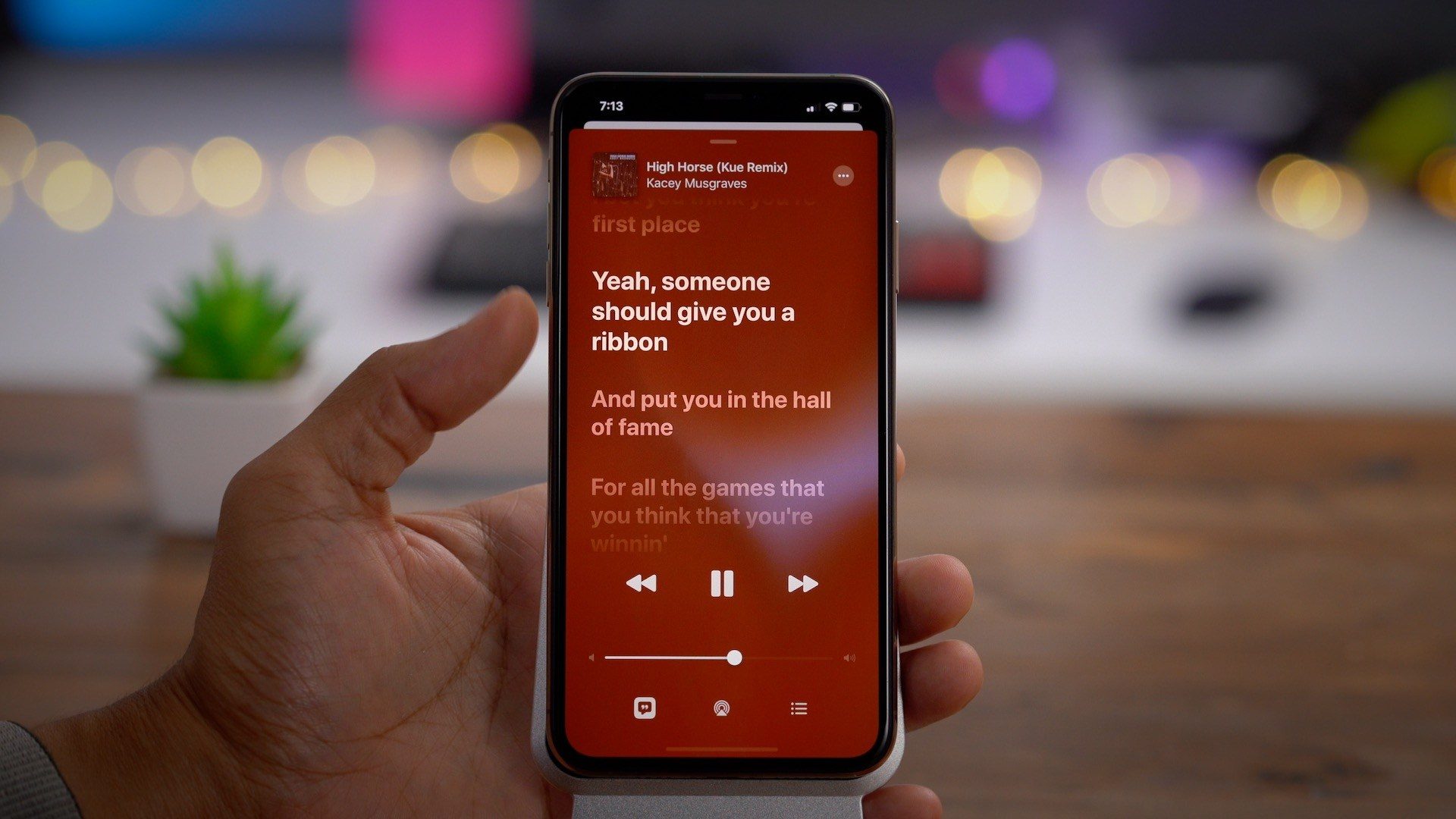
Apple just released iOS 13 to the masses following three months of beta testing. The update includes plenty of useful new features, including Dark Mode, Apple Arcade, and more. But should you install iOS 13 today or wait a little bit longer?
This year has been rather unprecedented for iOS releases. While iOS 13 was still in beta testing, Apple also started testing iOS 13.1 – which will be released on September 24. While we almost always get a .1 release of a major iOS version sometime in the fall, we’ve never before known the release date ahead of time. This is essentially an admission by Apple that iOS 13 isn’t quite yet ready for primetime.
It’s also telling that Apple moved up the release of iOS 13.1 by a week, from September 30 to September 24. Early reviews of iOS 13, and iPhone 11 units running iOS 13 have criticized the update for being unstable, and it’s clear that Apple wants to resolve these issues as soon as possible.
What kind of bugs might you find in iOS 13? The Verge details some of the problems they faced when reviewing Apple’s latest operating system:
Between my own tests and those of other Verge staffers, we’ve run into a lot of significant bugs: apps randomly crash when opening them, cellular signals drop, the Camera app can be slow, pictures have randomly gotten new dates assigned to them, AirDrop has had issues, the text field flips out sometimes in iMessages, and more.
Federico Viticci, in his excellent and incredibly thorough review for MacStories, says iOS 13 isn’t a “disaster,” but notes that there are some bugs:
The first version of iOS 13.0 launching to the public today isn’t as polished or stable as the first version of iOS 12. In my tests, alongside the occasional SpringBoard crash, I experienced different types of glitches or slowdowns – from the Files app taking too long to display documents in a folder to the copy and paste menu failing to show me all options for selected text or Notes’ sync process hanging until the app was force-quit.
Should you install iOS 13?
With iOS 13.1 being just a few days away at this point, the most logical solution for many people is to simply skip iOS 13 altogether. iOS 12 was a great update in terms of stability and performance for older iPhones, there’s little reason to put that in jeopardy just to get iOS 13 a few days sooner. iOS 13.1 isn’t perfect, but it fixes many of the bugs plaguing iOS 13.
Source: 9to5mac










