 NEWS
NEWS
Tim Cook Wanted Apple to Fight US DOJ in Court over Encryption
 04/24/2019
 3260
3260
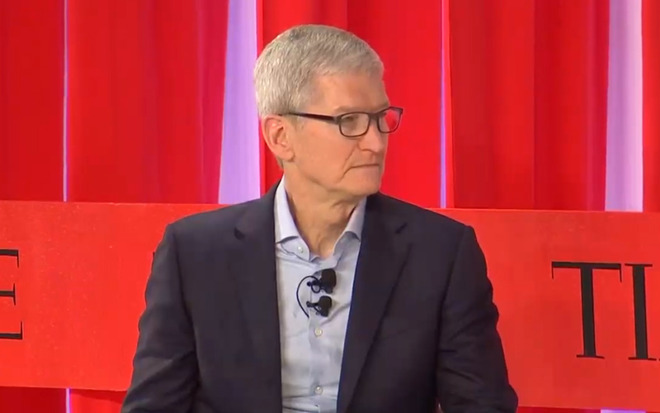
In his Time talk, Cook claimed that privacy, and encryption have become "much more meaningful" to the U.S. public because of numerous "events," such as those affecting politics. That may have been a reference to the Facebook/Cambridge Analytica scandal, since harvested data was used to build voter profiles. There's also the fact that the Russian government used social media to influence 2016's elections.
Privacy is important, Cook remarked, because if people self-censor to avoid surveillance, it stifles freedom of expression.
Regarding that privacy, Cook sees device encryption as vital to privacy and security. Without a legal framework solidified by the courts, he believes it will remain under fire by the Department of Justice.
In 2016, Apple famously fought the FBI and DOJ over demands for a backdoor into the iPhone of San Bernardino shooter Syed Rizwan Farook. The company argued that it couldn't be compelled to write new code, and that doing so would fundamentally weaken the security of iOS.
In the San Bernardino case, Apple complied with warrants for data that it held within days. However, the DOJ decided that compliance in that regard wasn't enough, and got a judge to order an unlock without consulting Apple beforehand. The DOJ's case ultimately fizzled when it turned to a third-party service —likely Cellebrite —that successfully cracked Farook's iPhone 5c.
No useful information was gleaned from the iPhone crack by the third party.
The DOJ's campaign against Apple was "rigged," Cook said during Tuesday's interview, without elaborating on details except to point to recent revelations. Cook may have been referring to the fact that DOJ officials including present FBI Director Christopher Wray have long been angling for alternatives to end-to-end encryption, which Apple uses for services like iMessage and FaceTime. By definition, end-to-end systems can't be intercepted, even by platform creators, which some U.S. officials have said is making communications "go dark" to police and spy agencies.
The CEO also addressed the company's general political stance, for instance saying that "people have values, corporations are made of people, and therefore corporations should have values." Today's problems "cannot solely be addressed by government" and require the help of business and academia, he went on, elaborating that Apple focuses on issues in which it has "standing" — such as immigration, the environment, and privacy — without backing specific parties or politicians.
Apple doesn't have a PAC (political action committee) because "it shouldn't exist," Cook stated. PACs have widely been criticized for wielding stronger influence than actual public opinion.
The executive even addressed concerns that democracy is failing globally, given billions of people in poverty and the rise of authoritarians and outright fascists, even in America.
"We have to admit that what we're doing isn't working," Cook suggested, for example referencing the "no rails" technology industry. The real-world costs of some businesses aren't being accounted for, Cook charged, nevertheless admitting that he's "deeply a free-market person."
The European Union's General Data Protection Regulation (GDPR) "isn't ideal" but does represent a "step in the right direction" for keeping privacy in check, the CEO said. Such rules may "eventually come to the U.S." he added, though observing that American businesses tend to treat any regulation as bad regulation.
Source: appleinsider










