 NEWS
NEWS
Stanford University Announces Tim Cook as its 2019 Commencement Speaker
 02/22/2019
 2852
2852
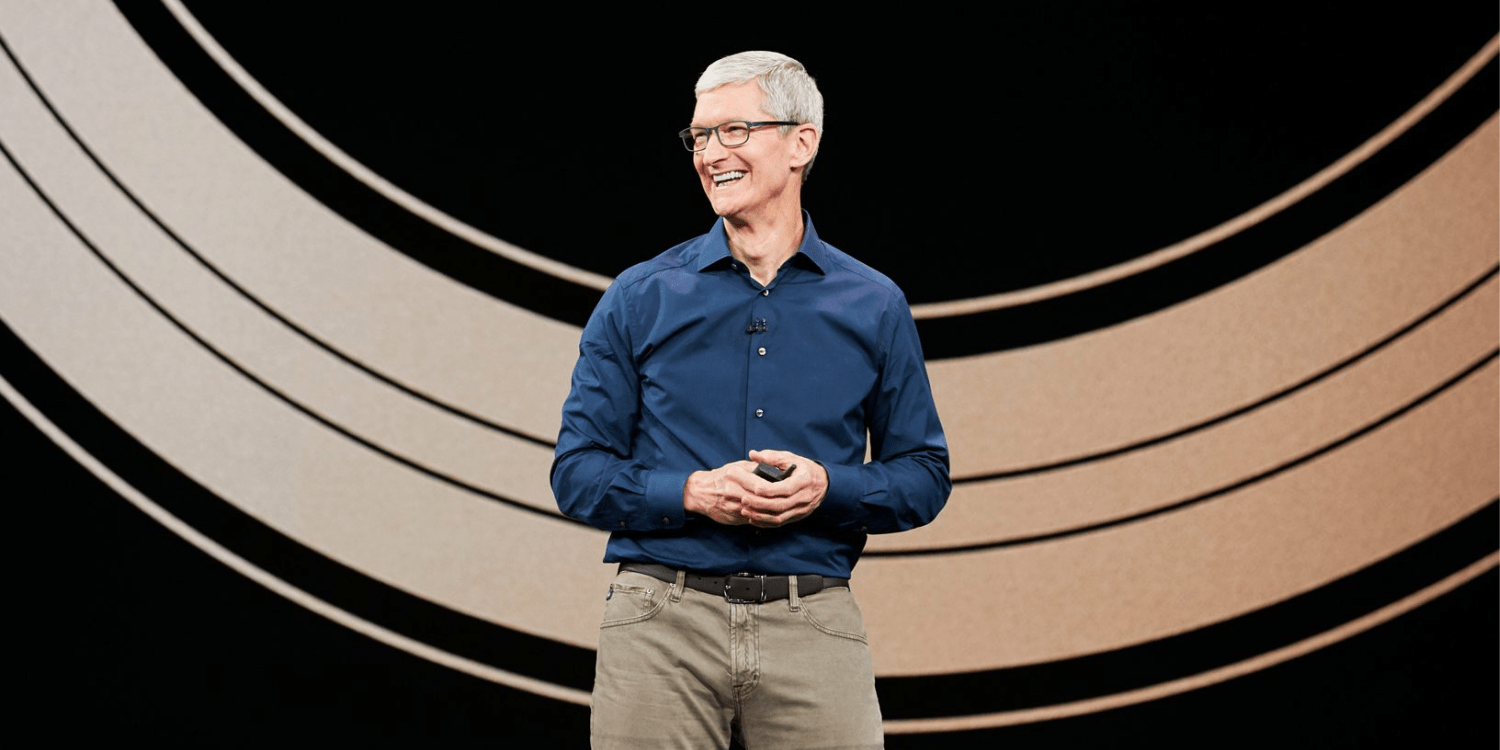
Stanford University today announced that Apple CEO Tim Cook will be its commencement speaker this year. Cook is set to speaker at Stanford’s Commencement on Sunday, June 16th, according to the university.
In a press release announcing Cook as the speaker, Stanford President Marc Tessier-Lavigne praised the Apple CEO’s efforts in speaking about “the challenges and responsibilities confronting corporations and our society today.”
Meanwhile, Cook said that he is honored to have been invited by Stanford students and faculty to serve as the commencement speaker:
“It’s an honor to have been invited by Stanford’s students and faculty, and I look forward to deepening the remarkable relationship that Stanford and Apple have built together over many years,” Cook said.
“We share so much more than geography. The passion, interests and creativity our institutions have in common have helped to revolutionize technology and reshape the world, and I can’t wait to join graduates, as well as their family and friends, in celebrating the even brighter possibilities of the future.”
Stanford won’t be the only university at which Cook speaks this spring. Tulane University announcedearlier this month that Cook will deliver its commencement address on May 18th. Last year, Cook offered the commencement address at Duke University, his alma mater. During that speech, Cook encouraged graduates to be fearless, addressed immigration, and echoed Steve Jobs.
Jobs himself delivered Stanford’s Commencement address in 2005, a speech that has since been widely praised. Watch it in full below. Tim Cook will speaker at Stanford’s 128th Commencement ceremony on June 16th at Stanford Stadium.
Source: 9to5mac










